Claude Code headless mode: the flags that actually matter for CI
10 min read
On this page
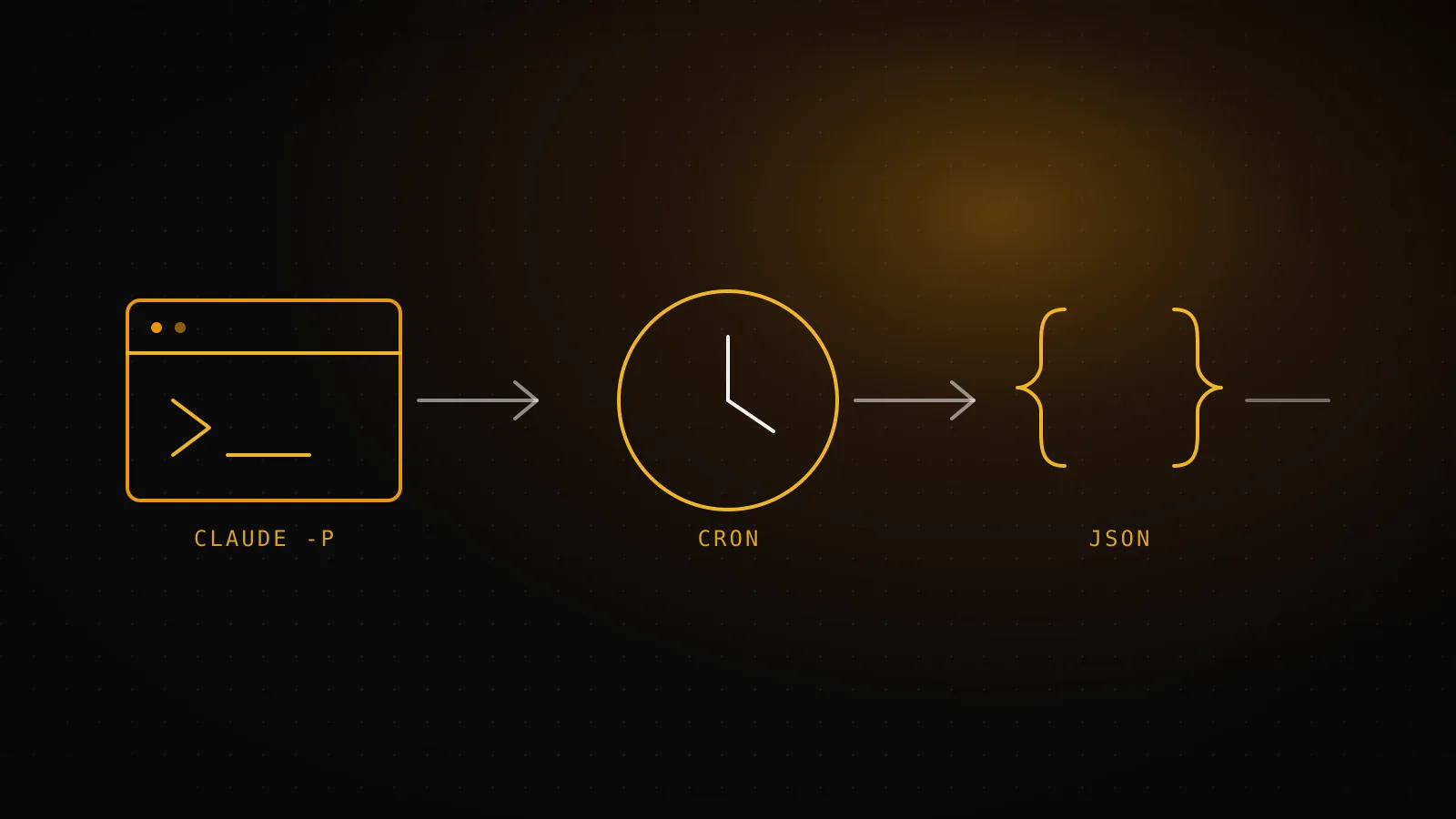
Add -p (or --print) to any claude command and the interactive agent becomes a plain subprocess: it takes a prompt, does the work, prints a result, and exits with a code a script can check - no terminal UI, no waiting for a human to approve a tool call, no separate product or account tier involved. --output-format json turns that result into a structured envelope built for exactly this - is_error, result, session_id, cost - so a caller checks a field instead of parsing prose. What actually takes a real build to get right isn't the flag itself, it's everything downstream of it: which of that envelope's fields to trust, which permission flag lets a script through without a human to click "allow," and what a production pipeline does when the exit code says failure but the reason underneath isn't really one.
TL;DR -
claude -p "prompt" --output-format jsonis the whole mechanism: one flag turns Claude Code non-interactive, one more gets structured JSON back instead of plain text.--bareskips hook, skill, plugin, MCP, auto-memory, and CLAUDE.md auto-discovery for a faster, cleaner start - current docs say it'll become-p's default in a future release.--permission-mode bypassPermissionsclears every approval prompt (recommended only for a sandbox with no real user data, e.g. a throwaway CI runner);--mcp-config/--strict-mcp-configload MCP servers explicitly;--max-turnscaps a run's turns and errors out past the limit. Three separate real invocations run from this sandbox while writing this guide - plain-p,--bare, and--max-turns 1- all failed identically (exit 1,is_error: true,terminal_reason: "api_error",num_turns: 1), because this CI environment holds no stored login; the identicalnum_turns: 1across all three shows auth resolves before a single turn of any budget gets spent. dispatchseo.com's ownseo-daily.ymlruns this exact pattern for real:--mcp-config ./.github/mcp-ci.json --permission-mode bypassPermissions --max-turns 150, retried up to three times a day, with a classify step that tells a Claude usage-limit stop (deferred, still a green run) apart from an actual failure (red, alerts the owner).
What "headless" actually means here
There's no separate headless product to install. It's -p/--print layered onto the same claude binary you'd run interactively, documented as part of the Agent SDK's CLI surface - "available as a CLI for scripts and CI/CD," in Anthropic's own words, alongside the Python and TypeScript SDK packages for full programmatic control. Everything that normally works interactively still works: --continue/--resume to pick a conversation back up, --allowedTools to pre-approve specific tools, skills invoked with /skill-name in the prompt string. What changes is the absence of a terminal loop waiting on your input - which is exactly the property a cron job or a CI step needs and an interactive session never has to think about.
Current docs also flag --bare: skip auto-discovery of hooks, skills, plugins, MCP servers, auto memory, and CLAUDE.md so a scripted call starts faster and gets the same result on every machine, since nothing local can silently change what runs. It's explicitly called out as the recommended mode for scripted and SDK calls, and slated to become -p's default in a future release - worth knowing now, before that default flips under an existing script. The tradeoff: bare mode also means no MCP server and no CLAUDE.md unless you pass --mcp-config and --add-dir yourself, which matters the moment a job actually needs either - this site's own CLAUDE.md is exactly the kind of file a bare run would silently skip.
The four flags a CI script actually needs
-p / --print
Runs one prompt non-interactively and exits when it's done - the base flag everything else here builds on.
anthropics/claude-code-action@v1 wraps this exact flag; seo-daily.yml never calls the claude binary directly.
--output-format json
Returns a JSON result envelope (is_error, result, session_id, total_cost_usd) instead of plain text - the thing a script should parse.
is_error matched the process exit code in every real invocation tried while writing this guide (below) - result is prose for a log, not a gate.
--permission-mode bypassPermissions
Skips every interactive tool-approval prompt - required once nobody's there to click allow.
seo-daily.yml passes it, but only inside a throwaway GitHub-hosted runner for this one repo, never on a machine holding other data.
--bare
Skips hook, skill, plugin, MCP, auto-memory, and CLAUDE.md auto-discovery so a scripted call starts faster and can't pick up a teammate's local hook by accident.
seo-daily.yml does the opposite on purpose - it wants CLAUDE.md loaded, so it never passes --bare and gets the repo's conventions every run.
-p and --output-format json are close to mandatory - without them there's no non-interactive run and no structured result to check. --permission-mode and --bare are the two that need a real decision, not a default: bypassing permission prompts is only safe on infrastructure scoped to that one job, and skipping auto-discovery only helps when the job doesn't actually need what it skips.
What does the JSON envelope actually return?
--output-format json returns one object after the run completes, with result carrying the human-readable text and is_error a boolean built for a script to check. --output-format stream-json (paired with --verbose --include-partial-messages) instead emits newline-delimited events as they happen, ending in a result message with the same final fields. For output that has to match a schema rather than just parse as JSON, --json-schema validates the response and returns it in a separate structured_output field - claude -p "Extract function names from auth.py" --output-format json --json-schema '{"type":"object","properties":{"functions":{"type":"array","items":{"type":"string"}}}}' is the documented shape.
Exit code, every flag combo tried
1
-p alone, plus --bare, plus --max-turns 1 - three separate runs in this sandbox, same result each time
is_error / terminal_reason
true / api_error
Both agree with the exit code - terminal_reason is worth grepping for once result's prose isn't enough
num_turns
1
Failed on the first turn, before spending any of --max-turns' budget - auth is checked ahead of every flag above
That's not a staged example - it's three actual claude -p calls made from this build's own CI sandbox: plain --output-format json, the same with --bare added, and again with --max-turns 1. All three came back identical: exit 1, is_error: true, terminal_reason: "api_error", one turn spent. The trimmed real response:
// claude -p "pong" --output-format json - this exact sandbox, Claude Code 2.1.220
{
  "is_error": true,
  "terminal_reason": "api_error",
  "num_turns": 1,
  "result": "Not logged in · Please run /login",
  "type": "result"
}
Two things worth reading off that response rather than assuming: is_error and the exit code agree here, same as they do in Anthropic's docs, but terminal_reason is the field worth grepping for once a plain error/success boolean stops being specific enough to distinguish, say, an auth failure from a hit --max-turns ceiling. And num_turns: 1 staying identical whether --max-turns was set to the default or to 1 confirms something CLI docs don't spell out directly: authentication is checked before the agent loop spends a single turn, so --max-turns guards against a runaway agent, not against a broken credential.
Wiring it into a scheduled GitHub Actions run
The mechanics of installing claude-code-action - the GitHub App, the OAuth token or API key secret, /install-github-app doing all three in one pass - are already covered in how this pipeline gets Claude Code into GitHub Actions in the first place; this section only covers what changes once the job is calling -p under the hood rather than replying to an @claude mention. The v1 action folds every CLI flag into one claude_args string, so a scheduled step looks like:
- uses: anthropics/claude-code-action@v1
  with:
    claude_code_oauth_token: ${{ secrets.CLAUDE_CODE_OAUTH_TOKEN }}
    prompt: "Generate a summary of yesterday's commits and open issues"
    claude_args: |
      --mcp-config ./.github/mcp-ci.json
      --permission-mode bypassPermissions
      --max-turns 10
Anthropic's own cost guidance for this shape is direct: "configure appropriate --max-turns in claude_args to prevent excessive iterations," and set a workflow-level timeout on top so a stuck run can't hold a runner open indefinitely - two caps, not one, because a turn cap alone doesn't stop a single turn that hangs on a slow tool call.
A real classify step: telling a deferral from a failure
anthropics/claude-code-action@v1 step finishes ->
Exit 0. Nothing else to classify - the build either shipped a PR or cleanly found no approved suggestion.
"Deferring to the next scheduled attempt (12:00 or 19:00 UTC). Not a failure." Reports ok=1 to the dashboard, exits 0 - a green run.
Reports fail=<message> to the dashboard (banner + alert email), exits 1 - a red run in the Actions tab.
That's the literal branch logic in seo-daily.yml's own "Classify the outcome" step, which runs after claude-code-action with continue-on-error: true so this step is reachable either way. It reads claude-execution-output.json (the transcript the action saves) for the last result-type message's text, then decides what the run meant: a genuine Claude usage-limit hit isn't a pipeline failure, it's deferred to the next scheduled attempt and reported green; anything else is a real failure, reported red with the actual message. Getting this branch wrong in either direction is worse than it looks - collapsing both cases into "failure" means an email alert every time Claude's usage resets for the day; collapsing both into "success" means a broken credential produces a quiet green run that built nothing, the exact failure mode this pipeline's preflight checks exist to catch earlier.
The retry schedule this feeds is three cron triggers - 13 5,12,19 * * * in UTC - so a deferral at 05:13 gets picked back up at 12:13 without anyone re-triggering it by hand, and a built_today guard stops a later attempt from shipping a second guide once an earlier one already succeeded that day.
Mistakes worth avoiding
- Parsing
resultfor pass/fail instead ofis_errororterminal_reason.resultis prose meant for a human reading a log - its wording can change; the structured fields are what a script should gate on. - Setting no
--max-turnsat all. An unbounded headless run can iterate through a genuinely hard task for a long time on a real usage bill and real CI minutes; cap it, and set a job-level timeout as the second, independent backstop. - Reaching for
bypassPermissionson anything wider than the job's own throwaway environment. It exists for CI sandboxes with nothing sensitive beyond what the job itself is touching - not a shortcut on a machine holding other credentials or other tenants' data. - Treating every non-zero exit the same way. A usage-limit stop and a broken MCP token are both "the run didn't finish," and alerting on both identically either trains you to ignore real alerts or lets real ones through unnoticed.
- Defaulting to
--barewhen the job actually needs CLAUDE.md or an MCP server. It's the right call for a stateless one-off; a job that reads a project's own conventions or a queue over MCP has to pass--mcp-config/--add-direxplicitly once bare mode is on, or it gets neither.
When you don't need any of this
If a human is already starting every run - tagging @claude on a PR, typing a prompt into a terminal - none of the flags above are worth reaching for. Permission prompts exist to be answered by someone, exit codes matter to whoever's watching the terminal anyway, and a --max-turns cap just interrupts a task a person would rather let finish. Headless mode earns its complexity the moment a script, not a person, is the one calling claude - a recurring cron, a scheduled Action, anything meant to ship without someone reading the transcript first.
FAQ
What's the actual difference between -p and --bare?
-p/--print is what makes a run non-interactive at all. --bare is a separate, additive flag that also skips hook, skill, plugin, MCP, auto-memory, and CLAUDE.md auto-discovery for a faster, more deterministic start - current docs mark it the recommended default for scripted calls, with a note that it'll become -p's actual default in a future release.
Does is_error always match the process exit code?
In every real invocation checked for this guide, yes - and Anthropic's own headless-mode docs describe the field as built for a script to check. terminal_reason (e.g. "api_error") carries more specific detail than the boolean alone once a pipeline needs to distinguish failure causes, not just failure from success.
What exit code does a headless run produce if something kills it mid-turn?
143, per current docs - Claude Code aborts the in-progress turn, terminates any running Bash command's process tree, runs SessionEnd hooks, then exits with that code, whether the signal came from kill, a supervisor, or an SDK host closing the session.
Can a headless run use MCP servers the same way an interactive session does?
Yes, via --mcp-config <file-or-json>; add --strict-mcp-config to ignore every other MCP source and use only what's passed - the flag dispatchseo.com's own builder relies on to reach the Supabase-backed queue it reads before touching a single suggestion. --bare skips MCP auto-discovery entirely, so a bare run needs --mcp-config passed explicitly too.
Does --max-turns protect against an auth failure?
No - the real runs in this guide's own fact row failed on num_turns: 1 regardless of whether --max-turns was left at its default or set to 1. Authentication resolves before the agent loop spends a turn, so --max-turns bounds a runaway agent, not a broken credential; that failure mode needs its own preflight check.
The mechanism is one flag; getting a production pipeline right on top of it is checking the field that actually means what you think it means, capping what an unattended run can spend, and building the one classify step that tells "deferred" from "broken." dispatchseo.com's own daily builder runs exactly that shape three times a day, and the run that wrote this page went through it once more on its way here.