Connecting Claude Code to an MCP server (a real, stateful example)
7 min read
On this page
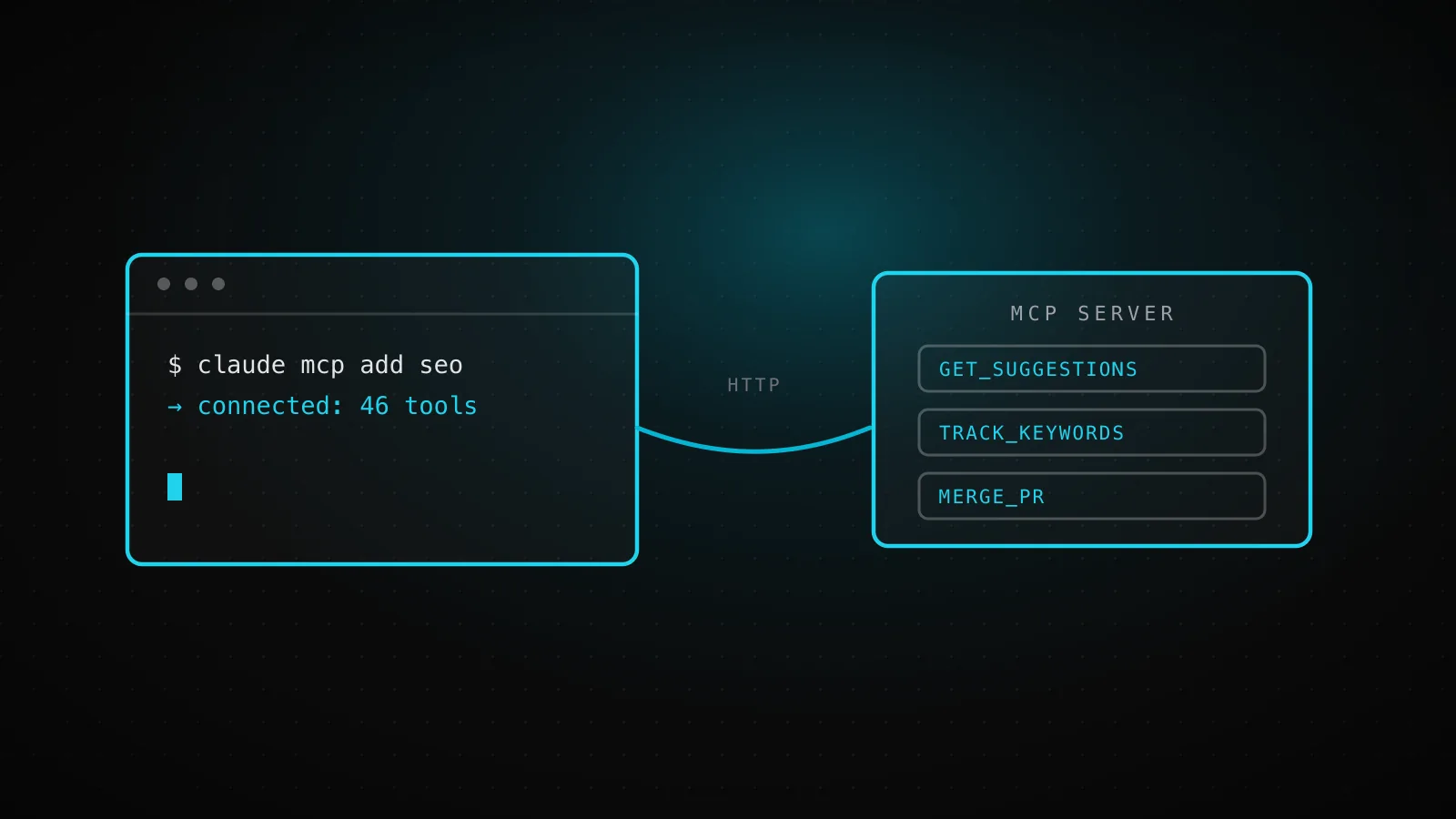
Run claude mcp add once, pick a scope, and Claude Code reads that server on every session after - whether what's on the other end is a two-tool weather demo or a production backend serving real tenants behind one bearer token each. This guide covers the full mechanism end to end, then closes on the second case using this article's own build: a session that never touched claude mcp add, connected instead through a JSON file already committed to this repo.
TL;DR - Add a remote server with
claude mcp add --transport http <name> <url> --header "Authorization: Bearer <token>", or a local one withclaude mcp add <name> -- <command>. Pick where it's stored with-s/--scope:local(private, this project only, the default),project(shared through a committed.mcp.json, one-time approval required), oruser(private, every project on your machine). Verify with/mcpinside a session, orclaude mcp listfrom a shell. A separate path skips all of the above:claude --mcp-config <file>loads servers for one session only, straight from JSON with env-var-expanded secrets - the shape a headless run needs, and the one that built this page.
Three things that phrase can mean
Searching this exact question surfaces three different products, and only one of them is what most people mean by it. Anthropic's Messages API has its own "MCP connector," a server-side feature that lets a raw API call reach a remote MCP server without a client at all - real, but not Claude Code. A well-ranked GitHub repo runs Claude Code itself as an MCP server other tools call into, which is the reverse of what most people are picturing. What this guide covers is the third thing, the one Claude Code actually ships as a first-class feature: Claude Code acting as the MCP client, reaching out to a server you point it at. If you landed here wanting one of the other two, that's a useful thing to know before the first command.
Adding a server: the commands
A remote server, over HTTP - the transport the docs recommend for anything cloud-based:
claude mcp add --transport http notion https://mcp.notion.com/mcp

# with a bearer token
claude mcp add --transport http secure-api https://api.example.com/mcp \
  --header "Authorization: Bearer your-token"
A local server, run as a subprocess over stdio - everything after -- goes to the server untouched, which is why the double dash matters the moment the server takes its own flags:
claude mcp add --env AIRTABLE_API_KEY=YOUR_KEY --transport stdio airtable \
  -- npx -y airtable-mcp-server
Already have a JSON blob from the server's own docs? claude mcp add-json <name> '<json>' takes it directly, type and all - a streamable-http value works exactly like http, since that's the name the MCP spec itself uses for the transport. Once something's added, three commands manage it without opening a config file by hand:
claude mcp list              # every configured server, this session's scope resolution included
claude mcp get github        # one server's full config
claude mcp remove github     # gone
Where it gets stored, and which one to pick
| Scope | Stored in | Shared with team | Loads in |
|---|---|---|---|
| Local (default) | ~/.claude.json | No - private to you | This project only |
| Project | .mcp.json in the repo root | Yes, via version control | This project only |
| User | ~/.claude.json | No - private to you | Every project on your machine |
Local is the right default for a personal or experimental server - nothing to think about, nothing that leaks into a commit. Reach for project scope specifically to hand teammates the same server through code review, not a shared doc telling them what to type. User scope is for the handful of servers you genuinely want everywhere - a personal Linear or calendar server, say - without re-adding it per repo. One rule matters more than picking correctly the first time: when the same name exists in more than one scope, Claude Code doesn't merge them. It uses the entire entry from local, then project, then user, in that order, and drops the rest - so a project teammate's .mcp.json server can go quietly unused for you if you'd already added a local one under the same name, and the fix is renaming or removing yours, not editing theirs.
Auth: headers, OAuth, or your own script
A static token is one flag: --header "Authorization: Bearer <token>" on the add command, or a headers object in JSON config. For a server that supports it, Claude Code drives OAuth itself - add the server, then run /mcp inside a session (or claude mcp login <name> from a shell) and follow the browser flow; the token gets refreshed automatically after that, and a failed refresh shows the server needing re-authentication in /mcp rather than failing calls silently. Neither of those fits an auth scheme like Kerberos or a short-lived internal token, so there's a third path: headersHelper, a command Claude Code runs fresh at every connection and merges into the request headers, letting your own script mint whatever the server actually wants at connect time instead of a static secret sitting in the config.
The real example: a headless connection with no claude mcp add in it
Everything above assumes an interactive terminal choosing a scope. The build that produced this page never had one. dispatchseo.com's daily guide pipeline runs as claude inside a GitHub Actions job, and the command line that starts it points at a JSON file already committed to this repo - .github/mcp-ci.json - instead of anything claude mcp add ever touched:
{
  "mcpServers": {
    "seo-manager": {
      "type": "http",
      "url": "https://dispatchseo.com/api/mcp",
      "headers": { "Authorization": "Bearer ${SEO_MCP_API_KEY}" }
    },
    "dataforseo": {
      "type": "stdio",
      "command": "npx",
      "args": ["-y", "dataforseo-mcp-server@latest"],
      "env": {
        "DATAFORSEO_USERNAME": "${DATAFORSEO_LOGIN}",
        "DATAFORSEO_PASSWORD": "${DATAFORSEO_PASSWORD}"
      }
    }
  }
}
The job launches with claude --mcp-config ./.github/mcp-ci.json, and that one flag is doing two things worth naming. First, it loads both transports at once from a single file: an HTTP server whose bearer token is this project's actual multi-tenant identity - the same "bearer token IS the tenant" design a production MCP server needs, not a reference implementation's - expanded from a GitHub Actions secret at launch, sitting next to a plain stdio server for research tooling. The job itself, guardrails and all, is the scheduled pattern covered in Claude Code in GitHub Actions. Second, and this is the part worth actually testing rather than assuming: a --mcp-config server is scoped to that one session only. Running claude mcp list in a fresh shell in this same repo, after the flag has already connected both servers for the running session, reports zero configured servers - because nothing about --mcp-config writes to .mcp.json or ~/.claude.json. It's a load-this-and-go instruction, not a persisted scope, which is exactly what a job that starts cold every morning and never runs claude mcp add needs.
Transports in one config file
2
HTTP for the seo-manager server, stdio for dataforseo
Flag that loaded both
1
--mcp-config <file>, pointed at a committed JSON file
Servers claude mcp list showed after
0
a --mcp-config server never touches ~/.claude.json
Is it actually connected? A checklist
/mcp lists it with a nonzero tool count
A server that advertises tools but exposes none gets flagged right there in the panel - connected isn't the same as useful.
It isn't stuck at "pending approval"
A project-scoped server from an untracked .mcp.json waits for you to run claude interactively and accept the workspace trust dialog before it connects at all.
The JSON entry has a type field, not just a url
An entry with a url but no type is read as a stdio server and skipped, with an explicit error naming the misconfigured server - not a silent no-op.
A 401 resolved itself once, not on every call
Claude Code refreshes an expired token and retries automatically; only a second failure marks the server as needing re-authentication in /mcp.
The name isn't one of the five reserved ones
workspace, claude-in-chrome, computer-use, Claude Preview, and Claude Browser belong to Claude Code's own built-in servers - claude mcp add rejects any of them outright.
When this doesn't apply
Everything here is Claude Code's own MCP client. Claude Desktop configures servers in a different file with its own import path (claude mcp add-from-claude-desktop reads the other direction, not this one); an enterprise fleet manages servers centrally through managed configuration your admin controls, not the per-project scopes above; and if you're building a server rather than connecting to one, the build path is the guide you actually want.
FAQ
What's the actual command to add an MCP server to Claude Code?
claude mcp add --transport http <name> <url> for a remote server, or claude mcp add <name> -- <command> for a local one run as a subprocess. Add --header for a static auth token, -s/--scope to choose where it's stored.
Where does Claude Code store MCP server configs?
Local and user scope both live in ~/.claude.json (Claude Code tells them apart internally by which project they're attached to); project scope lives in .mcp.json in the repo root, meant to be committed.
Why doesn't claude mcp list show my server?
Either it was loaded with --mcp-config, which is session-only and never touches .mcp.json or ~/.claude.json, or it's a project-scoped server still waiting on the one-time workspace trust approval.
Can I connect Claude Code to an MCP server without running claude mcp add at all?
Yes - claude --mcp-config <file> loads servers straight from a JSON file for that session, which is what a CI job with no interactive terminal needs.
Does Claude Code support OAuth for remote MCP servers?
Yes, for servers that support it - add the server, then authenticate with /mcp inside a session or claude mcp login <name> from a shell. Tokens refresh automatically after that.
The command is one line either way; what actually decides whether a connection holds up is the scope you picked and whether the auth path fits how the session runs. An interactive terminal can afford /mcp and a browser tab. A cold GitHub Actions job can't - which is the whole reason --mcp-config and a header expanded from a secret exist, and why the pipeline that wrote this sentence uses exactly that.