How to build an MCP server (with a real, running example)
11 min read
On this page
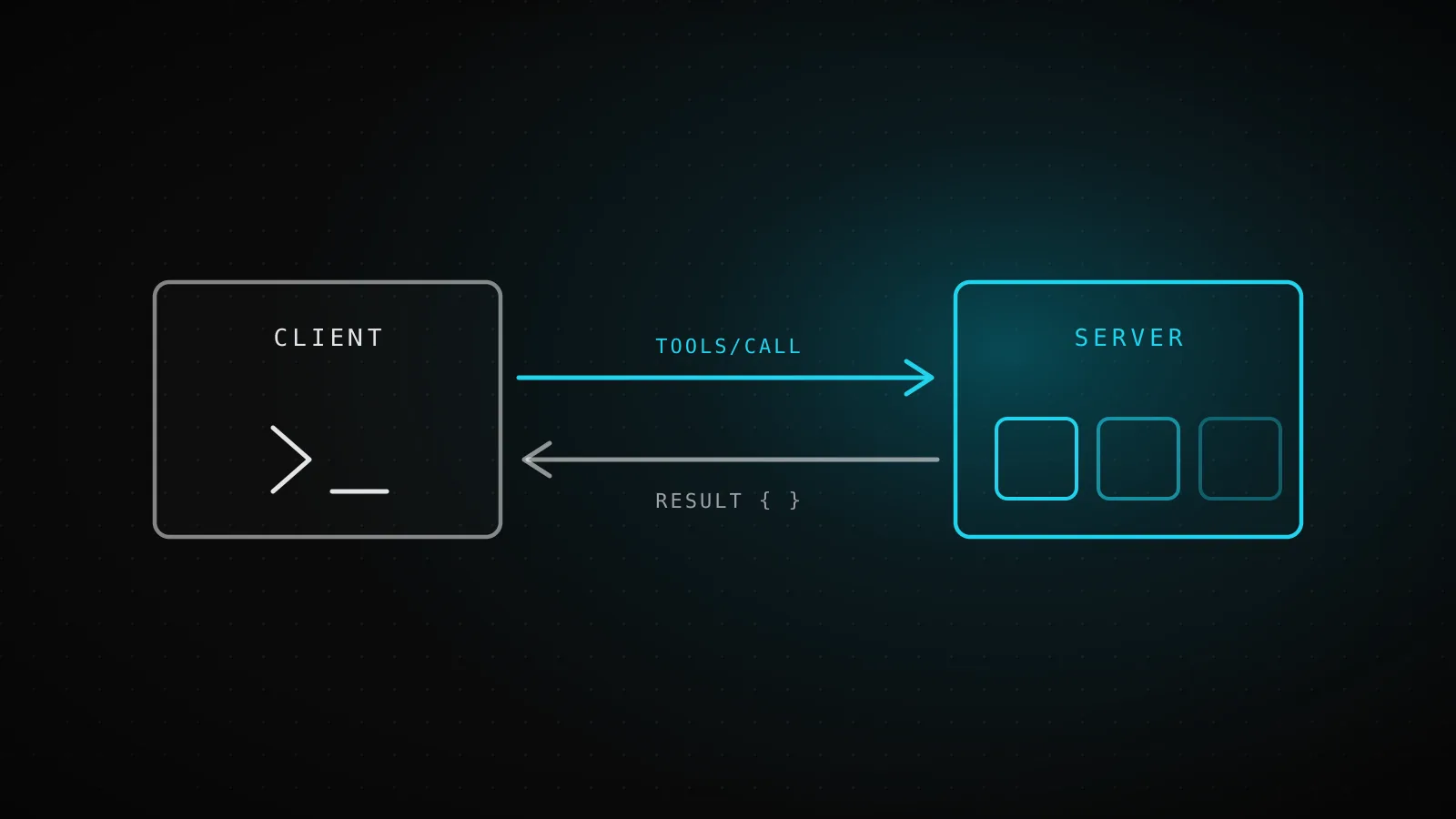
An MCP server is three things wired together: a transport that moves JSON-RPC messages between client and server, a set of tools the model can call, and an auth layer deciding who's calling and what they're allowed to touch. Building one means scaffolding a project with the official SDK, registering tools against a typed input schema, running the server over a transport (stdio for a local subprocess, Streamable HTTP for a remote server shared by many clients), and testing it with MCP Inspector before a real client ever connects. This guide walks that path end to end, then covers the production layer - remote transport and real auth - using code from a server that's actually running in production, not a toy weather-API demo.
TL;DR - Scaffold with npm and
@modelcontextprotocol/sdk, register each tool withserver.registerToolplus a zod input schema, run over stdio, and verify with MCP Inspector (npx @modelcontextprotocol/inspector) before touching a client. Go to Streamable HTTP only when more than one client needs to reach the server remotely; stdio covers the local case. When you do go remote, put auth in front of the handler, not scattered inside it, and test the auth gate first - if it doesn't reject bad requests, nothing else about the server is trustworthy.
What actually needs to exist in an MCP server
Strip away the framing and every MCP server, in any language, needs the same three pieces:
Transport
How JSON-RPC messages physically move between client and server.
mcp-handler ^1.1.0 on Streamable HTTP - no SSE, no Redis, one route.
Tools
Functions the model can call, each with a name, a description, and a typed input schema.
40 tools registered via @modelcontextprotocol/sdk 1.26.0's server.registerTool.
Auth
Who's calling, and what data they're allowed to touch.
One bearer token per tenant, resolved to a project row before any tool runs.
The official quickstart walks through tools in isolation - a weather API with two functions, run over stdio, with no auth at all because it never leaves your machine. That's the right way to learn the shape of a tool registration, and the first four steps below follow the same local-first arc. It stops being a sufficient reference once your server has to run on a shared host and answer to more than one caller, which is where the later sections on transport and auth come in.
Step 1: scaffold the project
TypeScript and Python are the two mainstream paths. Python uses FastMCP, where a tool is a decorated function (@mcp.tool()) and its docstring becomes the description. This guide builds in TypeScript because the production server it draws from is TypeScript; the concepts map one to one.
mkdir forecast-server && cd forecast-server
npm init -y
npm install @modelcontextprotocol/sdk zod
npm install -D typescript tsx @types/node
tsx is there so the server can run straight from the TypeScript source during development. Create src/index.ts and you're ready to register a tool.
Step 2: register a tool against a schema, not a guess
The official SDK pattern is the same whether you're building a two-tool weather demo or a forty-tool production server - registerTool takes a name, a title and description, a zod inputSchema, and an async handler:
import { McpServer } from "@modelcontextprotocol/sdk/server/mcp.js";
import { z } from "zod";

const server = new McpServer({ name: "forecast", version: "1.0.0" });

server.registerTool(
  "get_forecast",
  {
    description: "Get weather forecast for a location",
    inputSchema: {
      latitude: z.number().min(-90).max(90),
      longitude: z.number().min(-180).max(180),
    },
  },
  async ({ latitude, longitude }) => {
    // ... fetch and format the forecast
    return { content: [{ type: "text", text: "..." }] };
  },
);
The description is not documentation for a human - it's the only signal the calling model has for choosing this tool over another one. dispatchseo.com's real registrations run long (several sentences, sometimes a full paragraph) because a vague one-liner leaves an agent guessing which of forty tools actually does what it needs. Every tool in that server also returns through the same two small helpers instead of hand-rolling the response shape each time:
function ok(data: unknown) {
  return { content: [{ type: "text" as const, text: JSON.stringify(data, null, 2) }] };
}
function fail(message: string) {
  return {
    isError: true,
    content: [{ type: "text" as const, text: JSON.stringify({ error: message }, null, 2) }],
  };
}
Pretty-printed JSON text, not a bespoke string format per tool, so the calling agent gets structured data to reason over every time.
Step 3: wire a transport and run it
A registered tool does nothing until the server is connected to a transport. For local development that's stdio - the client launches your server as a subprocess and speaks JSON-RPC over stdin/stdout. Two lines at the bottom of src/index.ts:
import { StdioServerTransport } from "@modelcontextprotocol/sdk/server/stdio.js";

const transport = new StdioServerTransport();
await server.connect(transport);
Run it with npx tsx src/index.ts. It will sit there silently waiting on stdin - that's correct. A stdio server has no port and prints nothing; it talks only to the process that launched it. Which is also why the one thing you must never do on stdio is console.log (more on that under common mistakes).
Step 4: test it with MCP Inspector
Before connecting a real client, point MCP Inspector at the server. It's the standard debugging UI for MCP and needs no install:
npx @modelcontextprotocol/inspector npx tsx src/index.ts
That launches your server as a subprocess and opens a browser UI where you can list tools, inspect the get_forecast schema, and call it with real arguments. If the tool shows up with the schema you wrote and returns your payload, the server works. If it doesn't, this is the cheapest place to find out, because there's no client config in the way yet to muddy whether the problem is the server or the wiring.
Step 5: connect a real client
For Claude Code, one command registers the server (use the absolute path - the client won't resolve relative ones from wherever it happens to run):
claude mcp add forecast -- npx tsx /absolute/path/to/forecast-server/src/index.ts
For Claude Desktop, the equivalent is an entry in claude_desktop_config.json:
{
  "mcpServers": {
    "forecast": {
      "command": "npx",
      "args": ["tsx", "/absolute/path/to/forecast-server/src/index.ts"]
    }
  }
}
Restart the client, ask it something that needs a forecast, and watch it pick your tool. That's the complete local loop: scaffold, register, run, inspect, connect. Everything after this point is what changes when the server leaves your machine.
Going remote: stdio or Streamable HTTP - never plain SSE
If your server is a subprocess the client launches and only that client ever talks to it, stdio is simpler and the spec says clients should support it whenever possible. If your server runs as its own long-lived process serving multiple remote clients, you need HTTP - and as of the 2025-06-18 protocol revision, that means Streamable HTTP, not the older HTTP+SSE transport:
| Transport | Runs as | Clients | Spec status |
|---|---|---|---|
| stdio | Subprocess the client launches | One, local | Current - local servers only |
| HTTP+SSE | Long-lived server process | Many, remote | Deprecated (spec 2024-11-05) |
| Streamable HTTP | Long-lived server process | Many, remote | Current (spec 2025-06-18) |
The MCP spec is explicit that Streamable HTTP "replaces the HTTP+SSE transport from protocol version 2024-11-05." A fair number of MCP tutorials and blog posts still teach that older transport as if it were current, because they were written before the replacement shipped - if a guide you're reading has your server opening a separate /sse endpoint and a separate POST endpoint, it's describing the deprecated shape. dispatchseo.com's own server runs on mcp-handler (currently ^1.1.0 in its package.json), which speaks Streamable HTTP only: one route, no SSE endpoint, no Redis required for session state.
Auth that actually gates something
A server with real tenants can't just check a token once and move on - every tool call has to know whose data it's touching, without every single tool function taking a project parameter and threading it through by hand. dispatchseo.com resolves the bearer token to a project once, in front of the handler, and rides it through the request on Node's AsyncLocalStorage:
- 1
POST /api/mcp
Authorization: Bearer <token>
- 2
authed()
reads the header, extracts the token
- 3
getProjectByToken(token)
no match -> 401, stop here
- 4
projectStore.run(project, ...)
AsyncLocalStorage scopes this request to one tenant
- 5
mcpHandler(req)
routes to the requested tool
- 6
currentProject()
the tool callback reads the scoped project - no project param passed in
- 7
ok() / fail()
pretty-printed JSON text back to the client
async function authed(req: Request): Promise<Response> {
  const header = req.headers.get("authorization") ?? "";
  const token = header.startsWith("Bearer ") ? header.slice("Bearer ".length) : "";
  const project = token ? await getProjectByToken(token) : null;
  if (!project) {
    return Response.json({ error: "..." }, { status: 401 });
  }
  return projectStore.run(project, () => mcpHandler(req));
}
Every tool callback then reads currentProject() off that store instead of accepting a project argument nobody would remember to pass correctly. It's a small pattern, but it's the difference between "auth happens somewhere" and a token that can never, structurally, leak one tenant's rows into another's response.
Common mistakes
- Logging to stdout on a stdio server. The official docs call this out directly: stdio servers read and write JSON-RPC on stdin/stdout, so a stray
console.logcorrupts every message after it. Log to stderr, always, on stdio. - Skipping the
Originheader check on Streamable HTTP. The spec's security section requires validating it on every incoming connection specifically to block DNS rebinding attacks against local servers - easy to forget because nothing breaks in normal testing. - A tool registration that silently lands outside the server's scope. This isn't hypothetical: while writing this guide, dispatchseo.com's own route file had two tool registrations sitting after the
createMcpHandler(...)call closed instead of inside its callback - a leftover from a prior edit. TypeScript caught it asCannot find name 'server'the momentpnpm buildran, and the live endpoint was returning HTTP 500 for every request until it was moved back inside. A tool file with forty registrations is exactly the shape where one closing brace in the wrong place breaks the entire server, not just the two tools you were editing. - Vague tool descriptions. A description like "get data" gives the calling model nothing to disambiguate on. Say exactly what the tool returns and when to reach for it instead of a similarly-named one.
Test your server before you ship it
Test the rejection path first - a server that accepts bad auth is worse than one that's merely undocumented. Here's the real response from a local build of dispatchseo.com's server, hit with no Authorization header at all:
$ curl -i http://localhost:3000/api/mcp
HTTP/1.1 401 Unauthorized
{"error":"Missing Authorization header. Connect with the exact `claude mcp add` command from the dashboard (Settings -> Project key) - the Bearer token is what routes calls to your project."}
Once the gate rejects correctly, connect a real client and list its tools. The official TypeScript SDK ships a StreamableHTTPClientTransport for exactly this - dispatchseo.com's own install-verification script uses it to confirm a fresh deploy actually serves what it's supposed to:
import { Client } from "@modelcontextprotocol/sdk/client/index.js";
import { StreamableHTTPClientTransport } from "@modelcontextprotocol/sdk/client/streamableHttp.js";

const transport = new StreamableHTTPClientTransport(new URL("http://localhost:3000/api/mcp"), {
  requestInit: { headers: { Authorization: `Bearer ${token}` } },
});
const client = new Client({ name: "smoke-test", version: "1.0.0" });
await client.connect(transport);

const { tools } = await client.listTools();
console.log(`${tools.length} tools registered`);
Run it in CI after every deploy, not just once by hand - a tool that silently stops registering (see the mistake above) is invisible from the outside until something calls it.
When not to build a full MCP server
If you have exactly one client you control, always calling the same fixed function, a plain HTTP endpoint or webhook is less machinery for the same result - MCP's payoff is standardizing tool discovery across callers you don't control one-by-one (Claude Code, Cursor, and whatever else someone connects next), and that payoff is small with a single caller. Skip the per-tenant AsyncLocalStorage plumbing too if your server only ever serves one account - it exists to stop one tenant's request from ever touching another tenant's data, which is a real problem only once there's more than one tenant.
FAQ
Should I build in Python or TypeScript? Whichever your team already writes. Python's FastMCP is the fastest path to a first tool (a decorated function with a docstring); the TypeScript SDK is the natural fit when the server lives next to a web stack, as the examples above do. The protocol is identical underneath - a client can't tell which language a server is written in.
Do I need resources and prompts, or is registering tools enough? Tools cover the large majority of real servers - functions the model calls, with arguments it fills in. Resources (file-like data a client can read directly) and prompts (reusable templates) exist in the spec but plenty of production servers, dispatchseo.com's included, ship tools only.
Is stdio obsolete now that Streamable HTTP exists? No - they solve different problems. stdio is for a local subprocess with exactly one client; Streamable HTTP is for a remote server serving many. Neither replaced the other; HTTP+SSE is the one that got replaced.
Can an MCP server run on a serverless platform like Vercel?
Yes, as long as it's stateless per-request or uses an external store for session state - dispatchseo.com's does, on Vercel, via mcp-handler's Streamable HTTP support with no Redis dependency.
Do I need a database to build one? Not to start. The five-step server above has none. A database (or any state store) only becomes necessary once tools need to remember something between calls or scope data per caller.
What's the minimum to test that a server works?
Run it under MCP Inspector and call each tool once with real arguments. For a remote server, add the auth check: confirm the gate rejects a request with no token, then connect a real client and call listTools() - if the count matches what you registered, the wiring is correct end to end.
Between the five build steps, the transport choice, and the auth pattern, that's most of what separates a demo server from one you'd trust with real tenants - the rest is the tools themselves, which is where DispatchSEO's own agent spends its time.