Claude Code in GitHub Actions (the scheduled pattern, not just @claude tags)
8 min read
On this page
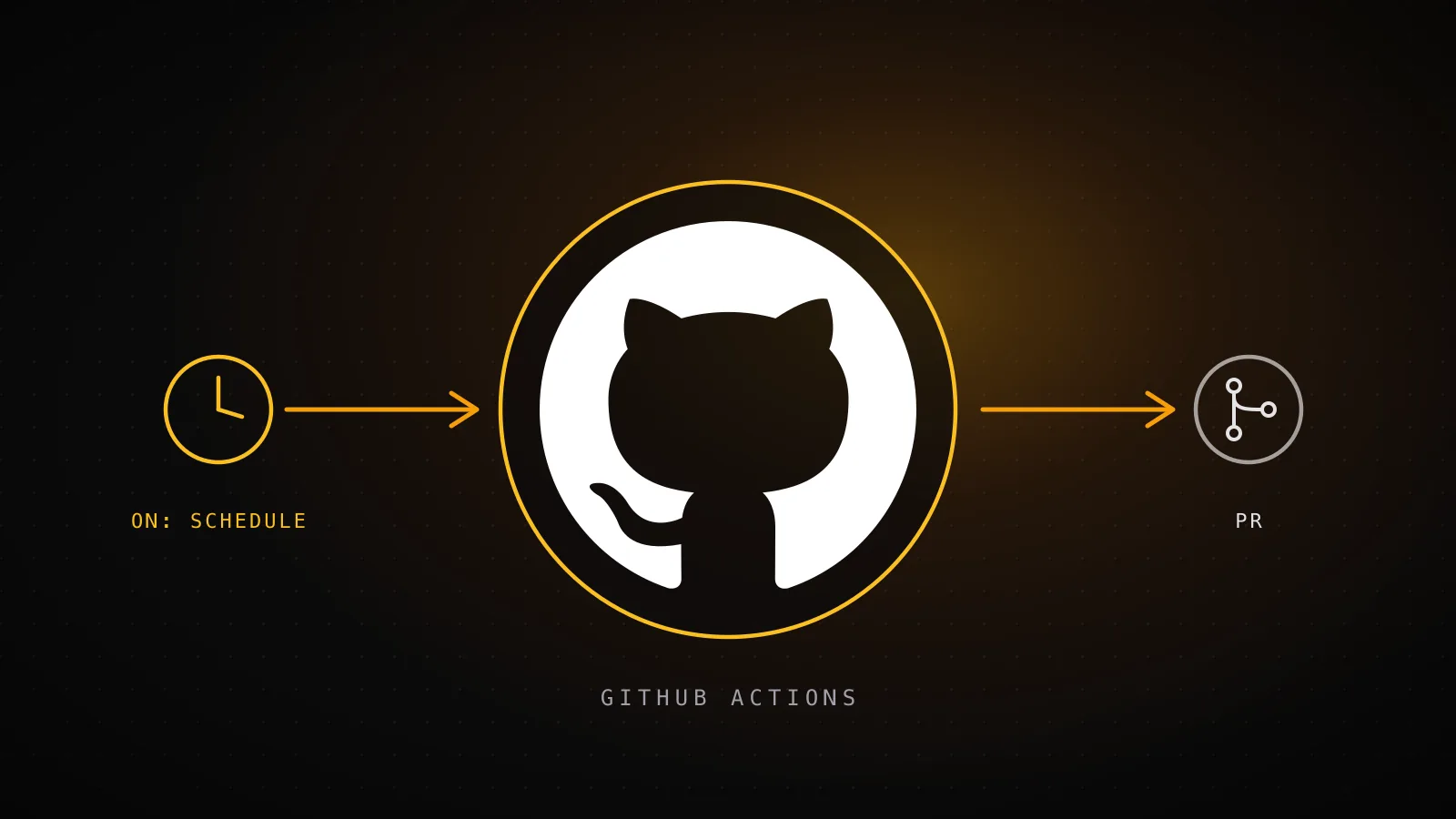
Nobody using Claude Code inside GitHub Actions to review a pull request is using it to ship on its own clock. Both count as "Claude Code in GitHub Actions," but they're solving different problems. Tagging @claude on an issue or PR is interactive: a human starts it, Claude does one thing inside that conversation, and it's done. The other pattern is scheduled and autonomous: a cron job runs Claude Code headless, with nobody watching, against a stateful backend of its own, and opens a PR that nobody asked for in the moment. This guide covers the setup first - the same installation serves both patterns - and then goes deep on the second one, using the real GitHub Actions workflow that built the page you're reading right now.
TL;DR - Run
/install-github-appinside Claude Code to set up the official action in one pass (GitHub App,ANTHROPIC_API_KEYsecret, workflow file), or wire the three manually. From there, @claude tags and cron-scheduledclaude-code-actionruns are both "Claude Code in GitHub Actions," but they need different things around them. Interactive needs no memory because a human drives every turn; scheduled needs a queue or database because the run wakes up knowing nothing. dispatchseo.com's ownseo-daily.ymlis the real example: a guard step, two preflight checks, a headless Claude Code run capped at 150 turns, and a separateseo-auto-merge.ymlthat only ships PRs once every check is green.
The two patterns, compared
Every top result for "claude code github actions" right now - Anthropic's own docs, the anthropics/claude-code-action repo, its GitHub Marketplace listing, a Reddit thread, a Medium walkthrough, Simon Willison's post about using Claude Code to build a workflow - describes the same shape: a human triggers it, Claude does one bounded thing, the run ends. That's a real, useful pattern, and the official docs cover it well. It's just not the only one, and the two differ on more than "who starts it":
| Axis | Interactive (@claude tag) | Scheduled / autonomous |
|---|---|---|
| Trigger | issue_comment, pull_request_review - a human types @claude | schedule (cron) plus workflow_dispatch - nobody's watching |
| Memory it needs | None - the conversation thread is the memory | A queue or state store - the run wakes up knowing nothing |
| Concurrency risk | Low - bounded by how many people tag it at once | Real - an unguarded schedule piles up a PR every run |
| Output | A reply, a review comment, or one targeted fix | A PR opened from whatever the queue says is next |
| Best for | A one-off question, review, or fix on this PR | A recurring pipeline that ships on its own clock |
Setup: both patterns start with the same installation
The fastest path is the one the official docs recommend: open Claude Code in a terminal inside the repo and run
/install-github-app
It installs the Claude GitHub App on the repo, walks you through adding the API credential as a secret, and commits a starter workflow - all three pieces in one pass. If you'd rather wire it by hand (or the slash command can't reach your org), the manual version is those same three pieces:
- Install the GitHub App on the repo and grant it Contents, Issues, and Pull requests (read and write).
- Add the credential as a repo secret:
ANTHROPIC_API_KEY(API billing) orCLAUDE_CODE_OAUTH_TOKEN(Pro/Max subscribers, generated withclaude setup-token). - Commit a workflow file. This is the interactive @claude shape, verbatim:
name: Claude
on:
  issue_comment:
    types: [created]
  pull_request_review_comment:
    types: [created]
  issues:
    types: [opened, assigned]
  pull_request_review:
    types: [submitted]

jobs:
  claude:
    if: contains(github.event.comment.body || github.event.issue.body, '@claude')
    runs-on: ubuntu-latest
    permissions:
      contents: write
      pull-requests: write
      issues: write
      id-token: write
    steps:
      - uses: actions/checkout@v4
      - uses: anthropics/claude-code-action@v1
        with:
          anthropic_api_key: ${{ secrets.ANTHROPIC_API_KEY }}
Add a CLAUDE.md at the repo root with your project's conventions - the action reads it the same way local Claude Code does, and it's the difference between PRs that match your codebase and PRs you rewrite. With that in place, commenting @claude fix the failing test in auth.spec.ts on an issue or PR triggers a run. That's the whole interactive pattern, and if it's all you need, you can stop here. The rest of this guide is about what the setup above does NOT give you: a run that starts itself.
Why the scheduled pattern needs its own MCP
An interactive run never has an amnesia problem - the conversation it's replying to is the memory. A scheduled run has nothing. It wakes up on a cron tick with no thread, no prior turns, no idea what happened last time it ran, and has to answer three questions cold: what's already been built, what's next, and where to write down what it just did. Without an external answer to those, a "daily content pipeline" degenerates into either the same task run twice or an agent guessing at a task that doesn't exist.
That's what an MCP server is for here - not a general-purpose enhancement, a specific fix for a specific gap. dispatchseo.com's own builder starts every run by calling get_instructions and get_suggestions against its seo-manager MCP before writing a word, the same client-side connection shape covered in how to build an MCP server, just pointed at one recurring job instead of demonstrated in the abstract.
The pipeline that built this page
This isn't a hypothetical architecture diagram. It's .github/workflows/seo-daily.yml and .github/workflows/seo-auto-merge.yml, running in dispatchseo.com's own repo, and the run that executed this exact sequence is the one that produced the guide you're reading:
- 1
schedule: 0 5 * * *
GitHub fires seo-daily.yml - no human present
- 2
guard job
skip if an seo-labeled PR is already open, or the dashboard paused guide builds
- 3
preflight checks
verify the Claude token and the seo-manager MCP are reachable - fail loud, never a silent empty run
- 4
anthropics/claude-code-action@v1
headless run, bypassPermissions, capped at 150 turns / 45 minutes
- 5
get_instructions -> get_suggestions -> build
Claude reads the playbook and the queue, drafts the guide, opens a PR labeled seo
- 6
seo-auto-merge.yml
merges automatically once every check is green - only for guide-shaped diffs
The trigger and concurrency lines, verbatim from the workflow file:
on:
  schedule:
    - cron: "0 5 * * *"
  workflow_dispatch:

concurrency:
  group: seo-build
  cancel-in-progress: false
workflow_dispatch sits next to the cron trigger so a run can be forced by hand for testing without waiting for 05:00 UTC - useful, and also why "scheduled" and "autonomous" aren't quite the same word: this pattern is defined by running without a human driving each turn, not by only ever running on a timer. The MCP server on the other end of that get_suggestions call is the multi-tenant kind covered in MCP server examples, not a single-tenant demo - which is exactly why it can hold a queue across runs that don't share a process, a database connection, or even a day.
Pacing matters here too, and the numbers are real rather than illustrative: dispatchseo.com is five days old, and its own age-based pacing caps a domain this young at five guides a week - not an arbitrary number, but a deliberate brake against the exact profile (a brand-new domain publishing on no limit) that search engines discount as scaled content. Two of this week's five slots were already spent before this run started.
Four guardrails an unattended run needs
Nothing above stops a scheduled job from becoming a mess on its own - the guardrails are separate, explicit mechanisms, not a side effect of using claude-code-action:
One PR at a time
concurrency group seo-build, plus a guard step that skips the whole run if a PR labeled seo is already open.
Fails loud, never silent
preflight steps error explicitly on a broken token or an unreachable MCP - the alternative is a green run that quietly built nothing.
A human still merges the risky stuff
auto-merge only fires for guide-shaped diffs (files under src/content/blog or src/components/blog) with every check green; anything else waits on the dashboard.
Bounded, not eternal
max-turns 150 and a 45-minute job timeout cap how far one run can go before it's cut off.
Two of those are easy to skip and only show their absence in production. A missing concurrency guard doesn't fail loudly - it just quietly opens a second PR next to the first one. A preflight check that doesn't exist doesn't error - it lets a broken secret produce a "successful" run that built nothing, which is worse than a failure because nothing tells you to look.
When to use which pattern
Reach for the interactive @claude tag when the task is genuinely one-off: review this PR, answer this question, fix this specific bug someone just filed. It needs none of the machinery above, and building a queue and a merge gate for a single ad hoc task is pure overhead. Reach for the scheduled pattern only when there's an actual recurring job with somewhere to keep state between runs - a content queue, an issue backlog, a set of checks that need re-running on a clock - because everything in the guardrail list above exists to solve problems that only show up once a job runs without anyone watching it.
When not to use this pattern
Skip the scheduled, autonomous shape if any of these are true: there's no queue or state store to give the run memory (then it has nothing real to act on between runs); your process can't tolerate a PR appearing without a person having asked for it first; you're not willing to set a hard turn or time cap (an unbounded headless run can burn Action minutes fast on a task that should've stopped); or the task is genuinely a single occurrence, not a recurring one - in which case tagging @claude once is simpler and needs none of the above.
FAQ
Is claude-code-action different for the two patterns?
No - same action, different trigger. What changes is on: (issue_comment / pull_request_review vs. schedule + workflow_dispatch) and what the prompt points Claude at, not the action itself.
Does a scheduled job need different permissions than an interactive one?
Both need contents: write and pull-requests: write if either one is going to commit and open a PR - that's a property of what the job does, not of how it starts.
What actually stops a scheduled job from opening ten PRs a day?
Nothing does automatically. seo-daily.yml uses a concurrency group plus a guard step that checks whether a PR labeled the same way is already open before doing any work - both have to be added on purpose.
Is a human still involved at all in the autonomous pattern?
Twice, here: a dashboard toggle can pause the whole pipeline before a run starts, and seo-auto-merge.yml only merges once every automated check has passed - anything it can't safely evaluate is left open for a person.
Do I need a full database for the state store, or can I get away with less? Some state store, yes, but it doesn't have to be a database - a JSON file committed back to the repo works for a small queue. What can't be skipped is somewhere the job's memory outlives the single run.
The scheduled pattern costs more upfront than tagging @claude ever will - a state store, a concurrency guard, a separate merge gate. What it buys back is the one thing tagging @claude can't: something shipping while nobody's watching. That's the trade this guide's own pipeline makes every morning at 05:00 UTC, guide after guide, this one included.