Claude Code slash commands: the reusable playbooks behind an unattended pipeline
9 min read
On this page
Type /deploy in Claude Code and nothing "executes" the way a shell command executes. Claude Code finds a markdown file named deploy, drops its body into the conversation as your next message, and Claude reads it exactly like anything else you typed. A custom slash command is a saved prompt with optional YAML frontmatter, stored in .claude/commands/ or .claude/skills/, and typing its name is shorthand for pasting that file's contents into the chat. Built-in commands like /help or /compact are a different thing entirely - fixed logic Claude Code ships with, not a file you can open and edit.
TL;DR - A custom slash command is a markdown file -
.claude/commands/<name>.md, or aSKILL.mdwithdisable-model-invocation: true- whose body becomes your next message when you type/<name>. Frontmatter controls behavior (description,allowed-tools,argument-hint,model,context: fork); the body reads input through$ARGUMENTS, positional$1/$2, or named$varplaceholders. Per the current docs, custom commands and skills are now the same mechanism under the hood - a.claude/commands/deploy.mdfile and a.claude/skills/deploy/SKILL.mdskill both create/deployand behave identically, and every existing.claude/commands/file keeps working unchanged.
What actually happens when you type a slash command
Claude Code ships over 100 built-in commands - /help, /model, /compact, /context, /permissions and the rest - each backed by logic compiled into the CLI. You can't open one and read its source; typing it runs a fixed routine.
A custom command is the opposite: a plain markdown file. Type /summarize-changes and Claude Code reads that file off disk, substitutes any placeholders (below), and inserts the result into the conversation as though you'd typed it yourself. Nothing about that requires special support from the model, which is why a two-line markdown file can add a new command in about the time it takes to save one.
It also means a custom command can do anything a normal message can do: ask Claude to read files, run shell commands, call an MCP tool, or chain into another command. It has no capabilities of its own - it's a shortcut for typing something you'd otherwise type by hand.
Where the file goes, and who else can use it
Where you save a command file decides its audience:
- Personal -
~/.claude/skills/<name>/SKILL.md(or the older~/.claude/commands/<name>.md). Available in every project on your machine, never committed anywhere. - Project -
.claude/skills/<name>/SKILL.md(or.claude/commands/<name>.md). Committed to the repo, so the whole team gets/<name>the moment they pull. - Plugin -
<plugin>/skills/<name>/SKILL.md, namespaced as/<plugin>:<name>so it can never collide with a project or personal command of the same name.
The command name itself comes from the file: a .claude/commands/deploy.md file becomes /deploy from its filename, and a .claude/skills/deploy/SKILL.md skill becomes /deploy from its directory name. When names collide across levels, personal overrides project, and a skill overrides a command of the same name. Nested .claude/skills/ directories also work inside a monorepo package - a skill under apps/web/.claude/skills/ becomes available automatically once Claude touches a file in that directory, with nothing extra to configure.
The frontmatter and the argument syntax
A command file's frontmatter is optional - only description is worth adding by default, since it's how Claude decides whether to reach for a command on its own. The fields that matter most for a command you plan to type yourself:
description- what it does; also what Claude reads to decide when to auto-invoke it.argument-hint- shown in autocomplete, e.g.[issue-number].disable-model-invocation: true- only you can run it, never Claude. This is the flag that turns a skill into what most people mean by "a command": something with side effects you want to trigger on purpose, like a deploy.allowed-tools- tools Claude can use without a permission prompt for the turn that invokes this file.model- override the active model just for this command's turn.context: fork- run the command in an isolated subagent instead of your current conversation.
The body reads its input through placeholders. $ARGUMENTS expands to everything typed after the command name; $1 and $2 (shorthand for $ARGUMENTS[0] and $ARGUMENTS[1]) pull out individual space-separated arguments, with shell-style quoting for multi-word values. This site's own research command uses exactly that pattern - the whole body of .claude/commands/seo-research.md in this repo is one line: Topic scope (optional): $ARGUMENTS, so /seo-research programmatic SEO hands Claude the literal string programmatic SEO to scope its research run.
Slash command vs. skill vs. hook vs. subagent
Since custom commands are skills now, the real differences aren't about which file format you pick - they're about who can invoke it and where it runs:
- runs in
- Your current session
- best for
- An explicit action only you should trigger, never Claude
- runs in
- Your current session
- best for
- Knowledge or a procedure Claude should reach for on its own
- runs in
- Outside the model entirely
- best for
- A rule that can never depend on the model choosing to follow it
- runs in
- An isolated background context
- best for
- Multi-step work that shouldn't crowd the main conversation
The confusion mostly comes from hooks and commands both being "things you set up once that run automatically later" - but a hook fires on an event with no typing involved and runs outside the model's judgment entirely, while a command only ever runs because someone typed its name or Claude decided the moment matched its description. If you need a rule that can't be skipped, that's a hook's job, not a command's. If you need multi-step work that shouldn't crowd your main conversation, context: fork turns any command into a subagent instead.
A real example: the command files that build this guide
This exact guide was built by a command. DispatchSEO's own repo carries .claude/commands/seo-build.md, and here's the whole file, unedited:
---
description: Build the oldest approved SEO guide suggestion as a PR (guides only)
---
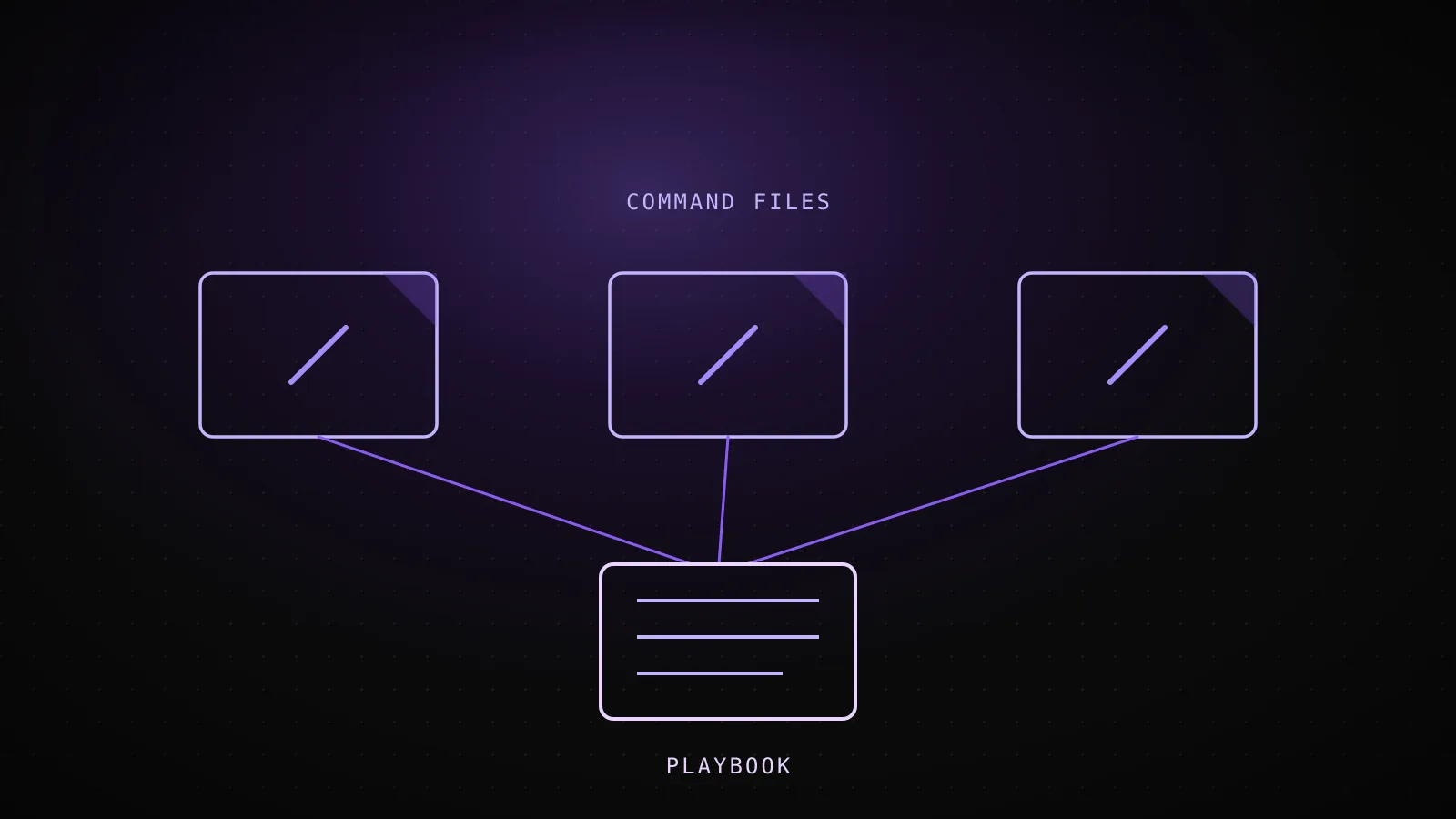
Call the seo-manager MCP tool `get_instructions` with workflow `build-guide` and follow the returned markdown exactly (it is the current playbook; also read `.dispatchseo/conventions.md` for this repo's site facts). Guides ONLY - type="guide". If no approved guide suggestions exist, exit without changes.
Four lines, and none of them contain the actual pipeline - the template rules, the SERP gate, the visual requirements, the humanizer pass, the PR checklist. Here's what happens when it runs:
- 1
You (or a scheduled workflow) type /seo-build
Claude Code finds .claude/commands/seo-build.md and loads its body as the next message
- 2
The command's whole body is one instruction
"call get_instructions with workflow build-guide and follow the returned markdown exactly" - no pipeline logic lives in the file itself
- 3
Claude calls the seo-manager MCP tool get_instructions
the file has no idea what the pipeline actually does - it just knows where to ask
- 4
The MCP server returns the current playbook
this run got version 2026-08-20.2 - template, thin-content gate, visuals, humanizer, PR, all versioned server-side
- 5
Claude follows that returned markdown for the rest of the run
editing the playbook never touches the command file, so every connected repo picks up the change on its next run
The command file's only job is to point at where the real instructions live and hand off, on purpose. The alternative - hardcoding the whole pipeline into the command's body - means editing the pipeline means editing and re-committing a file in every connected repo. A thin command that calls out to a versioned source keeps the file stable while the logic underneath it changes on its own schedule, the same shape as an MCP server serving content as state instead of a static prompt.
Why most custom commands don't survive month two
Named for one action, not a topic
/deploy, not /helpers - the name is the whole spec of what it does
The body says what to do, not just what's true
task content ("run the test suite, then...") reruns cleanly; reference notes don't tell Claude to act
Takes $ARGUMENTS or $1 / $2 instead of one hardcoded target
one file handles every issue number or component name instead of forking into near-duplicates
No description field
Claude can't decide to load a skill with nothing to match against, and six months from now neither can you
One file quietly grew into five workflows
past ~500 lines it's not a command anymore, it's an unindexed wiki page - split it before that happens
The pattern behind all five: a command earns being typed twice when it's a verb, not a folder. /deploy is unambiguous about what happens next; a command that tries to be a general-purpose "helpers" file mixing five unrelated jobs forces you to remember which one this particular run needs, which is worse than just typing the instructions out by hand. The same logic is why the docs cap skill bodies around 500 lines - past that point you're not writing a reusable action anymore, you're maintaining an unindexed wiki page that happens to load into context every time someone types its name.
When a slash command is the wrong tool
A command is a fixed script of instructions, so it's the wrong shape for a decision that depends on context the file can't see. "Should this refactor ship" isn't a command - forcing a judgment call into a rigid set of steps either blocks work that was fine or waves through work that wasn't; that's what leaving it to the model with good instructions, or a prompt/agent-type hook, is actually for.
It's also the wrong tool for anything that must never be skippable. A command only runs because someone remembered to type it - if forgetting to run it would leave a broken repo state, that's a hook's job, since a hook fires whether or not anyone thinks to invoke it. And context: fork specifically needs an actual task in the body: a forked command that's just background guidance with no instruction gets handed to a subagent with nothing to do, and returns without meaningful output.
FAQ
Are custom slash commands the same thing as skills now?
Functionally, yes. The current docs are explicit: "custom commands have been merged into skills." A .claude/commands/deploy.md file and a .claude/skills/deploy/SKILL.md skill both create /deploy and behave identically - skills just add optional extras like a directory for supporting files.
What happens to my existing .claude/commands/ files?
Nothing - they keep working exactly as before, and support the same frontmatter fields as a skill except name and paths. There's no migration required to keep using them; moving to the SKILL.md format only matters if you want the extra features it adds.
Can a slash command call another command or an MCP tool?
Yes. A command's body is inserted into the conversation as a normal message, so it can instruct Claude to do anything a message can trigger - including calling an MCP tool by name, which is exactly what the seo-build example above does.
Do MCP servers add their own slash commands? Yes, separately from file-based commands - an MCP server can register its own prompts, and Claude Code lists those alongside your local commands and skills. The mechanics differ (they come from the server connection, not a file in your repo), but invocation looks the same: type the name, the content loads.
How do I stop Claude from running a command on its own?
Set disable-model-invocation: true in its frontmatter. That's the flag that separates "only I can trigger this" from the default, where Claude can also decide to invoke it when your request matches the description.
What's the difference between $ARGUMENTS and $1?
$ARGUMENTS is everything typed after the command name, as one string. $1 (and $2, $3...) pull out individual arguments by position, splitting on whitespace with shell-style quoting for multi-word values - so /migrate SearchBar TypeScript gives $1 as SearchBar and $2 as TypeScript, while $ARGUMENTS stays the whole SearchBar TypeScript string.
That's the entire mechanism: a file, some frontmatter, and a placeholder or two - which is also why it scales past personal shortcuts into something a whole pipeline can depend on, the way DispatchSEO's own seo-build command does every time a guide like this one ships.