Claude Code automation: what to hand off to a schedule, and what still needs you
8 min read
On this page
The jobs worth handing to a schedule are the ones that end in something a person or a rule can refuse: a queued idea, a pull request, a report. Research, PR-opening builds and summaries automate well. Merging, spending money and touching credentials need a gate or stay with you. The mechanism you pick to start the run matters far less than where you put that refusal.
TL;DR - Sort every job by what a mistake costs. Reversible and reviewable work (research, reports) runs alone. Work that ships (builds, merges) runs behind a rule you wrote down: a branch that can't be
main, a path allowlist, required checks. Spend and credentials stay manual. On this site, 75 agent-opened PRs have merged under that setup, with a median of 2.2 minutes from open to merge.
Which jobs can you hand off, and which do you keep?
Hand off
Research and queueing ideas
Output is a row in a queue. Nothing ships until someone approves it.
Reports and rank checks
Read-only. A wrong summary costs a re-read.
Hand off behind a gate
Builds that open a PR
The diff is reviewable and revertable, if a check or a person can refuse it.
Merging, on a narrow rule
Only where a bad change is cheap: a path allowlist plus green checks.
Keep for yourself
Spend decisions
Plan changes, paid API budgets, anything that bills on a loop.
Credentials and access
Rotating a token or widening a scope is not a diff you can revert.
The test is not "can the model do it". It can do all six of those. The test is "what happens if it does it wrong at 3am and nobody looks until noon". A bad research idea sits in a queue. A bad PR sits in a review list. A bad merge is live, and a bad token rotation locks you out of your own pipeline.
How does an unattended Claude Code run actually start?
Three mechanisms cover almost every case. They differ in who owns the infrastructure and what caps you.
| | Routine | claude -p in CI | /loop or a desktop task |
|---|---|---|---|
| Runs where | Anthropic's cloud | Your runner (GitHub Actions, cron, a container) | Your machine, session open |
| Minimum interval | 1 hour | Whatever your scheduler allows | Session-bound |
| Login it needs | claude.ai Pro, Max, Team or Enterprise | API key or a subscription token | Your normal login |
| Permission prompts | None: no mode picker, runs without approval | You choose --permission-mode and --allowedTools | Normal prompts |
| Where changes land | claude/-prefixed branches by default | Whatever branch your workflow pushes | Your working tree |
| Reaches your own database | Through connectors you include | Through whatever your runner can reach | Through local config |
Routine figures are from Anthropic's routines docs, a research preview that may change. Current limits there are hourly rather than daily: 100 scheduled runs per hour per account, and 30 Run now or API fires per hour per routine. The older per-day caps some posts still quote are gone from the page. The detail on routines against a real scheduler is in Claude Code routines vs. a real cron job.
For the CI row, the flags that matter are in the headless docs: -p for non-interactive, --allowedTools to pre-approve specific tools, --permission-mode for a baseline, and --permission-prompts none (v2.1.259 and later) so anything that would prompt is denied instead of waiting on nobody. --bare skips auto-discovery of hooks, plugins, MCP servers and CLAUDE.md so the run is the same on every machine, and the docs say it will become the default for -p. A run exits 0 on success and non-zero when it fails, so a workflow can branch on it. More on the flags is in Claude Code headless mode, and the GitHub wiring is in Claude Code in GitHub Actions.
Where should the human gate sit?
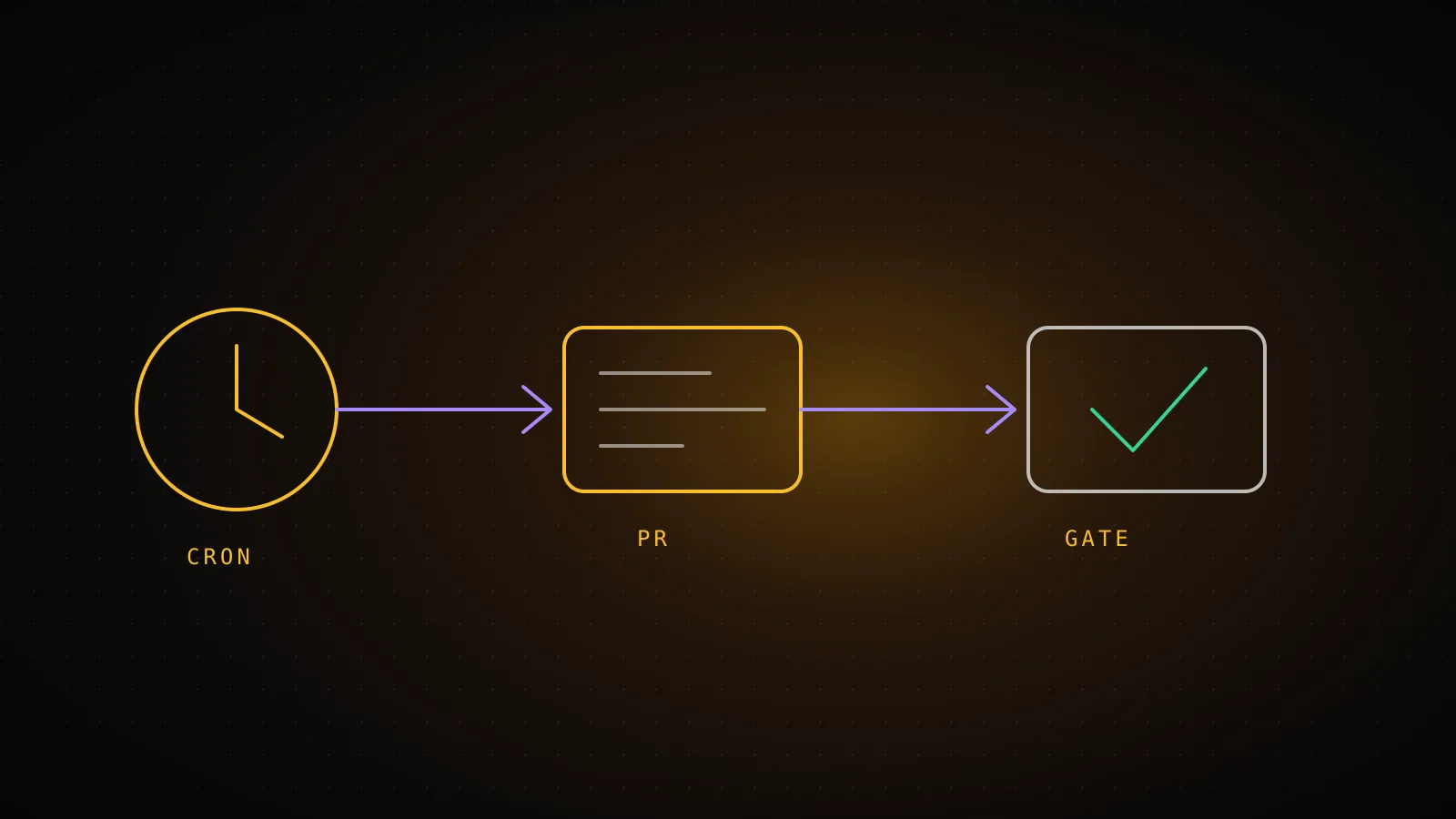
Not on every step. A gate on every step means the job isn't automated, it's a reminder. Put exactly one gate where the work becomes hard to undo, and make it something that doesn't depend on anyone being awake.
Who decides at each hop of the loop
- 1
Weekly research
AgentMondays 20:23 UTC - Proposes ideas into the queue, never builds.
- 2
Approve an idea
YouOwner, any time - Or switch on auto-approve for guides.
- 3
Backend checks if a build is due
ScheduleEvery 3 hours - Fires a dispatch only when work is ready.
- 4
Build the guide, open a PR
AgentPer dispatch - Cannot push to main. Labeled seo.
- 5
Merge if paths and checks pass
Rule4x a day - Allowed directories only, all checks green.
Look at who holds each hop. The agent holds the two work steps: research and the build. A schedule decides when. An approval and a merge rule decide what ships. The agent never decides that its own output goes live.
Two cheap rules do most of the work. First, a branch rule: the run can open a PR but cannot push to main. Second, a path allowlist on the merge: only files under directories where a mistake is cheap can merge without a person. Neither needs the model to behave. The catch is that a rule like this checks where a change lands, not what it does, which is covered in why an agent that merges its own PRs needs a gate.
What does a research and build loop look like in practice?
This site runs the loop above for its own SEO. It is a worked example, not a template to copy line for line.
Agent PRs merged
75
label seo, as of 2026-10-03
Median open to merge
2.2 min
from gh createdAt and mergedAt
Job ceiling
45 min
timeout-minutes on the builder
Turn ceiling
150
--max-turns on the builder
The weekly research run proposes guide ideas into a queue. A backend check every three hours asks whether a build is due and fires a repository_dispatch only if one is, so the heavier builder runner starts when there is work instead of on a clock. The builder runs claude through the official GitHub Action with --permission-mode bypassPermissions and --max-turns 150, inside a job capped at 45 minutes. It cannot push to main, so its only exit is a labeled PR. A separate merge job runs four times a day and merges only PRs whose changed files sit in the allowed directories and whose checks are all green.
The bypass mode sounds alarming and is the point: nobody is there to click, so the safety has to live outside the session, in the branch rule, the allowlist and the job timeout. Bypass permissions covers when that trade is reasonable and when it is not. The numbers above come from gh pr list --state merged --label seo on 2026-10-03: 75 PRs, with a median of 2.2 minutes between opening and merging, because the merge job does not wait for a person.
How do you find out a run died?
Badly, by default. Anthropic's own docs say a green status on a routine "means the session started and exited without an infrastructure error. It does not mean the task in your prompt succeeded." A scheduled job that quietly does nothing looks the same as one that worked.
Three habits fix it:
- Report an outcome from the job itself. The last step of each workflow here posts success or failure, with a message, to the backend. Failures show up on a dashboard banner and in an email, not only in the Actions tab.
- Set a staleness clock per job. A job that should run every 3 hours and has not reported in 10 is flagged even though nothing failed. Silence is a failure mode too, and it is the only one a try/catch cannot see.
- Put a dead-man's switch under any wake-up that depends on something else. The builder here is woken by the backend, so one late-day cron exists purely to catch the case where the backend itself is down.
A run that hangs instead of dying needs a timeout, covered in Claude Code is stuck. Credentials for these jobs are a separate trap: see environment variables for a headless CI run.
When is automating a job the wrong call?
- You can't describe success in a sentence. A prompt that says "improve the site" has nothing for a gate to check. If you can't write what "done" looks like, the run can't either.
- The job runs once. A one-off cleanup does not need a schedule. Run it in a session, or use a one-off routine.
- Every output needs your judgment anyway. If you will read and rewrite everything it produces, the schedule saved you a keystroke, not a task.
- The blast radius isn't bounded. If you can't name a branch rule, an allowlist or a read-only scope that caps the damage, don't start unattended. Run it with you watching until you can.
- You haven't watched it work attended. Run a job by hand a few times first. Automate the version you've already seen succeed.
FAQ
What can Claude Code automate? Anything you can express as a self-contained prompt plus a tool scope: research, opening PRs, triaging issues, reviewing diffs, producing reports. The practical limit is whether a check or a person can refuse the result before it matters.
Can Claude Code run on a schedule while my laptop is closed?
Yes, two ways. A routine runs on Anthropic's cloud and needs a claude.ai paid plan. Or you run claude -p from a scheduler you own, such as GitHub Actions, on a runner that stays up.
Is it safe to let Claude Code merge its own pull requests? Only behind a rule that doesn't depend on the model: allowed paths, required checks, a branch it cannot push to directly. Keep the allowlist to places where a bad change is cheap to revert.
Do I need a Claude subscription to automate it?
For routines, yes. For claude -p in your own CI, an API key works, and --bare mode reads ANTHROPIC_API_KEY rather than a subscription login.
How do I know a scheduled Claude Code job failed? Don't rely on a green status alone. Have the job report its own outcome somewhere you look, and alert on a job that stops reporting.
A schedule is the easy part. The decision that earns its keep is the one made before the first run: what the agent may do alone, and what has to pass a rule or a person first. DispatchSEO runs this loop for SEO work, from research to a merged guide, so the same split applies without you wiring each piece.