Claude Code is stuck: why it hangs mid-run and how to build in a timeout
8 min read
On this page
A stuck Claude Code session almost never means the process crashed - it means something in the run is waiting for an answer that is never going to arrive, and headless mode is exactly the kind of environment where that wait can run forever without anyone noticing. Diagnosing it means working out which of a few independent layers - a permission prompt, a tool call, a genuinely slow step, or the process itself - is the one holding still, because none of them share a clock and only one of them is guaranteed to end on its own.
TL;DR - A frozen-looking Claude Code run is usually one of three things: a permission request with nobody around to approve it, an MCP tool call to a server with no timeout set, or a slow-but-alive step still inside its own budget.
--permission-prompts noneand--permission-mode bypassPermissionseach remove the first cause a different way;MCP_TOOL_TIMEOUTand a per-servertimeoutin.mcp.jsonbound the second;BASH_MAX_TIMEOUT_MSbounds the third. None of Claude Code's own timeouts is guaranteed to catch every case, which is why the layer that actually ends a truly stuck run is the outer one - a CI job'stimeout-minutes, or the shell's owntimeoutcommand.
Why "stuck" almost always means waiting, not crashed
Claude Code exits with code 0 on success and non-zero on failure, so a genuine crash announces itself in a script's exit status. A stuck run doesn't - the process is alive, holding a socket or a pending request open, and nothing about that state trips an error. That distinction matters most in claude -p (non-interactive mode): there's no one reading the terminal, so a wait that would get noticed and interrupted in five seconds interactively just continues. The fix isn't one setting - it's knowing which layer is actually the one not returning.
Diagnosis one: a permission prompt with no terminal to answer it
claude -p starts in Manual permission mode on every plan, the same baseline as an interactive session - nothing about non-interactive mode auto-approves actions by default. When something needs approval and no permission host is attached (no Agent SDK canUseTool callback, no --permission-prompt-tool), the request gets denied rather than hanging on a person who isn't there. The catch is what happens next: without --permission-prompts none, Claude isn't told to stop trying, so it can keep attempting the same denied action across several turns, burning the run's turn budget without visible progress - which behaves exactly like being stuck even though no single call actually blocked.
--permission-prompts none closes that loop cleanly: it denies immediately, tells Claude not to retry, and removes AskUserQuestion from the tool list outright so there's nothing left to wait on. DispatchSEO's own guide builder skips the category a different way, running --permission-mode bypassPermissions so every action auto-approves instead of denying - fine for a workflow that already trusts its own repo and secrets, but it trades away the guardrail entirely rather than closing the gap. Read the bypass permissions modes breakdown before copying that flag into a run holding credentials you don't fully trust.
Diagnosis two: a tool call or MCP server that never returns
An MCP tool call has no default wall-clock limit at all unless one is set - by default it can run for the better part of a day before Claude Code gives up on its own. What actually bounds a hung server in practice is the idle timeout: a call that sends no response and no progress notification within the idle window aborts, 5 minutes by default for HTTP/SSE/WebSocket servers and 30 minutes for stdio ones. A server that keeps emitting progress notifications - or one with a timeout field set in .mcp.json - resets or overrides that window, so a call that looks quiet in the log isn't necessarily one that's about to time out. Past 2 minutes of runtime a call also moves to the background automatically rather than blocking the turn, unless CLAUDE_CODE_MCP_AUTO_BACKGROUND_MS says otherwise - so a "stuck" MCP call inside a single turn is actually a narrower window than it looks.
Diagnosis three: it isn't stuck, it's just slow
Actually stuck
No tool call is running, and nothing streams
the last event in the log is a permission prompt or an AskUserQuestion call, and there's no TTY or host to answer it
An MCP call to a server that already dropped
no per-server timeout was set, so there's no wall-clock cap - only the idle timeout will ever end it, and idle timeouts default to 5-30 minutes
CPU and network on the runner have gone flat
not thinking, not calling out, not writing - the process is holding a socket open on something that will never answer
Actually just slow
A Bash command you know takes a while
a full test suite or a dependency install, still inside BASH_MAX_TIMEOUT_MS's 10-minute ceiling
Thin but real output keeps arriving
an MCP call's idle timeout resets on every progress notification, so a trickle of updates is a still-alive call, not a stuck one
A subagent or background task inside its own budget
the 10-minute idle wait cap on background work, or a Monitor watch's 5-minute default, hasn't been hit yet
system/api_retry events in the stream
the API is backing off from a rate limit or an overload, which looks idle in the terminal but is actively retrying underneath
The Bash tool has its own pair of limits - BASH_DEFAULT_TIMEOUT_MS (2 minutes) and BASH_MAX_TIMEOUT_MS (10 minutes, the ceiling the model itself can request for a single command) - so a slow test suite or install still ends on its own well short of "forever." Background tasks and subagents get a similar courtesy: a background shell keeps running for about 5 seconds past the final result to let trailing output land, and a background subagent or workflow gets up to 10 minutes of continuous idle waiting before Claude Code drops it. None of that is stuck - it's budgeted, and the budget is usually the more useful thing to raise than the whole run to restart.
Wrapping the run in a timeout that actually kills it
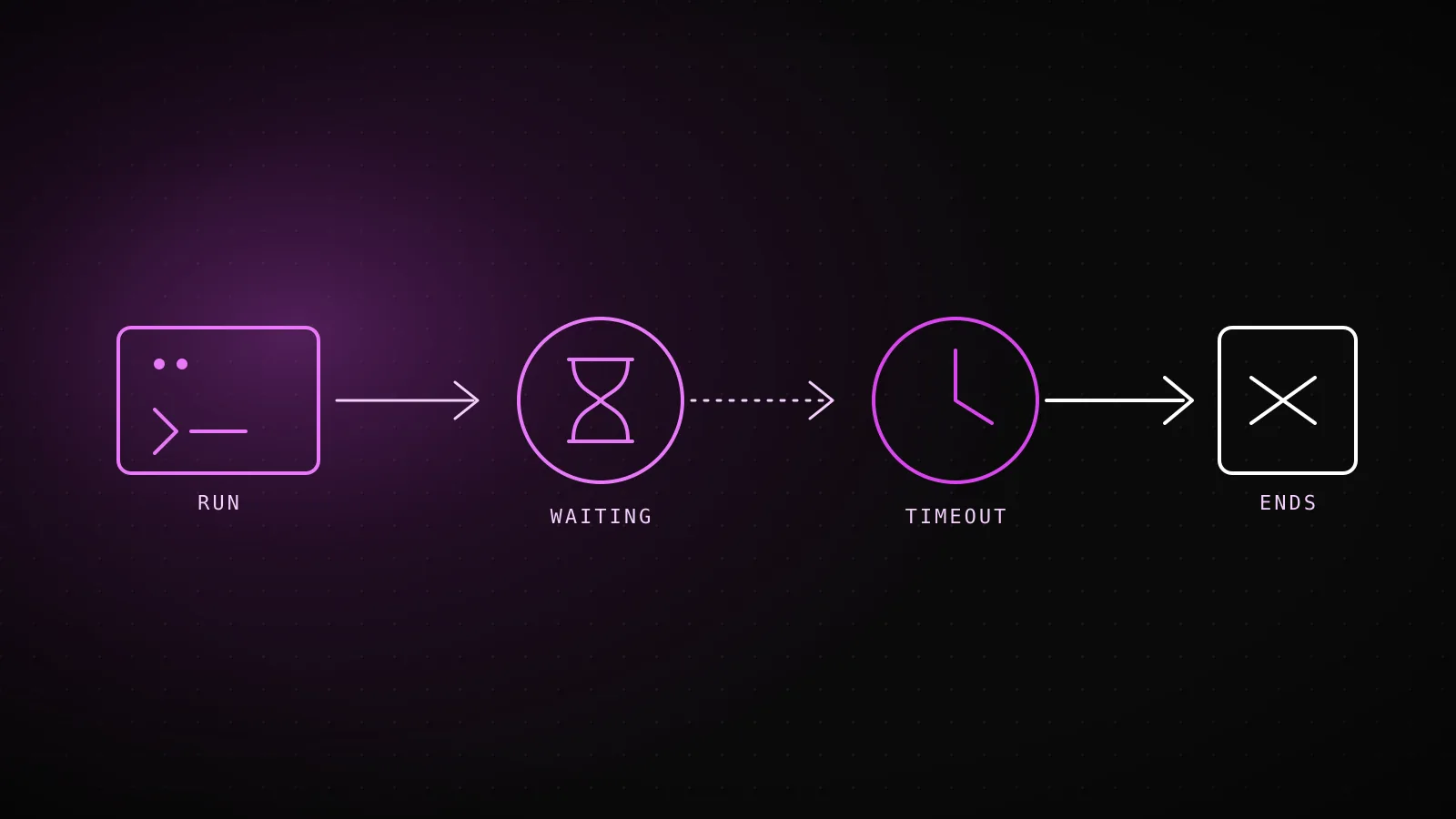
Because no single Claude Code mechanism is guaranteed to cover every failure mode - a .mcp.json entry that forgot its timeout, a permission host that never responds, a genuinely infinite loop in the model's own reasoning - the layer that actually guarantees an end is the one outside the process. The plainest version is the shell's own timeout command, tested here for this guide:
$ timeout 2 sleep 10; echo "exit code: $?"
exit code: 124
Exit code 124 is timeout's own signal that it killed the child rather than the child finishing - the same signal a wrapper around claude -p would see. On SIGTERM, Claude Code terminates the process tree of any still-running Bash command, runs its SessionEnd hooks, and exits with code 143; an unanswered permission prompt is simply left unanswered rather than cancelled cleanly. Sending SIGINT first - or calling the Agent SDK's interrupt() - ends the current turn instead, which is the gentler option when the process is reachable and you just want it to stop trying.
| Layer | Guards | Default | How to change it |
|---|---|---|---|
| Bash tool | one shell command Claude runs | 2 min default, 10 min ceiling the model can request | BASH_DEFAULT_TIMEOUT_MS / BASH_MAX_TIMEOUT_MS in settings.json's env block |
| MCP tool call | one call to an MCP server | no wall-clock cap unless set - idle abort after 5 min (HTTP/SSE/WS) or 30 min (stdio) with no response or progress | MCP_TOOL_TIMEOUT env var, or a per-server timeout in .mcp.json |
| Automatic MCP backgrounding | a single tool call inside one turn | 2 minutes | CLAUDE_CODE_MCP_AUTO_BACKGROUND_MS - past this, a slow-but-alive call moves to background instead of blocking the turn |
| Process wall clock | the entire run, however it got stuck | none built in | timeout-minutes: N on a GitHub Actions job, or wrap claude -p in the timeout(1) command |
That outer layer is exactly what this site's own guide-building workflow relies on, stacked on top of the inner ones documented above:
MCP_TIMEOUT
120000 ms
Set on this exact workflow's Claude step, in .github/workflows/seo-daily.yml
--max-turns
150
This run's own in-process ceiling - Claude Code has no other turn budget flag
job timeout-minutes
45
The outer GitHub Actions ceiling, for when the process itself never returns
Three independent ceilings on one run, and none of them assumes the other two will catch a given failure. That's the honest limit worth sitting with before copying any of these numbers: a timeout-minutes set too tight kills a run that was about to finish along with one that was actually stuck, and lowering it to "fix" one slow morning is a worse trade than finding out which specific layer - Bash, MCP, or a permission prompt - was the one actually holding still.
What DispatchSEO's own cron isolation does when a run doesn't come back
A run that never comes back isn't only a literal hang - the same failure shape shows up when an agent silently stops and waits for a human who isn't there, then exits clean with nothing built. That's exactly what happened to this pipeline's Codex path on 2026-07-31: it hit a wall mid-build, stopped to ask for a go/no-go, and exited 0 - a technically successful process that shipped nothing, on a scheduled runner with nobody watching to answer. The fix wasn't a timeout; it was refusing to trust a green exit code and checking for the PR that should have existed, which is now a standing gate in this workflow's own outcome-classification step.
The same discipline runs on the cron side of this backend: every scheduled job loops over every project wrapped in Promise.allSettled, so one project's stalled credential or timed-out request rejects that project's promise alone while every sibling still resolves on schedule. A run that doesn't come back costs one row in that loop, never the rest of the day's work - the isolation pattern a hard timeout is meant to approximate at the process level, applied one level up at the fleet level instead.
FAQ
Does claude -p hang forever if it hits a permission prompt?
Not by itself - with no permission host attached, the request gets denied rather than blocking indefinitely. What it can do instead is retry the same denied action across turns without --permission-prompts none telling it to stop, which costs turns and time without technically hanging on any single call.
What's the difference between MCP_TOOL_TIMEOUT and the MCP idle timeout?
MCP_TOOL_TIMEOUT (or a per-server timeout in .mcp.json) is a hard wall-clock limit on the whole call. The idle timeout is separate and shorter by default - 5 minutes for HTTP/SSE/WebSocket servers, 30 minutes for stdio - and fires only when a call sends no response and no progress notification for that whole window, regardless of the wall-clock limit.
Will --max-turns catch a stuck run?
Only if the stuck state is Claude retrying an action turn after turn. A single tool call that blocks mid-turn and never returns doesn't consume a new turn to hit that ceiling - it just sits there, which is why --max-turns and a process-level timeout-minutes are complementary, not the same guardrail.
What happens if I kill Claude Code with Ctrl+C instead of kill?
Ctrl+C sends SIGINT, which ends the current turn cleanly rather than terminating the process outright. kill (SIGTERM) tears down the whole process tree, including any Bash command still running, and exits with code 143.
Is there one setting that makes Claude Code never hang?
No single one - the four layers here (permission prompts, MCP calls, Bash commands, and the process itself) each have their own budget or lack one, so a run that's genuinely bulletproof against hanging combines --permission-prompts none (or a trusted bypassPermissions mode), a timeout on any .mcp.json server that talks to something unreliable, and an outer timeout-minutes or timeout wrapper as the guarantee that catches whatever the first two didn't.