Claude Code fast mode: what it trades away, and when a scheduled run should skip it
8 min read
On this page
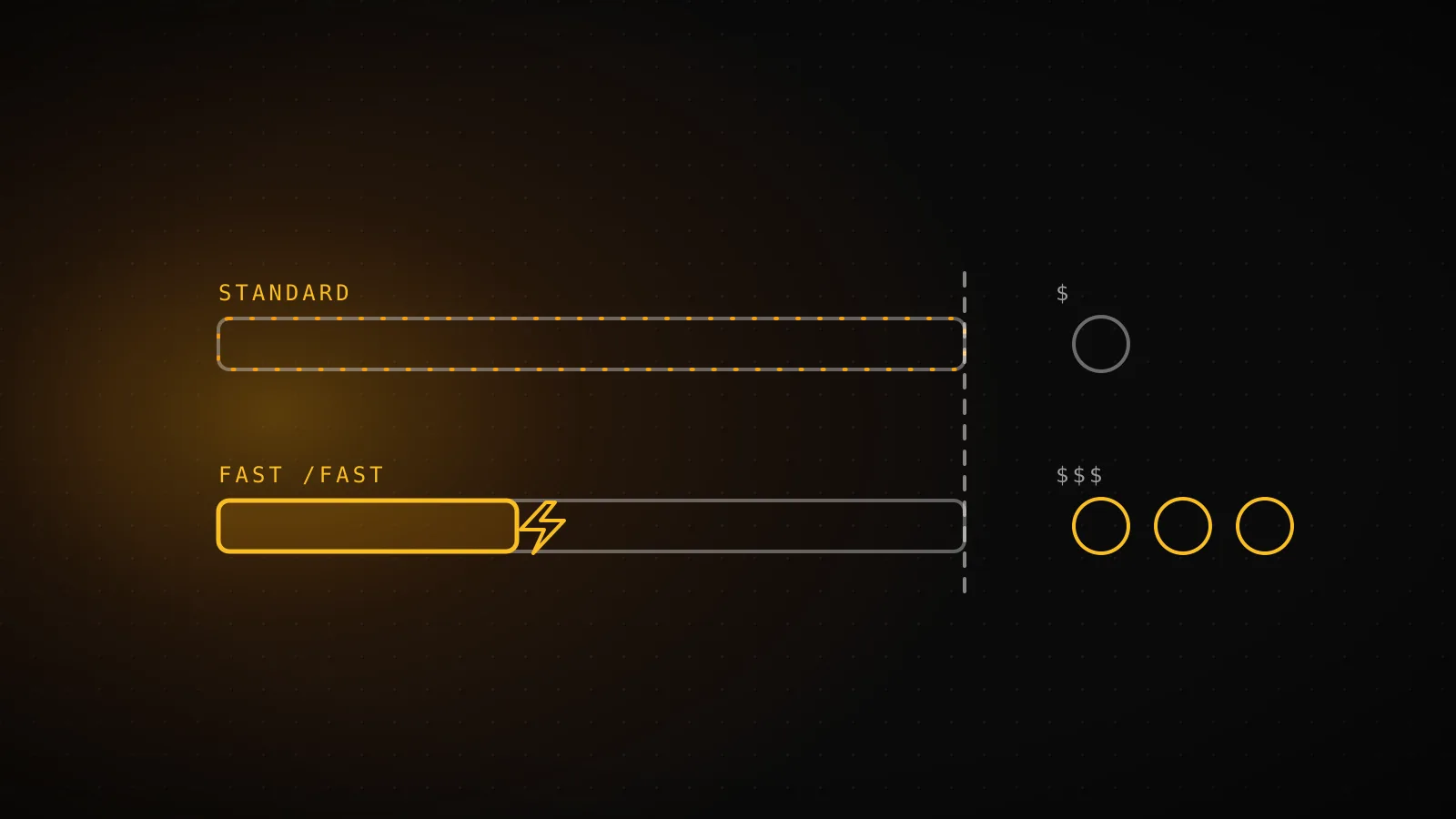
Claude Code's fast mode makes Opus produce output up to 2.5x faster, and what you give up is money, not reasoning. It is the same model with a different API configuration, priced higher per token. That makes it a good fit for work where a person is waiting on the answer and a poor fit for most scheduled runs, where nobody is.
TL;DR - Fast mode is the same Opus at up to 2.5x the output speed and a higher token price ($8/$40 per million tokens on Opus 5.5). It does not lower quality; a lower effort level does that. Anthropic's own docs put long autonomous tasks and CI/CD pipelines under standard mode, and that matches how an overnight build behaves: it is bound by tool calls and fetches, not by how fast tokens stream. Turn it on for something a human is watching. Leave it off for the run that ships at 4am.
Fast mode doesn't cost you depth, it costs you dollars
A common way to describe fast mode is "speed traded against thinking." The docs say otherwise. Fast mode is not a different model, it uses Claude Opus with a different API configuration, and the documented result is identical quality and capabilities with faster responses. The speed gain is in output tokens per second, not in time to first token.
The dial that does trade quality for speed is the effort level. Lower effort means less thinking time and potentially worse results on complex tasks. Fast mode and effort are separate settings, and you can combine them.
Fast mode
- Model quality
- Unchanged - same Opus, different API configuration
- Speed
- Up to 2.5x faster output
- Cost
- Higher per token
- Set with
- /fast or "fastMode": true
Lower effort level
- Model quality
- Potentially lower on complex tasks
- Speed
- Faster - less thinking time
- Cost
- Fewer thinking tokens
- Set with
- The effort setting in model config
The price is the part people skip:
Speed
up to 2.5x
Output tokens per second - the gain is in output speed, not time to first token
Opus 5.5, fast
$8 / $40
Per million input / output tokens, flat across the 1M-token context window
Opus 5 and 4.8, fast
$10 / $50
Per million input / output tokens - Opus 4.7 has no fast mode at all
Fast mode is supported on Opus 5.5, Opus 5 and Opus 4.8. It is not available on Sonnet or Haiku. Opus 4.7 had it until fast mode for that model was deprecated on June 25, 2026 and removed on July 24, 2026, so a config or a blog post that tells you to pair fast mode with Opus 4.7 is out of date. Switching to a model without fast mode turns it off.
One cost detail matters for long sessions. The first time you turn fast mode on in a conversation, you pay the full fast mode uncached input price for the whole context so far. Turning it on at the start is cheaper than flipping it on deep into a run, and the cost applies once per conversation. Fast and standard requests also do not share prompt cache prefixes.
What switches it on, and what quietly blocks it
Fast mode has more preconditions than a setting suggests, and each one fails differently.
- Where you run it. It works through the Anthropic API or a Claude subscription. It is not available on Amazon Bedrock, Google Cloud, Microsoft Foundry or Claude Platform on AWS.
- How you pay. On Pro, Max, Team and Enterprise plans it is available through usage credits only, not the subscription's included limits, and it draws from credits even when your plan has usage left. Until credits are on,
/fastanswers "Fast mode requires usage credits". Console organizations pay per token and need access provisioned. Without it, every fast request comes back as a 429. - Who allows it. On Team and Enterprise it is off by default until an Owner enables it. Managed settings with
fastMode: falseblock it too. - Whether the availability check can reach Anthropic. Claude Code checks fast mode availability with a direct request to
api.anthropic.com. On a network that forces traffic through an LLM gateway, that check can fail even though inference works, and requests fall back to standard speed. Two variables exist for this:CLAUDE_CODE_SKIP_FAST_MODE_NETWORK_ERRORSandCLAUDE_CODE_SKIP_FAST_MODE_ORG_CHECK.
The consequence for a scheduled run is that failure is mostly soft. If you run out of credits, Claude Code retries each rejected fast request at standard speed and price, so the run keeps going. That is good for reliability and bad for noticing, because a job you believe is fast may quietly be standard. If you want to know, the rate limit behavior and the run's own logs are where it shows up.
Turning it on in a run nobody is watching
In the CLI you toggle it with /fast, or set "fastMode": true in your user settings file. An interactive toggle persists across sessions by default, which is the opposite of what you want for a fleet: a flag you flipped once on a laptop follows every session after it.
Headless is stricter. Outside a cloud session, /fast in -p mode works only when the session was launched with fast mode in its --settings value, and it needs Claude Code v2.1.205 or later:
claude -p --settings '{"fastMode": true}' "summarize yesterday's cron failures"
The toggle then applies to that one session and is not saved as your default. The docs describe that form as the way to get it in -p, and elsewhere in non-interactive mode /fast reports that fast mode isn't available. This guide's author did not run that command, because it would spend usage credits on a paid feature this build does not need. It is quoted from the docs and it is worth testing on your own account before you rely on it. The headless mode guide covers the rest of the -p flags.
Two controls are worth knowing for a shared or scheduled environment:
{
  "fastModePerSessionOptIn": true
}
That setting starts every session with fast mode off and makes people opt in with /fast. When managed settings set it, /fast on is refused everywhere except an interactive terminal, including non-interactive mode and cloud sessions. To disable the feature outright, set CLAUDE_CODE_DISABLE_FAST_MODE=1. That variable belongs next to the others in a headless CI environment.
Speed is rarely what an overnight run is short of
The useful question is what a run is waiting on. An overnight builder spends its time on fetching docs, running a build, calling an MCP server, and waiting on a queue. Output-token speed is a fraction of that. Making the tokens arrive 2.5x sooner shortens the streaming, not the tool calls around it.
The cost side compounds. A long agent run carries a large context, and the premium applies to every input and output token in it. So the run that gains least from speed is also the one where the price difference adds up most.
There is also a reason to prefer a slow run that finishes over a fast one that gets cut off. Your ceilings are wall-clock and turn limits, and what happens when a run gets stuck is decided by those limits, not by token speed. If a job keeps timing out, look at what it is waiting on before paying more per token.
Which scheduled jobs should pay for speed
| Scheduled job | What bounds it | Fast mode? | Why |
|---|---|---|---|
| Overnight guide or research build | Tool calls, fetches, builds - long wall clock | Skip | Speed is not what the run is waiting on, and it pays the premium on every token of a large context. |
| Scheduled smoke test or status check | Short, mostly output tokens | Optional | Cheap either way. Faster helps only if a human reads the result the minute it lands. |
| PR-triggered review a person waits on | A human is watching the clock | Worth it | This is the interactive case the docs describe - latency is felt by someone. |
| Batch or bulk processing | Throughput and cost | Skip | The docs list batch and CI/CD pipelines under standard mode. |
The rule behind the table is the docs' own: fast mode for interactive work where latency matters more than cost, standard for long autonomous tasks, batch processing and CI/CD. The verdicts per job are this site's judgment applied to that rule. The one case worth paying for is a scheduled job with a person on the other end, such as a review that a teammate is waiting on.
Where this builder stands on it
DispatchSEO builds its guides with a scheduled workflow, and this very guide came out of it. The Claude step in .github/workflows/seo-daily.yml runs anthropics/claude-code-action with --max-turns 150, --permission-mode bypassPermissions, and a 45-minute job timeout. It sets no --model flag and no fast mode setting, so it runs at standard speed on whatever default the action resolves. That suits the job: the run is bound by research fetches and a full site build, and it authenticates with a subscription token, where fast mode would be billed as usage credits on top.
If you did want it there, the change is small. Pass the --settings value shown above in claude_args, then watch the credit balance for a week before trusting the estimate.
When paying for fast mode is still right
Fast mode earns its price when latency is felt by a person: live debugging, rapid iteration, an interactive review session, a deadline. It also makes sense for a short scheduled job whose output someone reads the moment it lands, where the total token count is small and the premium is pennies. And if your run genuinely is output-bound, with long generated files and little tool waiting, measure it before assuming it isn't. The 2.5x is an "up to" figure from the docs, not a number this guide measured.
FAQ
Does Claude Code fast mode make Claude worse or shallower? No. The docs describe it as the same Opus model with a different API configuration, giving identical quality and capabilities. The setting that trades quality for speed is a lower effort level.
How do I turn on fast mode in Claude Code?
Run /fast and confirm, or set "fastMode": true in your user settings file. A small ↯ icon shows next to the prompt while it is on. In -p mode it works only when launched with fast mode in the --settings value, on v2.1.205 or later.
Which models support fast mode? Opus 5.5, Opus 5 and Opus 4.8. Sonnet and Haiku do not, and Opus 4.7 lost it on July 24, 2026.
Is fast mode included in my Claude subscription? Not in the plan's included usage. On Pro, Max, Team and Enterprise it is billed through usage credits, which you have to turn on first.
What happens to a scheduled run if fast mode is rate limited or credits run out?
It keeps going at standard speed and price. In interactive use you see a notice and fast mode turns off. In -p mode with --output-format stream-json, the same text arrives as a system notification message once per turn.
Should an unattended overnight job use fast mode? Usually not. The docs place long autonomous tasks and CI/CD pipelines under standard mode, and those runs are bound by tool calls and fetches more than output speed. Use it for a job a person is actively waiting on.