Automate your SEO
with Cursor
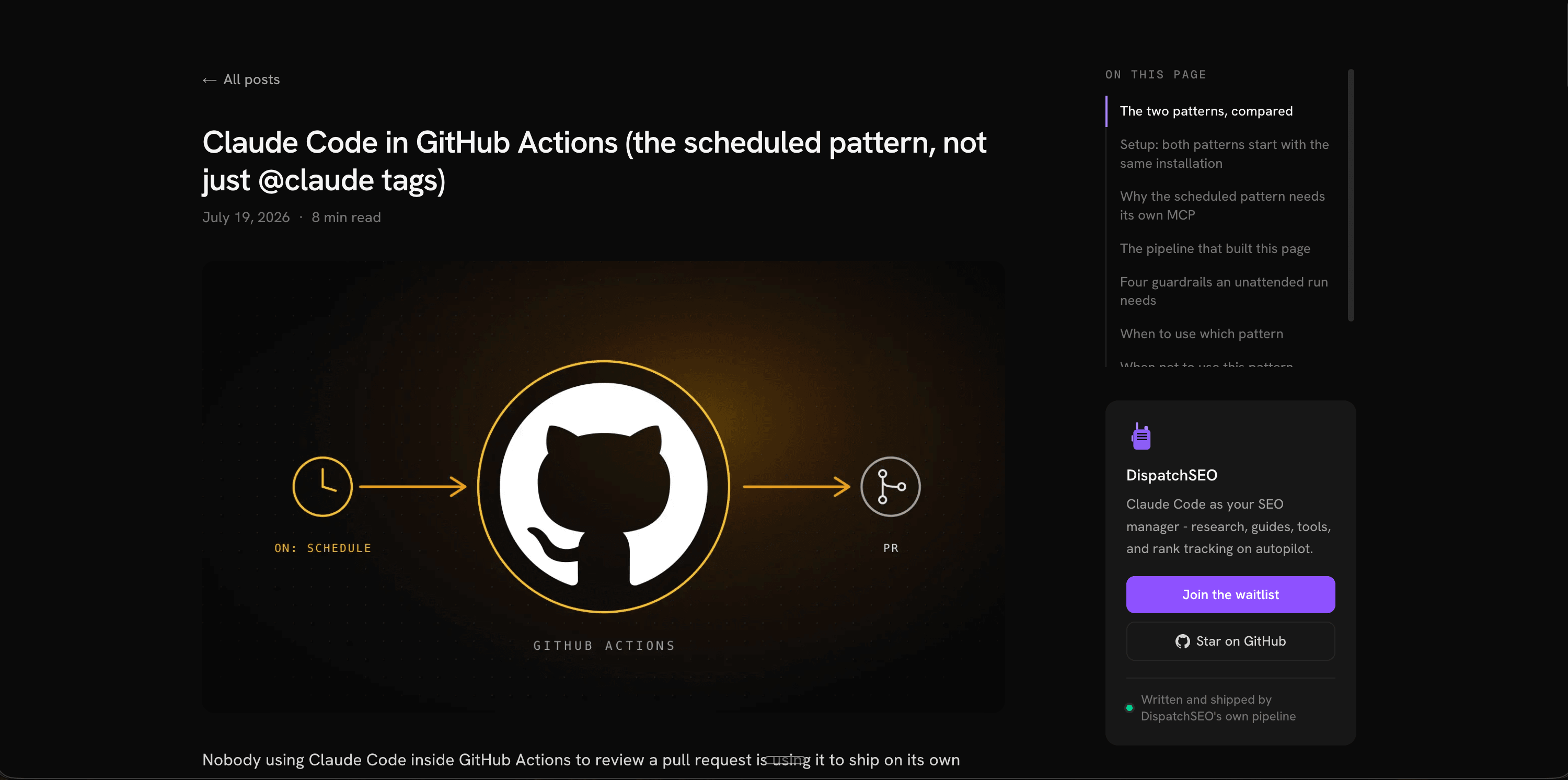
Cursor already knows your product - it wrote it. DispatchSEO gives it the rest: research, guides, pull requests.
Runs on the Cursor plan you already have.
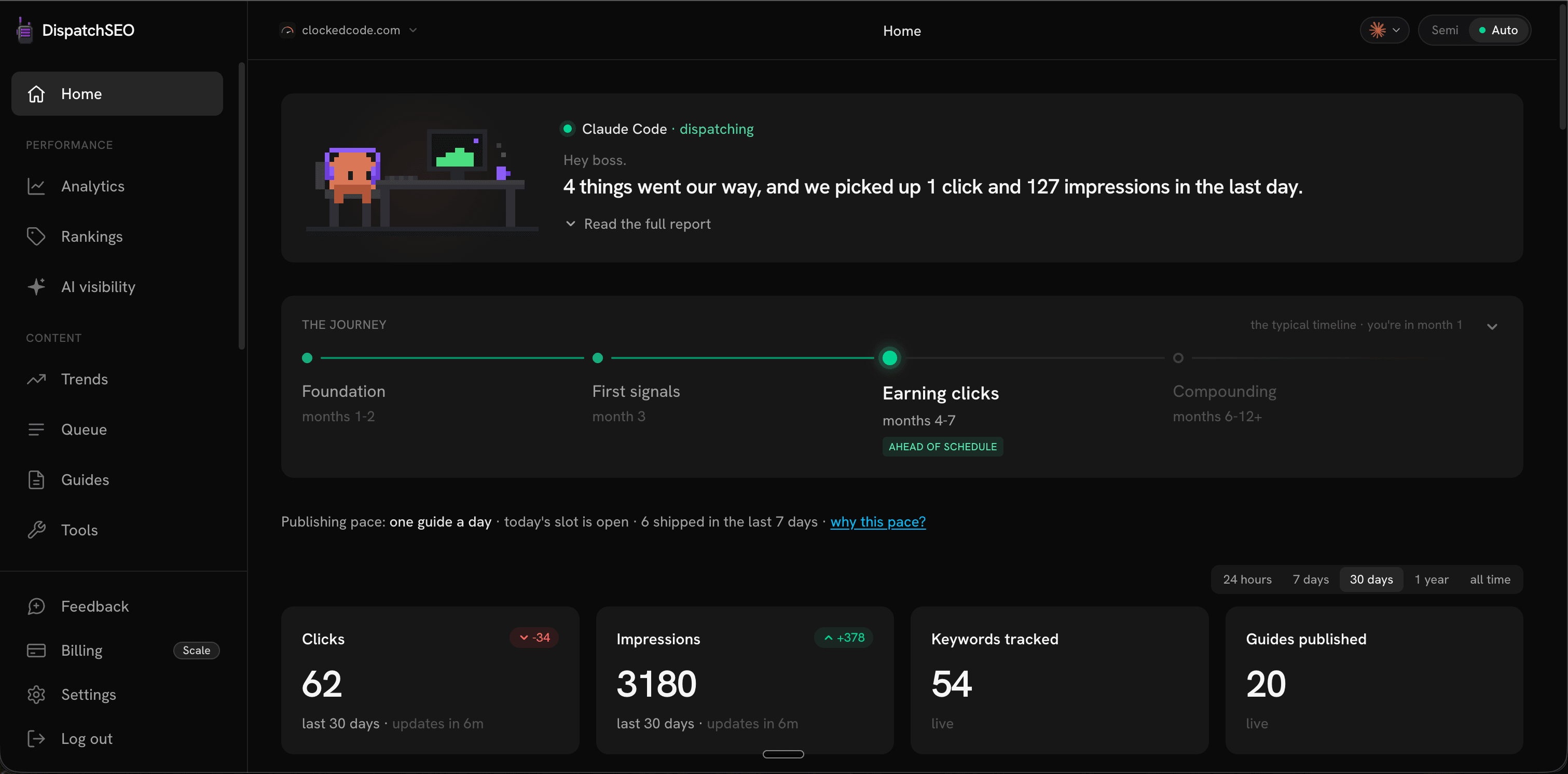
Your site, briefed daily
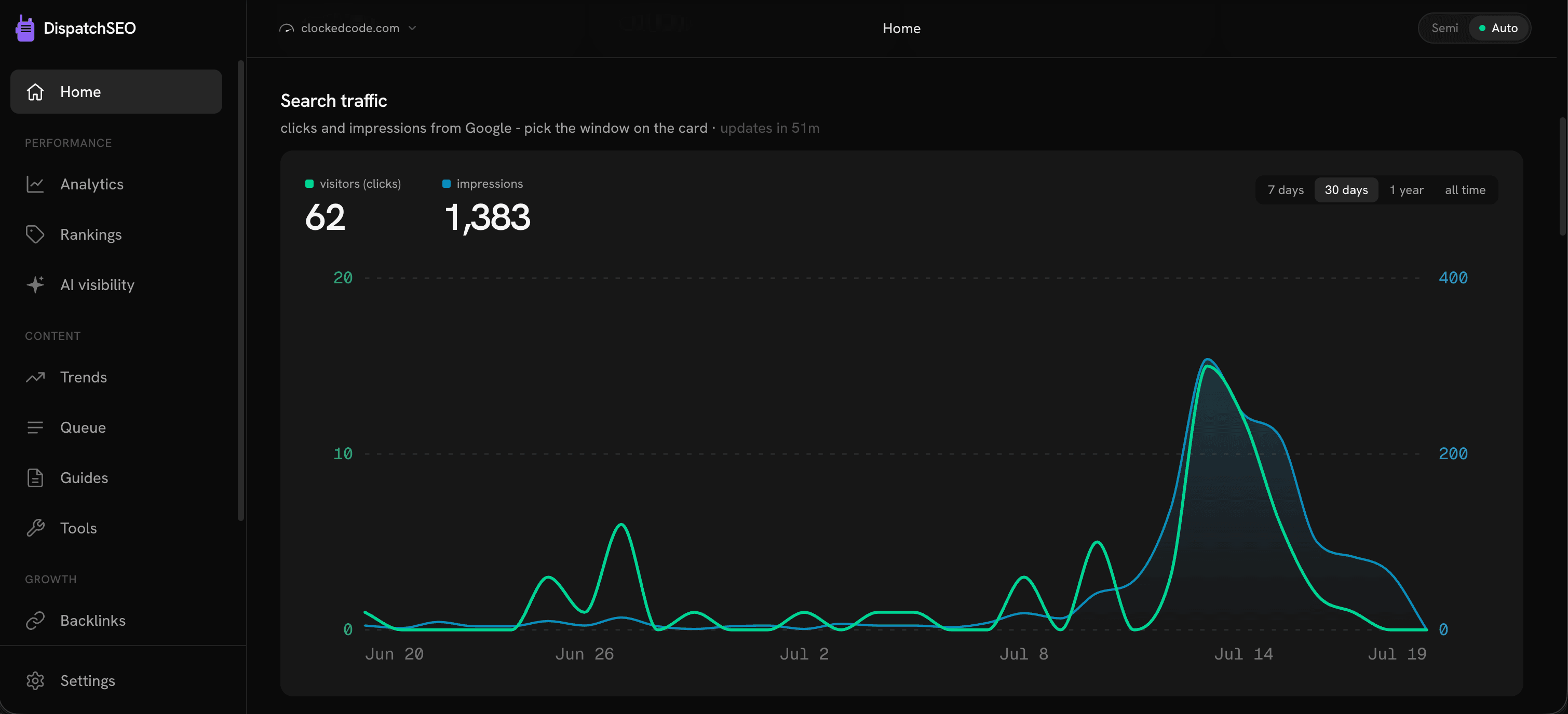
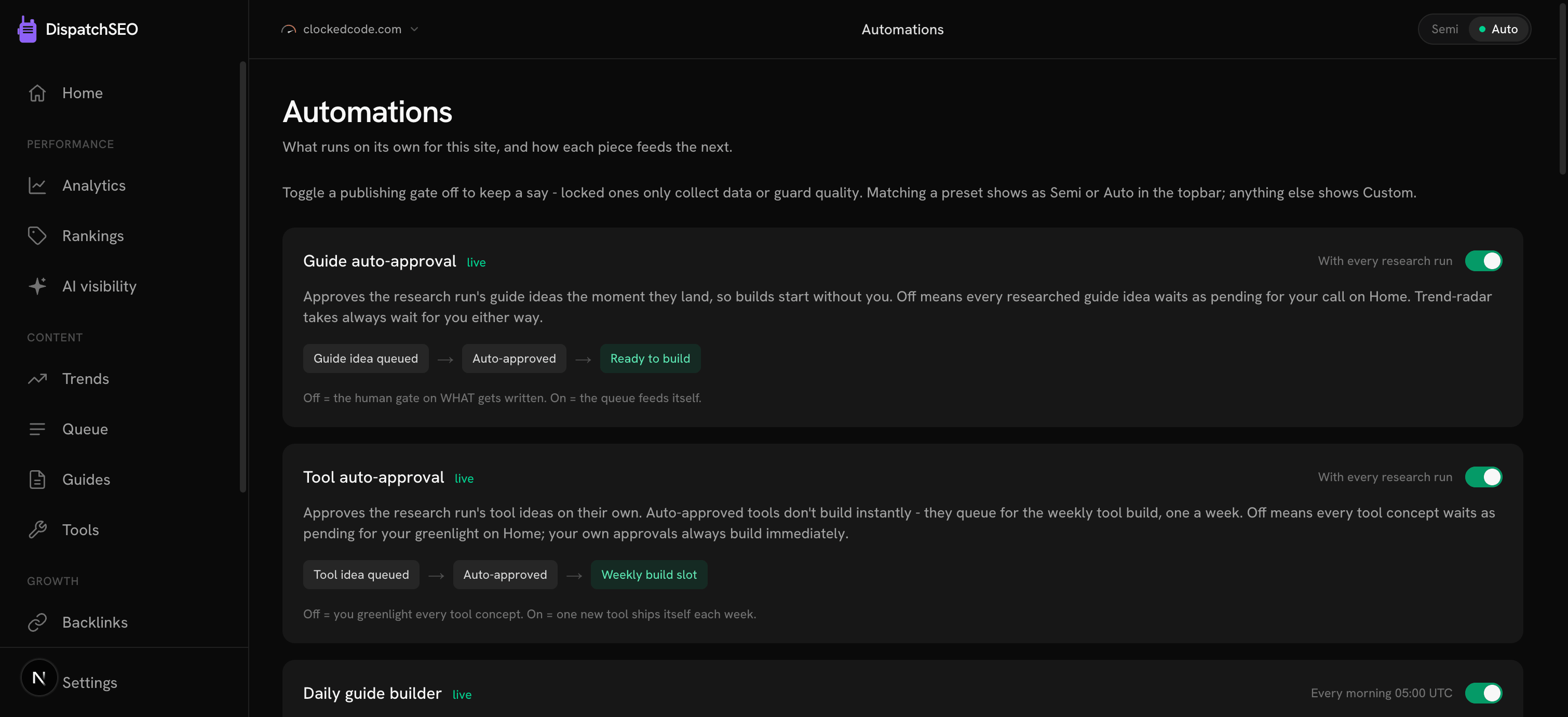
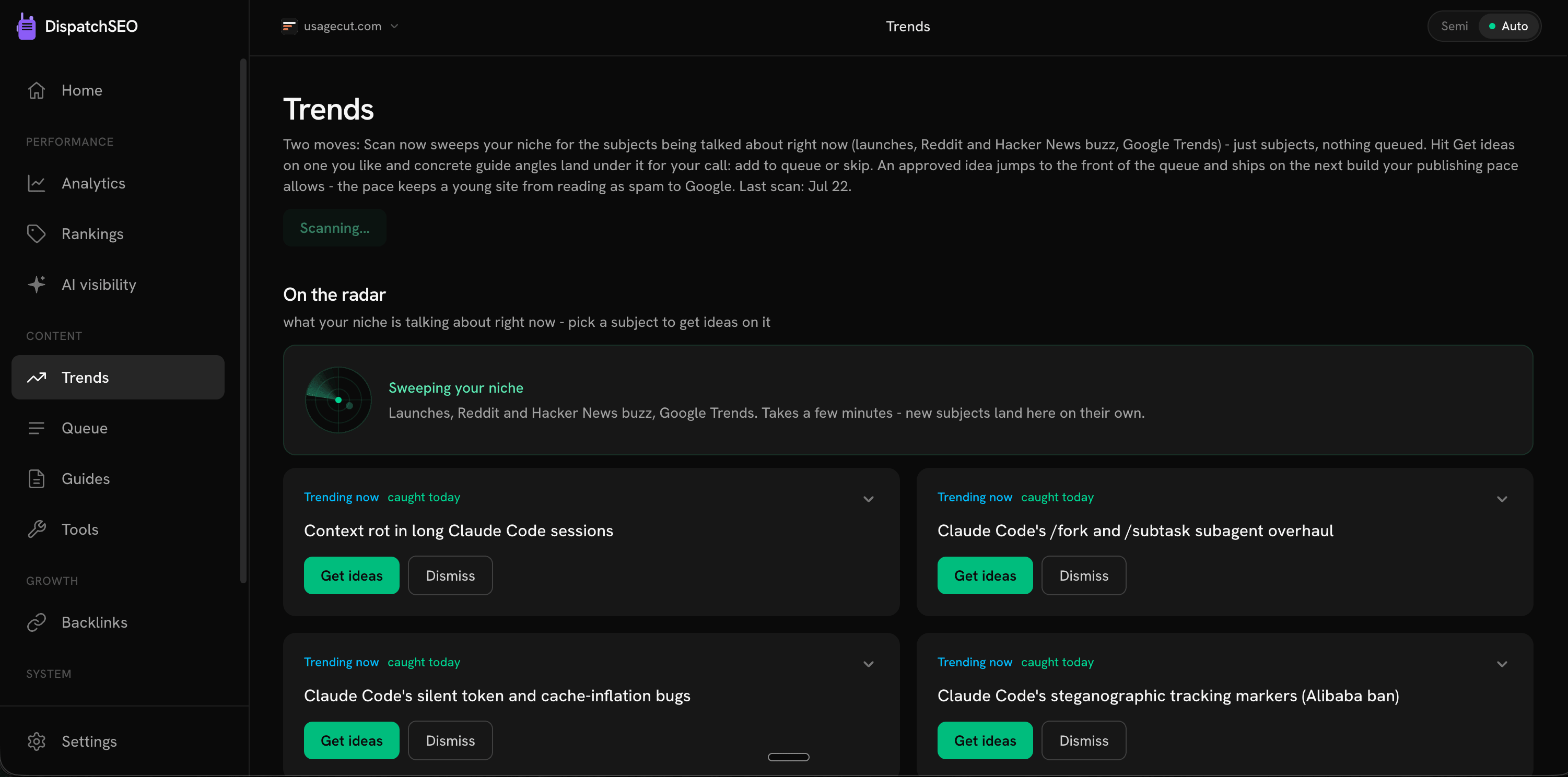
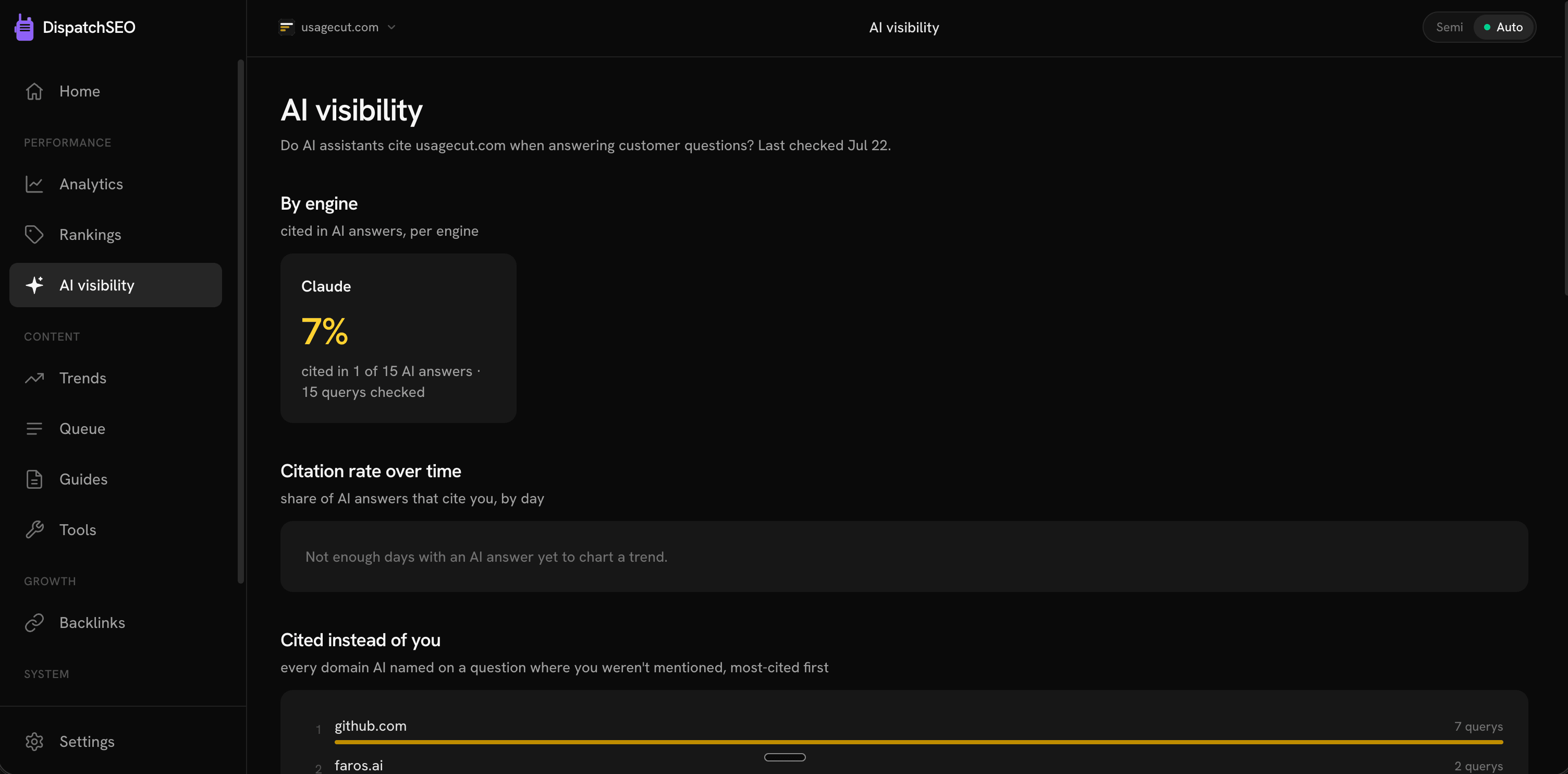
What moved, what shipped, what needs you.
See it running
Fair questions
Does Cursor run the overnight builds?
Yes. Pick Cursor on Settings and the scheduled jobs run it - the same research, the same guides, the same pull requests waiting for you in the morning. One thing to know first: those run on a server with no browser, so they need a Cursor API key rather than the login you use day to day, and any Cursor plan can mint one at cursor.com/dashboard/api. Connecting needs no key at all. See the Cursor guide.
Which tools does Cursor get?
All 61 of them - the same set the dashboard has, checked one by one against what Cursor actually resolves rather than assumed. Some agents' MCP clients quietly drop tools their schema validator doesn't like; Cursor drops none.
Do I need a Cursor API key?
Not to connect - that's one paste and works on any plan. You need one for the overnight builds, because they run on a server that can't open a browser to log you in. Any plan can mint the key (cursor.com/dashboard/api - open the URL directly, it's often unlinked from the dashboard menu); builds draw on your plan's included usage, so the free pool may not last a nightly schedule.
How do I connect it?
One paste in your site's repo folder. The dashboard fills your project key in for you, and it merges into any MCP servers you already have rather than overwriting them. Full walkthrough in the Cursor guide.
Does this work with the Cursor editor, or just the CLI?
Both - it's the same config file. The editor and cursor-agent read .cursor/mcp.json alike, so connecting once covers you either way.
Will DispatchSEO bill me for my Cursor usage?
No. Whatever you run goes through your own Cursor plan, and DispatchSEO never adds a markup or a second bill.
Give Cursor the keys.
Keep the lock.
Starter starts with a 7-day free trial. Setup takes about ten minutes.