Automate your SEO
with Claude Code
Claude Code already knows your product - it wrote it. DispatchSEO gives it the rest: research, guides, pull requests.
Runs on the Claude subscription you already have.
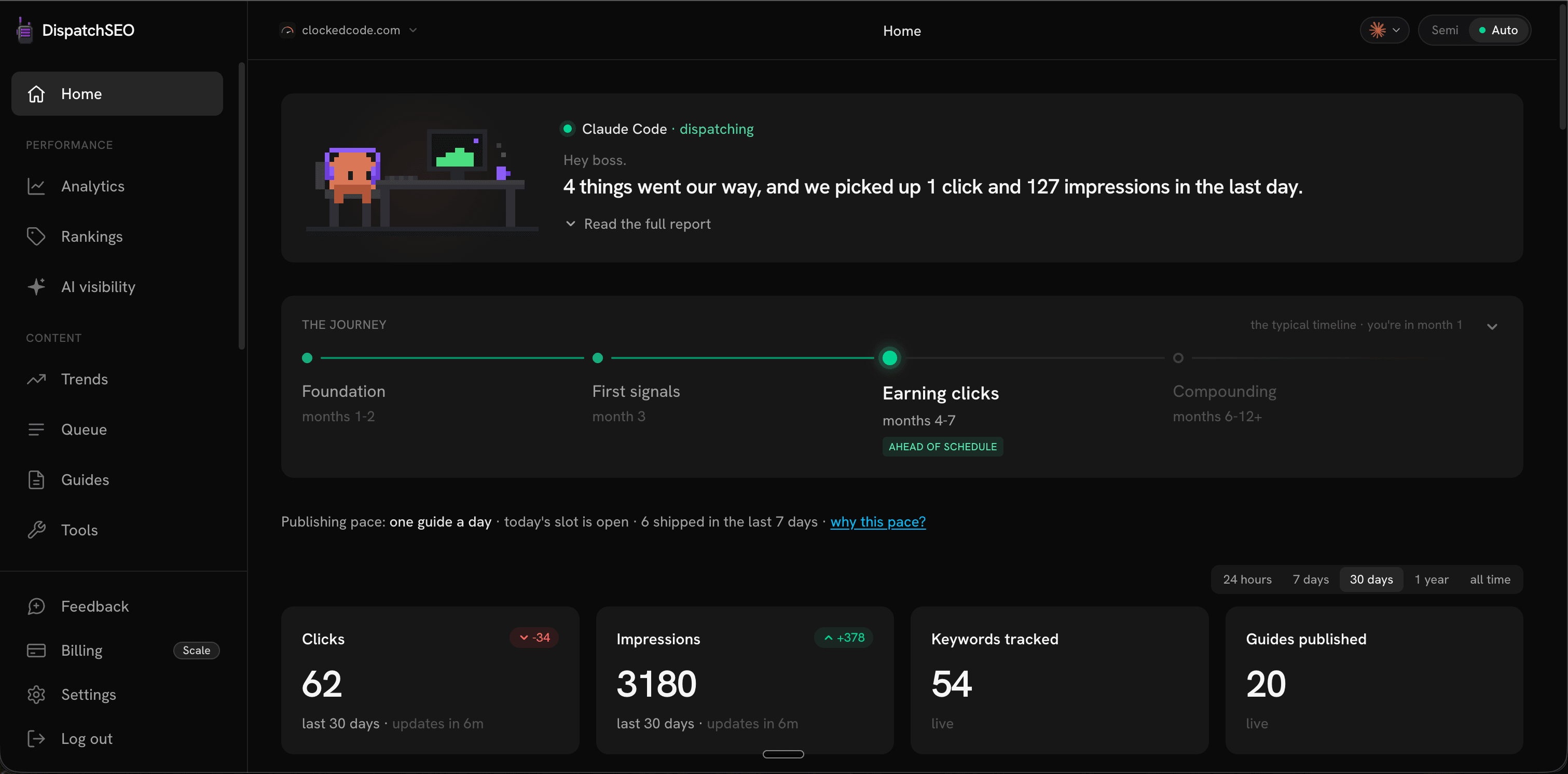
Your site, briefed daily
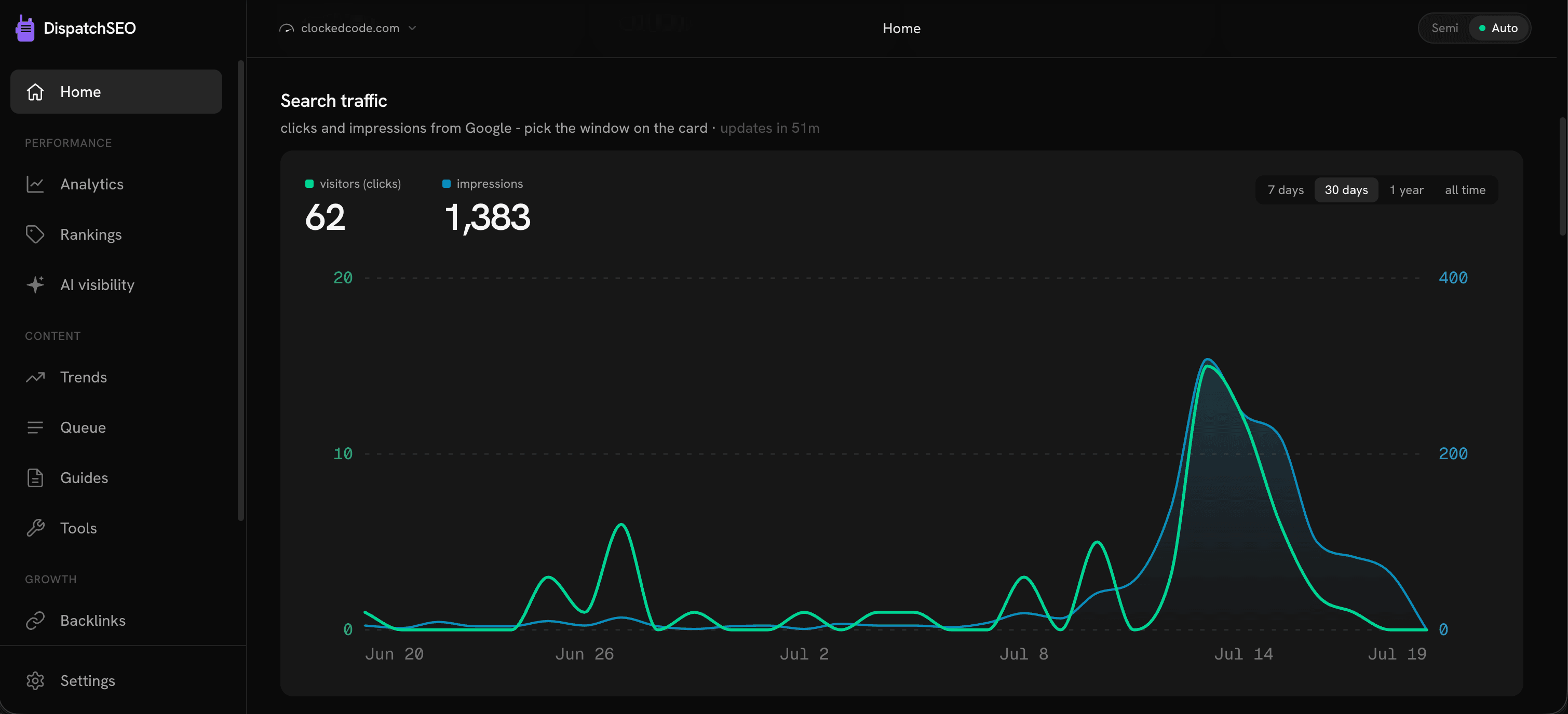
What moved, what shipped, what needs you.
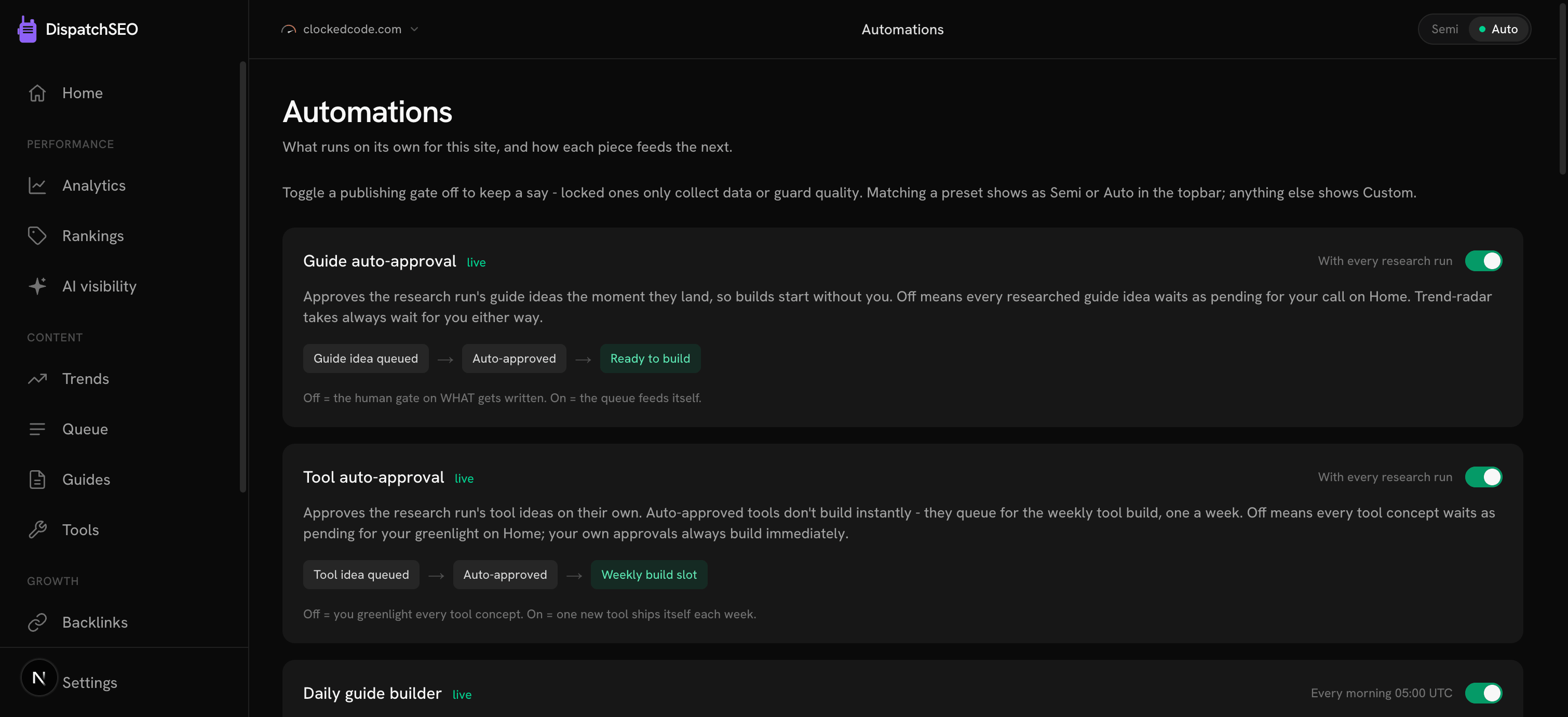
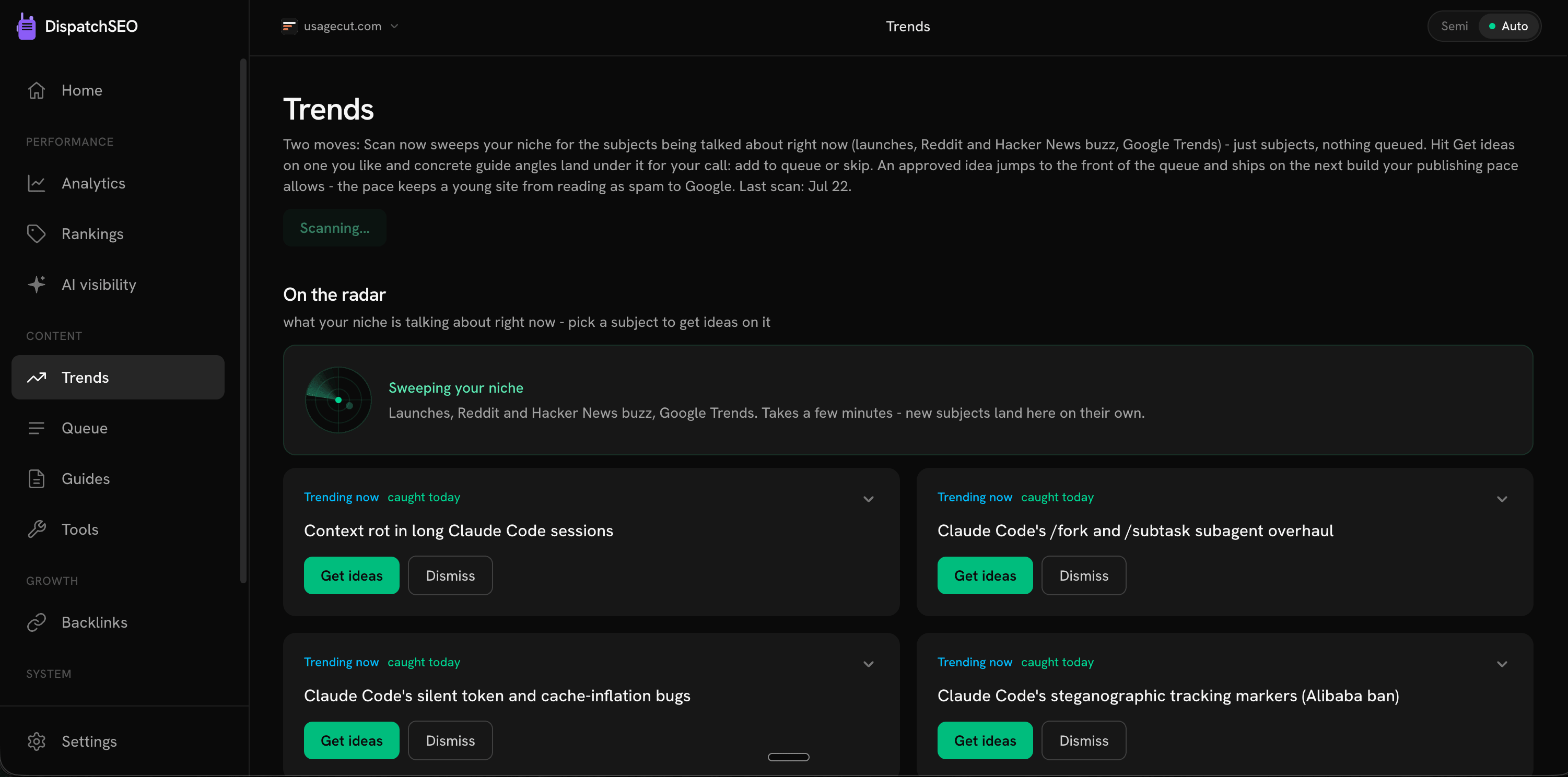
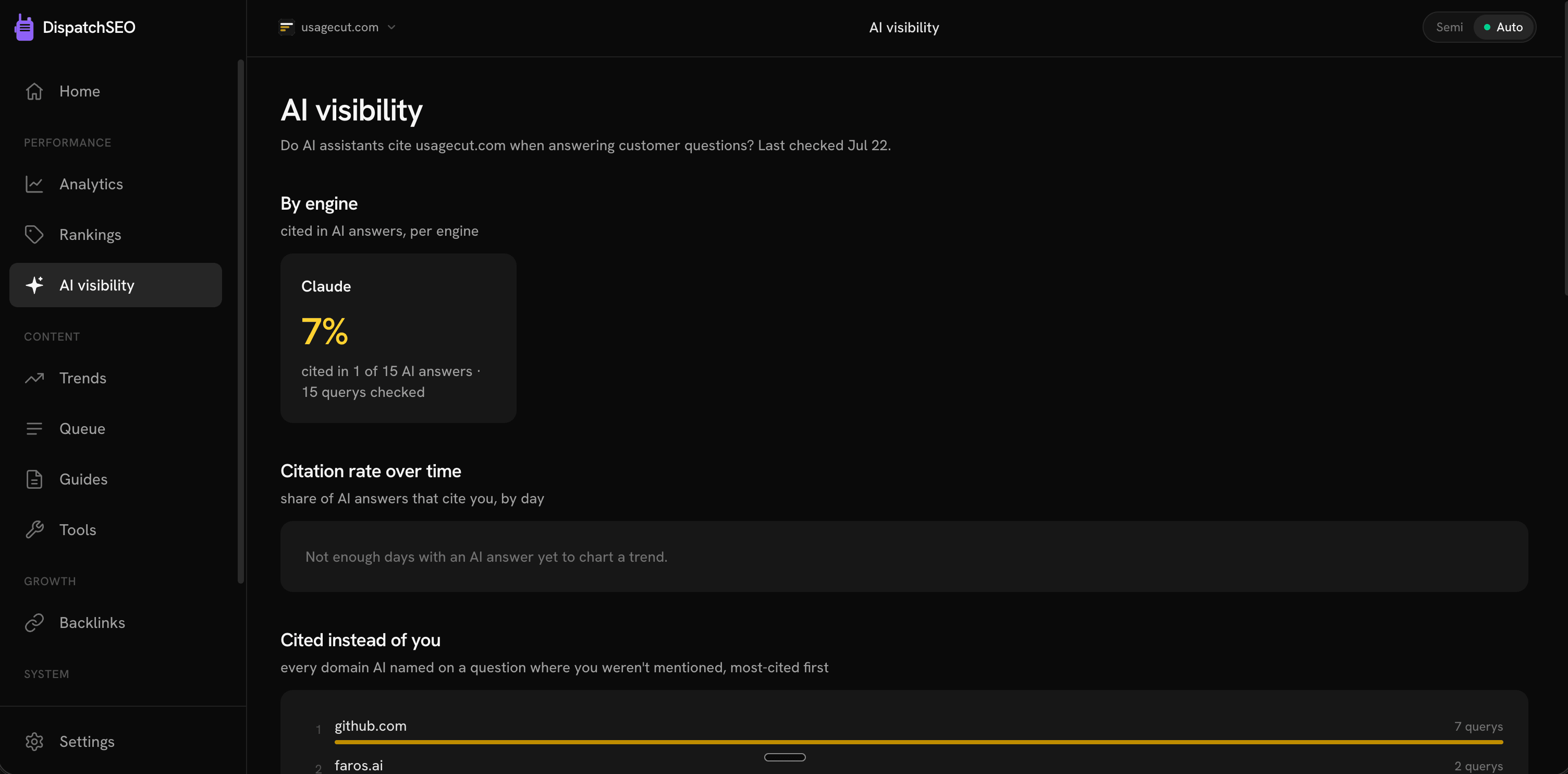
See it running
Fair questions
Do I need a Claude API key?
No. Claude Code runs on your Claude subscription (Pro, Max, Team, or Enterprise) - the free plan doesn't include Claude Code at all. The only thing you generate is a setup token (claude setup-token), and that's just how a scheduled job runs Claude Code as you; it isn't a separate account or a separate bill.
Does this work with Claude.ai on the web?
No - this connects to Claude Code, the terminal and IDE coding agent, not the Claude.ai chat website. MCP servers plug into coding agents, not the chat UI, so there's nothing to connect there.
What do I need before I connect it?
Claude Code installed and signed in (see the install guide), a site that lives in a GitHub repo, and a DispatchSEO account. Sign up and the dashboard hands you a one-paste connect command with your project's key already filled in - see Connect your site.
What can Claude Code actually do here?
Everything the dashboard can: research keywords, manage the queue, build a guide or tool into a pull request, prospect backlinks, and report on rankings. See the full list in Agent commands.
Can I use Codex or Cursor instead?
Yes - both are fully supported, including the unattended overnight builder. See DispatchSEO for Codex and DispatchSEO for Cursor.
Will this show up as extra usage on my Claude account?
It shows up as Claude Code activity, the same as anything else you ask it to do. DispatchSEO doesn't add a separate bill or a separate account on top of your subscription.
Give Claude Code the keys.
Keep the lock.
Starter starts with a 7-day free trial. Setup takes about ten minutes.