Claude Code vs Cursor: which one survives running unattended
7 min read
On this page
For interactive editing, Claude Code and Cursor are close enough that the honest answer is "try both for a week." For a scheduled job that invokes one of them with nobody at the keyboard - a cron, a GitHub Actions run, the daily guide-builder that wrote this page - the comparison that matters isn't editor feel, it's what the tool does when a script calls it: does it print something a program can parse, does its exit code match reality, does it support the MCP server that job needs to read and write state.
TL;DR - Both ship a real headless mode:
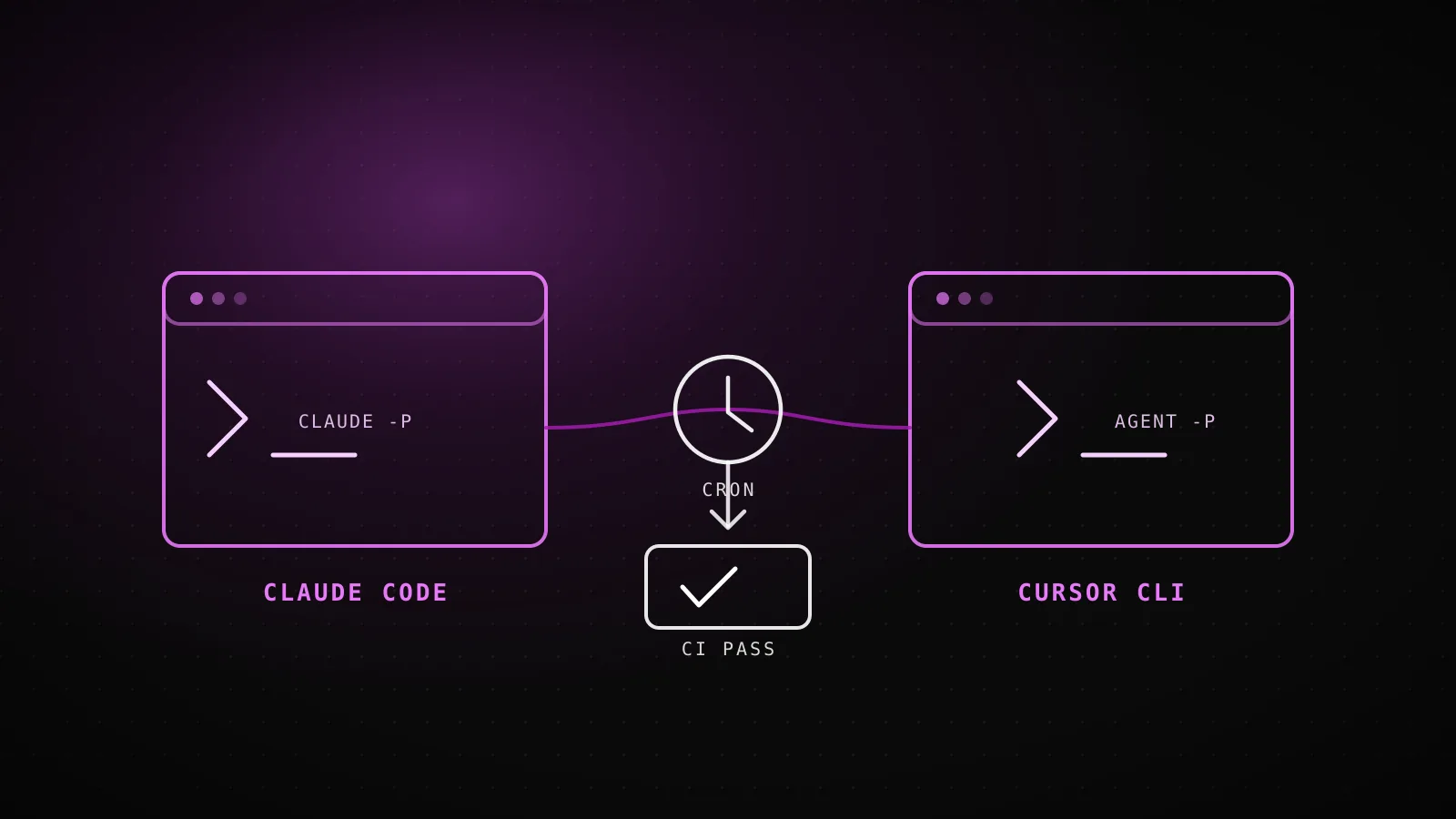
claude -p "prompt" --output-format jsonandagent -p "prompt" --output-format json. Claude Code's JSON envelope carries anis_errorfield that matches the process exit code exactly - a real run from this sandbox during this guide's own build returned exit code 1 andis_error: truetogether, because this CI environment has no stored Claude login. Cursor's CLI also supportsjson/stream-jsonoutput and, contrary to a first pass at its docs, does support MCP servers natively (--approve-mcps,mcp login/list/enable/disable). Pricing for always-on use starts at the same $20/mo on both sides, and diverges based on usage ceiling, not the headline number. For a pipeline built the way this one is - a session that wakes up cold, claims a queue item, and ships a PR - the deciding factor is which of the two you're already driving everything else through, since both now clear the automation bar.
Where do Claude Code and Cursor actually differ?
Cursor is an editor first - a fork of VS Code with an agent built in - and its CLI is the newer surface bolted onto that: a way to drive the same agent from a terminal instead of a window. Claude Code is the reverse shape: a terminal-first agent that also has editor extensions, not an editor that grew a CLI. That history still shows up in each one's defaults - Cursor's docs frame the CLI as a companion to "scripts, CI pipelines, or automation" layered on top of the editor experience, while Claude Code's docs treat -p/--print as a first-class mode of the same tool you'd otherwise run interactively, not a bolt-on.
For a human sitting in front of either one all day, that history barely matters - both now have real agent loops, both can read a codebase, run commands, and edit files across a multi-step task. It starts mattering the moment nothing is watching.
Which one is built to run headless?
| Axis | Claude Code | Cursor CLI |
|---|---|---|
| Non-interactive invocation | claude -p "prompt" | agent -p "prompt" |
| Machine-readable output | --output-format json or stream-json | --output-format json or stream-json |
| CI-friendly failure signal | is_error field in the JSON result, mirrored by the process exit code | Documented output formats exist; a public exit-code table isn't published |
| MCP servers | --mcp-config loads servers from JSON; --strict-mcp-config locks it to only those | Built in - mcp login/list/enable/disable subcommands, --approve-mcps to skip prompts |
| Background/async runs | --background starts a background agent, managed via claude agents | Cloud Agent handoff delegates a task to run remotely |
Both sides check out on paper: a non-interactive print flag, structured JSON output, and some notion of a background/async run. The gap that shows up in the docs rather than a feature list is exit-code and error-signal precision - Claude Code's docs spell out that the JSON result carries an is_error boolean built to be checked by a script, where Cursor's current CLI reference documents the output formats without publishing an equivalent exit-code table. That's a documentation gap, not necessarily a behavioral one, but a CI step can only gate on what's actually written down.
What does a real headless run actually return?
Rather than take either vendor's word for the shape of that JSON, this guide ran one from the sandbox that built it:
Process exit code
1
claude -p "pong" --output-format json, run in this CI sandbox
JSON is_error field
true
Matches the exit code exactly - the field a script should gate on
result field
Not logged in
Human-readable prose in the response - useful for a log, wrong thing to parse for pass/fail
The command was claude -p "pong" --output-format json, in a CI environment with no stored Claude credentials - an honest failure, not a scripted one. The interesting part isn't the failure itself, it's that the failure is legible: is_error and the process exit code agree, so if [ $? -ne 0 ] and if result.is_error catch the exact same condition. That single fact is the whole difference between a cron job that fails loud and one that "succeeds" having done nothing - the same failure-isolation problem dispatchseo.com's own cron routes solve by returning HTTP 500 on partial failure instead of a quiet 200.
Does either one support MCP servers?
Yes, both - which corrects a common assumption (this guide's own first pass at Cursor's docs made the same mistake) that MCP is a Claude Code-only feature. Claude Code loads servers via --mcp-config <file-or-json>, with --strict-mcp-config to ignore every other MCP source and use only what's passed; the Supabase-backed server dispatchseo.com runs is exactly the kind of thing that flag points at in a CI job. Cursor's CLI manages MCP servers through subcommands - mcp login, mcp list, mcp list-tools, mcp enable/disable - plus --approve-mcps to skip the interactive approval prompt an unattended run can't answer. Neither tool's MCP support is the differentiator here; both can drive the same kind of state-holding server the build-guide pipeline reads from before touching a single suggestion.
Which is cheaper to run every day?
Claude Code (Pro)
$20/mo
$17/mo billed annually. Includes Claude Code headless usage within the plan's limits.
Claude Code (Max 5x/20x)
from $100/mo
Higher usage ceiling for a session running unattended most of the day, e.g. a daily builder like this one.
Cursor CLI (Pro)
$20/mo
Same headline price as Claude Pro. Agent limits are the constraint that scales with automation volume.
Cursor CLI (Teams)
$40/user/mo
Standard tier, billed per seat - shared team context for cloud agents, not a per-automation price.
The headline numbers land in the same place - $20/mo gets a working agent CLI on either side. What actually diverges is the shape of the ceiling: Claude Code's jump from Pro to Max is about raising a usage limit for a session that runs most of the day, which is the exact profile of a scheduled builder. Cursor's Teams tier adds seat-based billing and shared team context rather than a higher solo-automation ceiling - it's priced for a team running many agents against a shared workspace, not one account running one unattended job.
So which one should build an unattended pipeline?
Neither one fails the bar anymore - that's the finding worth sitting with, since a year ago it wouldn't have been true of either. The honest tiebreaker for most teams is which one you're already driving interactive work through: switching agent CLIs just for the scheduled half of a pipeline means maintaining two sets of prompts, two auth models, two MCP configs for the same job. DispatchSEO's own answer was Claude Code, because the daily builder behind this pipeline is the same tool the maintainer already runs by hand - one CLI, one mental model, for both halves of the work.
When does this comparison not matter?
If nothing you're building ever runs without a human watching it, none of the above should move your choice - pick whichever editor feel you prefer and ignore the headless columns entirely, since they're solving a problem you don't have yet. This comparison only earns its keep the moment a script, not a person, is the one invoking the tool.
FAQ
Does Cursor's CLI support MCP servers?
Yes. mcp login, mcp list, mcp list-tools, and mcp enable/disable manage servers, and --approve-mcps auto-approves them for a run with no one there to click "allow."
What does Claude Code's is_error field actually tell you?
Whether the run failed, as a boolean in the JSON envelope from --output-format json - and it matches the process exit code exactly, based on a real run in this guide's own build environment. Gate a CI script on that field (or the exit code), not on parsing the human-readable result text.
Is Claude Code's headless mode the same thing as the Claude Agent SDK?
Related, not identical. claude -p is the CLI's own non-interactive mode; the Agent SDK is the programmatic layer for building custom agents against the same underlying model, documented separately from the CLI reference.
Does Cursor have a background/async agent mode like Claude Code's --background?
Yes, called Cloud Agent handoff - it delegates a task to run remotely instead of blocking the local session, the same shape as Claude Code's background agents managed through claude agents.
Is one of these cheaper for running an automation every day? The entry price is identical on both - $20/mo. The real cost difference shows up in usage ceilings once a job runs daily: Claude Code's Max tiers raise a solo account's limit, while Cursor's Teams tier is priced per seat for shared team usage rather than a single automated account.
Both tools cleared the headless bar this guide went looking for a gap in. What's left isn't a capability question anymore - it's which one is already the mental model your interactive work runs on, since an unattended pipeline is cheapest to maintain when it isn't also a second tool to learn. DispatchSEO picked the one it was already running everything else through, and this guide is one more PR that pipeline shipped on its own.