Claude Code tasks: the checklist an unattended run keeps, and what it can't prove
8 min read
On this page
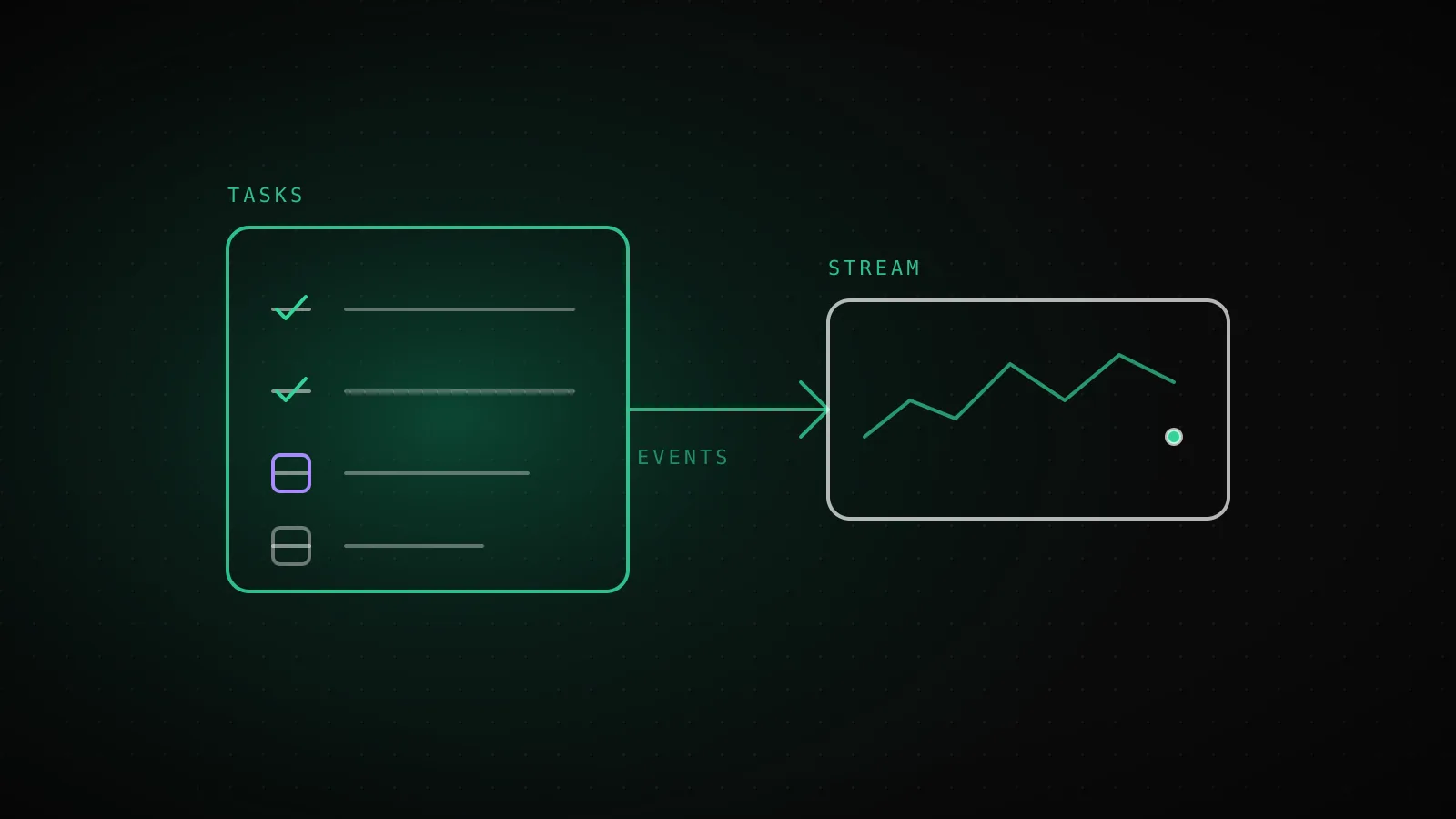
Claude Code tasks are the to-do checklist the agent writes for itself during multi-step work: each item is created as pending, flips to in_progress when Claude starts it, and ends completed. In an interactive session you toggle it with Ctrl+T. In a claude -p run nobody is looking at a terminal, so the only way to see it is to read the task tool calls out of the output stream - and on some current models the list isn't there unless you switch it on.
TL;DR - "Tasks" in Claude Code means two different things: the agent's checklist (
TaskCreate,TaskUpdate,TaskList,TaskGet) and background work like shells and subagents (/tasks). The checklist is on by default only for some models. I checked Claude Code 2.1.285:claude-opus-5-5loaded none of the task tools,claude-sonnet-4-6andclaude-haiku-4-5loaded all four.CLAUDE_CODE_ENABLE_TODO_TOOLS=1turns them on. Even when they are on, acompleteditem records what Claude decided, not what happened, so an unattended run still needs an outside signal that says whether it finished.
Which "Claude Code tasks" do you mean: the checklist or the background work?
The docs use the word for two separate features, and search results mix them.
The task list is the checklist. Claude creates items to plan multi-step work, and the interface shows what's pending, in progress or complete. Ctrl+T shows or hides it, and the display holds up to five items at a time.
Background tasks are running shells and subagents. You see those with /tasks, and the background tasks guide covers whether they survive an unattended run. Same word, different system.
This page is about the checklist, because it's the one that answers "what is this run doing right now?"
Does your model even have the task tools?
The task tools are not universal. The docs say Claude Code provides them by default only on Claude 3.x models, Opus 4 through 4.7, Sonnet 4 through 4.6, and Haiku 4.5. On any other model, including a model ID Claude Code doesn't recognize, the list stays empty until you opt in. Newer models are described as tracking multi-step work without a written list.
I checked that against a real install rather than trusting the page. The tool list is part of the system/init event that claude -p --output-format stream-json --verbose prints first, and it appears before any model call, so I could read it without spending a single token of a real run. Here is what came back on Claude Code 2.1.285:
| Model | Default | CLAUDE_CODE_ENABLE_TODO_TOOLS=1 | …and CLAUDE_CODE_ENABLE_TASKS=0 |
|---|---|---|---|
| claude-opus-5-5 | none | TaskCreate, TaskGet, TaskList, TaskUpdate | TodoWrite |
| claude-sonnet-4-6 | TaskCreate, TaskGet, TaskList, TaskUpdate | TaskCreate, TaskGet, TaskList, TaskUpdate | TodoWrite |
| claude-haiku-4-5 | TaskCreate, TaskGet, TaskList, TaskUpdate | TaskCreate, TaskGet, TaskList, TaskUpdate | TodoWrite |
Claude Code 2.1.285, tool names read from the system/init event of claude -p.
Nothing errored on the Opus row. The run started, the tools just weren't in it. That's the failure worth knowing about: a workflow that used to stream TaskUpdate events after a model change would go quiet, and nothing would tell you the checklist was gone, because a run with no checklist looks the same as a run that didn't need one.
To check a run of your own, print the init event and grep for the task tools:
claude -p "hi" --output-format stream-json --verbose \
  | jq -c 'select(.type=="system" and .subtype=="init") | [.model, (.tools[] | select(test("^Task|^Todo")))]'
Three ways to opt in, all from the docs: set CLAUDE_CODE_ENABLE_TODO_TOOLS=1, name one of the tools in --allowedTools, or list them in --tools. Setting CLAUDE_CODE_ENABLE_TASKS=0 swaps the four task tools for the older single TodoWrite, which I confirmed on all three models above.
What a task looks like in a stream nobody is reading
TaskCreate
pending
Claude adds the item when it spots a step. The new ID comes back in the tool result, not the input.
TaskUpdate
in_progress
Set when the work starts. The activeForm label says what it's doing right now.
TaskUpdate
completed
Set when Claude decides the step finished. Nothing checks that it did.
TaskUpdate
deleted
status: "deleted" drops an item Claude no longer needs.
Every change arrives as a tool_use block in an assistant message, so the checklist is just structured events in the stream. Two details from the SDK docs matter when you parse them. The new task's ID is not in the TaskCreate input; it comes back in the tool result, so a log that only records creates can't match later updates to them. And the model sometimes emits close-but-wrong key names (id or task_id for taskId), which Claude Code repairs before running the tool but does not repair in the stream, so read those fields defensively.
Reading task events out of claude -p
--output-format stream-json with --verbose gives newline-delimited JSON, one event per line. This filter prints a line for each checklist change:
claude -p "$PROMPT" --output-format stream-json --verbose \
  | jq -r 'select(.type=="assistant") | .message.content[]?
      | select(.type=="tool_use" and (.name=="TaskCreate" or .name=="TaskUpdate"))
      | if .name=="TaskCreate" then "+ \(.input.subject)"
        else "  \(.input.taskId // .input.id // .input.task_id) -> \(.input.status // "edited")" end'
I confirmed the init event and the tool names by running claude; the auth in this build environment wasn't available for a full model run, so the filter above is assembled from the documented event shape rather than pasted output. If you use the Agent SDK instead of the CLI, the docs ship a TaskTracker example that pairs each tool_result with its tool_use_id to recover the IDs. Use that when you want a live progress display rather than a log. For the rest of the flag set, see the headless mode guide.
A checklist proves intent, not progress
Once the events are flowing, it's tempting to treat "4 of 5 tasks completed" as a progress bar. It isn't one. completed is a status Claude sets when it decides a step is done. Nothing in Claude Code verifies that the file was written or the PR was opened. Three things the checklist can't tell you:
- Whether the run is alive. A task sitting at
in_progressfor an hour is either a slow step or a hang, and the list looks identical either way. That distinction is the stuck-versus-slow question, and it's answered by timeouts and stream activity, not by the list. - Whether the last step produced anything. A run can tick every box and exit 0 having built nothing. I've seen exactly that on this project's own builder: an agent stopped to ask a human for a go/no-go, nobody was there, and it exited clean.
- Whether the run started at all. No task events might mean a quiet run, or a model with no task tools, or a scheduler that never fired. The stream can't tell those apart because in all three there is no stream.
So the checklist is a good live view for a person watching, and a poor one for an owner who isn't.
The heartbeat a run owes the owner who isn't watching
The fix isn't a better checklist, it's a signal from outside the agent. Treat the run's outcome as something a step after the agent reports, checked against evidence: the PR exists, the row was written, the job wrote a result.
DispatchSEO's own scheduled workflows work this way. Each one ends with a step that calls the backend with job=<name>&ok=1 or &fail=<message>, so a failure shows on the dashboard Home banner and sends an email, instead of sitting in a CI tab. The builder's success step also counts the PRs that should exist before it reports ok, because a green exit code alone was the thing that failed us.
The part that catches silence is the staleness clock. A job that never reports never fails, so the backend also flags any job that hasn't reported inside a window. These are the real thresholds from src/lib/cron-alerts.ts:
jobs (queue drain)
6h
Runs every 10 minutes; idle ticks don't advance the clock
seo-dispatch
10h
Every 3 hours - roughly 3x its cadence
daily-ranks
36h
One run a day plus a day and a half of slack
Any claimed job
36h
Backstop when work was handed out and never finished
Each is set at about three times the job's cadence, because a scheduler that defers or drops one tick shouldn't flip a banner red with nothing wrong. That's the design you can copy without any of our code: a run reports its outcome once at the end, and something else keeps a clock on how long it's been since the last report. The routines-versus-cron guide covers what triggers a run in the first place; this is the layer that notices when one doesn't come back.
When the task list is the wrong tool
Skip the checklist plumbing if your run is a single-step job, since Claude may not create tasks for very short requests anyway. Skip it if the model you run has no task tools and you have no reason to opt in; the docs say newer models handle multi-step work without a written list, so enabling it only pays off when something reads the events. And don't build a dashboard on completed counts as a success metric. If you need to know the work happened, check the artifact the work was supposed to leave behind.
FAQ
How do I see Claude Code's task list?
In an interactive session press Ctrl+T to show or hide it. In claude -p, read TaskCreate and TaskUpdate tool calls from the stream-json output.
What is the difference between /tasks and the task list?
/tasks shows running background shells and subagents. The task list is the agent's own to-do checklist, toggled with Ctrl+T.
Why is my Claude Code task list empty?
Either Claude hasn't created items yet, or your model doesn't have the task tools by default. Set CLAUDE_CODE_ENABLE_TODO_TOOLS=1 and check the tool list in the system/init event.
What does CLAUDE_CODE_ENABLE_TASKS=0 do?
It replaces the four task tools (TaskCreate, TaskGet, TaskList, TaskUpdate) with the older single TodoWrite tool. I saw that swap on claude-opus-5-5, claude-sonnet-4-6 and claude-haiku-4-5.
Can I share a task list across sessions?
Yes. Set CLAUDE_CODE_TASK_LIST_ID to a name and Claude Code uses a named directory under ~/.claude/tasks/, for example CLAUDE_CODE_TASK_LIST_ID=my-project claude.
Does a completed task mean the work was done? No. It means Claude marked the step done. Verify against the artifact - the file, the PR, the database row - before you report a run as successful.