Claude Code permissions: modes, allow/deny/ask rules, and what actually gates a CI run
10 min read
On this page
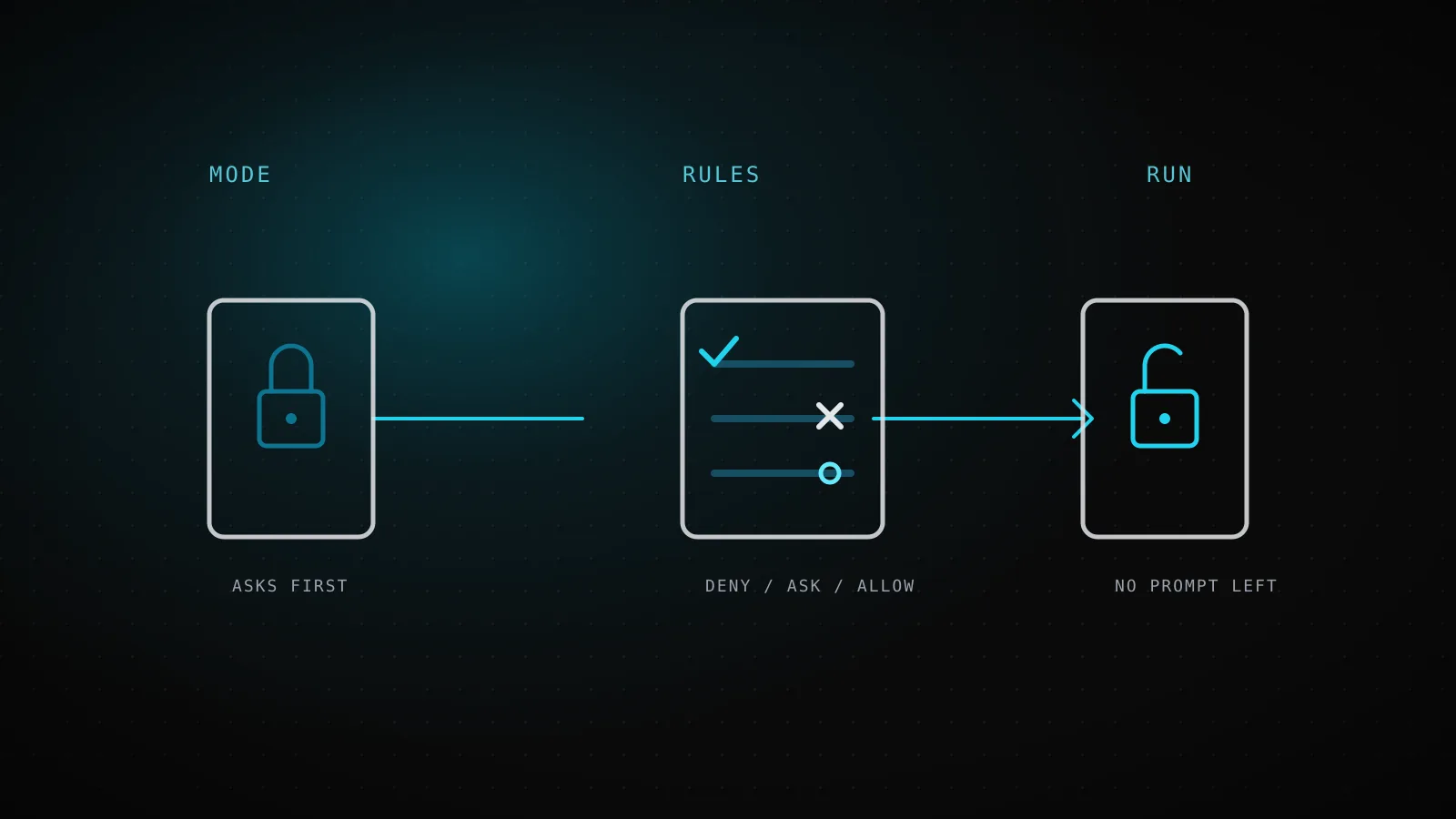
Claude Code's permission system is two separate layers, and conflating them is why most "stop asking me" advice doesn't survive contact with a scheduled job. A permission mode - default, acceptEdits, plan, auto, dontAsk, bypassPermissions - sets the baseline for what runs without a prompt. On top of that, allow, deny, and ask rules in settings.json override that baseline per tool, per command, per file path, regardless of which mode is active. Most explanations cover the modes and stop there; the rules are the part that actually decides whether an unattended run gets stuck.
TL;DR - Modes set the default posture; rules in
settings.json(permissions.allow/permissions.deny/permissions.ask) override it per call. Rules resolve in a fixed order - deny, then ask, then allow - and the first match wins no matter how specific a later rule is. A small set of actions (an explicit ask rule,AskUserQuestion,rm/rmdiragainst a critical path) never auto-approve in any mode,bypassPermissionsincluded. Writes to protected paths like.gitand.claudeare a separate case - blocked in every mode exceptbypassPermissions, andpermissions.allowrules can't pre-approve them either, because that safety check runs before allow rules get evaluated at all. This project's own daily builder runs on a single CLI flag with no rules file whatsoever; what actually stops a bad run is the pull request gate downstream, not the permission system.
Two layers, and only one of them is what "permissions" usually means
Ask someone how to configure Claude Code's permissions and they'll usually describe a mode: run with --dangerously-skip-permissions for CI, or acceptEdits for local iteration. That's real, but it's half the system. Modes and plan mode specifically are covered elsewhere on this site in depth, so here's the compressed version - what each mode auto-approves without a prompt, straight from the current docs:
defaultReads only
Reviewing every action yourself, sensitive work
acceptEditsReads, file edits, and common filesystem commands
Iterating on code you're reviewing
planReads, plus classifier-approved commands when auto mode is available
Exploring a codebase before changing it
autoEverything, with background safety checks
Long tasks, reducing prompt fatigue
dontAskOnly pre-approved tools
Locked-down CI and scripts
bypassPermissionsEverything
Isolated containers and VMs only
Ordered as Claude Code's own docs order them, left to right - not a strict trust scale. plan blocks edits by design regardless of how much else runs, and dontAskdenies anything you haven't pre-approved, so neither slots cleanly between its neighbors on one axis.
The other layer is rules: entries in permissions.allow, permissions.deny, and permissions.ask inside a settings.json file. Rules don't replace the mode - they sit on top of it, matching specific tools, commands, and paths regardless of which mode is running. A deny rule blocks a call in every mode, bypassPermissions included. This is the layer that decides whether a CI job actually runs the commands it needs, or stalls the first time it hits something a rule doesn't cover.
What allow, deny, and ask actually do in settings.json
A rule has the shape Tool or Tool(specifier). Bash alone matches every Bash command; Bash(npm run *) matches only that family. A bare tool name in deny removes the tool from Claude's context entirely - it's not that calls get blocked, Claude never sees the tool exists. A scoped deny like Bash(rm *) leaves the tool available and blocks only matching calls.
The precedence is fixed and it does not care which rule is more specific:
- 1
Claude proposes a call
e.g. Bash(aws s3 ls) - narrow, and clearly read-only
- 2
Deny rules are checked first
a broader Bash(aws *) deny matches too, and it wins outright - specificity never breaks the tie
- 3
Ask rules are checked next
a matching ask rule still forces a prompt, even when a more specific allow rule matches the same call
- 4
Only then do allow rules get a turn
the call runs without a prompt - but only because nothing above it matched first
- 5
Nothing matches at all
falls through to whatever the active permission mode does by default for that tool type
The docs give this exact example: a broad Bash(aws *) deny blocks every matching call, including one that also matches a narrower allow like Bash(aws s3 ls) - so a deny rule can never carry allowlist exceptions written as narrower allow rules. The same holds between ask and allow: a matching ask rule still prompts even when a more specific allow rule also matches.
A working example from the docs, which runs npm scripts and git commits without asking while still refusing git push:
{
  "permissions": {
    "allow": ["Bash(npm run *)", "Bash(git commit *)"],
    "deny": ["Bash(git push *)"]
  }
}
Two other tool families use their own specifier shape worth knowing before you write rules for them: WebFetch(domain:example.com) matches by hostname, and MCP tools use mcp__servername or mcp__servername__toolname - mcp__* matches every MCP tool from every server, which is the fast way to lock an unfamiliar MCP config down to nothing before opting individual servers back in.
Why "ask me every time" can't survive a schedule
default mode's entire design is a human in the loop: it prompts on first use of a tool and waits. That's the right default for a terminal session and the wrong one for anything triggered by cron or a GitHub Actions schedule, because a non-interactive -p run has no prompt to fall back to - when Claude Code would normally ask, and nothing is there to answer, the action simply doesn't run, and the job either stalls or silently skips work depending on what it hit.
There are two honest ways to close that gap, and they trade off differently. dontAsk mode auto-denies everything except what your permissions.allow rules and the built-in read-only command set cover - nothing to answer, because nothing outside the allowlist is even attempted:
claude -p "run the test suite" --permission-mode dontAsk --allowedTools "Bash(npm test)" "Read"
That's the shape the docs themselves recommend for "run in CI with an exact allowlist" - narrow, auditable, and it fails closed: an uncovered command gets denied, not silently skipped and not stalled. bypassPermissions is the other end - covered in full in the bypass-permissions breakdown - and it trades that allowlist discipline for zero rule-writing, at the cost of needing a real isolation boundary around the whole process instead.
| Factor | dontAsk + --allowedTools | bypassPermissions |
|---|---|---|
| An uncovered command | Denied outright - Claude tries an alternative or the step errors | Runs - nothing left to deny it |
| Rule maintenance | Grows with every new command the job needs | None - no rules to write |
| Isolation required | Helpful, not load-bearing | Required - a container or VM with nothing worth stealing inside it |
| Best for | A narrow, well-known job (tests, a lint pass) | A general-purpose agent run whose exact commands aren't known upfront |
What this project's own daily builder actually runs with
Worth showing rather than asserting, since it's the exact workflow that opened this article's own pull request:
.github/workflows/seo-daily.yml, this repo, read while writing this guide
Permission mode
bypassPermissions
a --permission-mode CLI flag, not a settings.json defaultMode
Rules file
none
no .claude/settings.json checked into this repo at all
MCP scope
--mcp-config
./.github/mcp-ci.json, one file, this run only
What actually gates it
PR + green build
seo-auto-merge.yml, outside the agent's own process
No allow list, no deny list - the isolation of a disposable runner plus a required check downstream does the job that rules would otherwise have to do.
No permissions.allow, no permissions.deny, no dontAsk allowlist to maintain as the pipeline's tool usage evolves. That's a deliberate trade, not an oversight: this repo's builder runs on a disposable GitHub Actions runner with nothing else on it, and every write lands as a PR that seo-auto-merge.yml requires a green build to merge - the two preconditions the bypass-permissions guide's checklist calls for. A team without that isolation, or one that wants a narrower blast radius even inside a container, is exactly who the dontAsk allowlist above is for instead. Neither posture is more "correct" in the abstract; they're answers to different questions about what's on the other side of the runner.
The misconfigurations that fail silently
Four ways this setup goes wrong without an error message telling you why, each verified against the current docs rather than assumed:
An allow rule doesn't pre-approve protected-path writes. .git, .claude, .mcp.json, and a handful of shell startup files are never auto-approved outside bypassPermissions, and the docs are explicit that this check runs before Claude Code evaluates permissions.allow at all. An entry like Edit(.claude/**) in your settings file changes nothing about that outcome - it looks like it should work, and it silently doesn't.
Wildcard placement changes what a rule actually allows. Bash(git log * main) matches only git log commands. Bash(git * main) - wildcard before the subcommand instead of after - matches every git subcommand and every option that precedes it, including -c, which can make git execute an arbitrary program you name. Claude Code warns about this shape at startup, but a warning buried in CI log output is easy to miss until the rule turns out to allow far more than intended.
A rule written against a tool's primary content field is silently ignored. Bash(command:rm *) looks like it should gate on the command text, but Claude Code ignores parameter rules written against a tool's primary field (command for Bash, file_path for Edit, url for WebFetch) because a compound command would trivially bypass it, and only emits a startup warning. The fix is the plain specifier form instead: Bash(rm *).
defaultMode set to auto or bypassPermissions in a project's .claude/settings.json or .claude/settings.local.json doesn't take effect at all - the session starts in Manual instead, with no error. Those two values only apply from user settings (~/.claude/settings.json), a --settings file, or managed settings; every other defaultMode value applies from any settings file. It's exactly why this project's own workflow passes --permission-mode bypassPermissions as an explicit CLI flag rather than trying to set it as a project default - the project-settings route wouldn't have worked for that value even if the repo carried a settings file at all.
A minimal settings.json to start from
dontAsk mode is one of the values that does apply from project settings, which makes a checked-in starting point straightforward for a team that wants the allowlist approach without repeating --allowedTools on every invocation:
{
  "permissions": {
    "defaultMode": "dontAsk",
    "allow": ["Bash(npm test)", "Bash(npm run build)", "Read"],
    "deny": ["Bash(git push *)", "WebFetch"]
  }
}
Deny still wins over allow at any scope - a deny rule in user settings blocks a permissions.allow in project settings, and the reverse holds too, because deny rules from every scope evaluate before any allow rule does. Start narrow, watch what actually gets denied in a real run, and widen the allow list one rule at a time rather than reaching for bypassPermissions the first time an allowlist feels tedious to maintain.
Permission rules aren't a sandbox
One limit worth stating plainly: Read and Edit deny rules only apply to Claude's own built-in file tools and to file commands it recognizes inside Bash, like cat and sed - not to an arbitrary subprocess that opens files on its own, such as a Python script Claude writes and then runs. A deny rule stops Claude from reading a path directly; it does nothing to stop a script Claude wrote from reading that same path once it's running as its own process. For that boundary, the sandbox layer restricts what a Bash command and its children can reach at the OS level, independent of what the permission system decided. The two are complementary, not substitutes - the correct setup runs both, not either one alone.
DispatchSEO's own builder runs this way for one reason: a permission mode and a pull request gate are pieces of the same idea this whole system is built on, deciding what an unattended agent is allowed to touch before its output ever reaches anything that matters.
FAQ
What's the difference between a permission mode and a permission rule?
A mode sets the default posture for an entire session - what's auto-approved without asking. Rules in permissions.allow / deny / ask override that default for specific tools, commands, or paths, and apply regardless of which mode is active; a deny rule blocks a call even in bypassPermissions mode.
Does a deny rule ever lose to a more specific allow rule?
No. Rules resolve in a fixed order - deny, then ask, then allow - and the first match wins regardless of specificity. A broad Bash(aws *) deny blocks a call that also matches a narrower Bash(aws s3 ls) allow.
Why doesn't my Edit(.claude/**) allow rule let Claude edit .claude/settings.json?
Writes to protected paths (.git, .claude, and a handful of others) are checked before permissions.allow rules are evaluated at all, in every mode except bypassPermissions. An allow rule for a protected path changes nothing about that outcome.
What's the safest way to run Claude Code in CI without --dangerously-skip-permissions?
--permission-mode dontAsk with an explicit --allowedTools list: only the named tools run, everything else is denied outright rather than silently skipped or stalled waiting for a prompt that will never come.
Can an admin stop developers from using bypassPermissions at all?
Yes - permissions.disableBypassPermissionsMode set to "disable" in managed settings removes the mode entirely, and unlike project or user settings, managed settings can't be overridden by a CLI flag.
Two layers, one job: the mode decides what's auto-approved by default, and the rules decide what actually overrides that - in a fixed order that doesn't bend for how specific a rule looks. Get the precedence wrong and the failure isn't loud; it's a job that stalls waiting on a prompt nobody's there to answer, or a rule that silently does nothing at all.