DIY SEO for small business: the checklist, and where an agent can take over
9 min read
On this page
DIY SEO for a small business means handling technical setup, on-page tags, content, local listings, and Search Console monitoring yourself instead of paying an agency - and for a small local business that's a legitimate call: none of it requires code, most of it is free, and the checklist below covers what actually moves a ranking. What it can't tell you is which of those steps you do once and forget, and which ones come back every week whether you have time or not - that split is what separates a DIY project that works from one that quietly stops three months in.
TL;DR - The DIY SEO checklist for a small business breaks into five jobs: technical basics (crawlability, sitemap, mobile), on-page (titles, meta descriptions, headings), local SEO (Google Business Profile, citations, reviews), content, and watching Search Console. Every item is free and doable without code. The part today's page 1 for this exact query doesn't say out loud: about a third of that checklist is a one-time setup task, and the rest comes back on a schedule for as long as the business wants to keep ranking - new content, rank checks, GSC review, fresh reviews. That recurring third is also the part most DIY projects quietly stop doing first.
The full DIY checklist, grouped by what it actually asks of you
Technical basics
- robots.txt allows crawling and points to a sitemap
- an XML sitemap exists and lists your real pages
- every page has a viewport tag and renders on a phone
- Google's URL Inspection tool can fetch and index the page
On-page
- a unique, accurate title tag per page - business name included
- a one- or two-sentence meta description per page
- headings that break the page into real sections
- descriptive alt text on every image that carries meaning
Local SEO
- a claimed and verified Google Business Profile
- matching name, address, and phone number everywhere you're listed
- a handful of directory citations (industry-specific beats generic)
- a steady trickle of new customer reviews, not a one-time push
Content
- pages that answer a real question a customer would type
- no keyword stuffing - write for the person, not the crawler
- content that stays current instead of going stale
- a cadence you can actually sustain, even if it's monthly
Monitoring
- Search Console verified on the property
- a monthly look at which queries you're getting impressions for
- checking that new pages actually got indexed
- watching for a manual action or crawl error, not just rank
None of this needs a developer or a paid tool to start. It needs someone willing to work through five short lists once, then keep two of them moving indefinitely - which is exactly the part the checklist format hides.
Technical basics: can Google actually crawl and index the site
Before anything else, Google's own SEO starter guide puts crawlability first: can Google reach the page and the CSS/JS it depends on, is there a sitemap listing the URLs that matter, and does the URL Inspection tool in Search Console confirm Google actually sees what a visitor sees. A sitemap is optional in Google's own words - "focus first on making sure people know about your site" - but it costs nothing to add and removes one variable from every crawl question afterward.
dispatchseo.com, checked live with curl while writing this guide
robots.txt
200 OK
allows all, links the sitemap
sitemap.xml
200 OK
lists every real URL
Viewport tag
present
mobile-friendly by default
Title tag
58 chars
unique, under Google's display cap
Four commands, no dashboard: curl -s yoursite.com/robots.txt, curl -s yoursite.com/sitemap.xml, and grepping the homepage HTML for its <title> and viewport meta tag. All four are free, take under a minute, and catch the failures a checklist can only remind you to check.
That's not a demo - it's this exact site's own technical basics, checked live with the same four commands a small-business owner can run against their own domain in under a minute, no crawler tool or login required.
On-page: titles, meta descriptions, headers, internal links
Google's guidance here is specific enough to follow line for line: a title tag should be "unique to the page, clear and concise" and, for a business, include the business name and location where relevant. A meta description is a "succinct, one- or two-sentence summary" - short and unique per page, not padded to hit a length target. Headings can appear "out of order" without penalty, so don't worry about perfect H1-H2-H3 nesting; worry about whether they actually help someone scan the page. Images need real, descriptive alt text explaining "the relationship between the image and your content," not a keyword stuffed in for the crawler. DispatchSEO's free SEO title length checker runs the title-tag half of this against Google's actual pixel-width display cap, no signup required.
Local SEO: the step most DIY checklists shortchange
Search the checklist term and most results give this one paragraph; for a business with a physical location or a service area, it's often the highest-leverage item on the whole list. Set up starts with claiming or adding a Google Business Profile, then verifying it - Google currently offers a standard verification flow and a newer video-verification option for businesses that qualify for it. After that, the job is consistency: the same name, address, and phone number everywhere the business is listed, a handful of citations on directories relevant to the industry rather than generic ones, and reviews that keep arriving instead of stopping after the first push.
Content and keyword research: the part with no finish line
Google's content guidance is blunt about what doesn't work: don't write for the crawler, don't "excessively repeat the same words," and don't copy what's already ranking. What does work is content that answers a real question a customer would type, kept current instead of frozen the day it was published. The free keyword and SEO tooling stack covers what's genuinely free to research with - Search Console's own query data, a free-tier keyword tool, a technical crawler - before a single dollar gets spent.
Watching Google Search Console: what to check and how often
Verify the property, then check it on a cadence: which queries are earning impressions but not clicks (a title or description problem, usually), whether new pages actually got indexed, and whether a crawl error or manual action shows up before it costs a month of visibility. None of this is a one-time setup step - it's the monitoring half of the checklist, and it only pays off if someone keeps opening it.
One-time setup vs. the recurring grind, laid out honestly
Do it once
robots.txt and sitemap.xml
set once, only touched again if the site's structure changes
Search Console + Business Profile verification
a one-time proof-of-ownership step
Title tags and headings on existing pages
fixed once the on-page pass is done
Initial directory citations
list the business once; corrections are rare after that
Comes back on a schedule
New content on a cadence
the checklist says "publish regularly" - that's every week, indefinitely
Rank and SERP checks
someone has to notice when a page slips, not just when it's published
Search Console review
new queries and crawl errors show up on their own schedule, not yours
Reviews and fresh citations
local ranking factors that decay if they stop accumulating
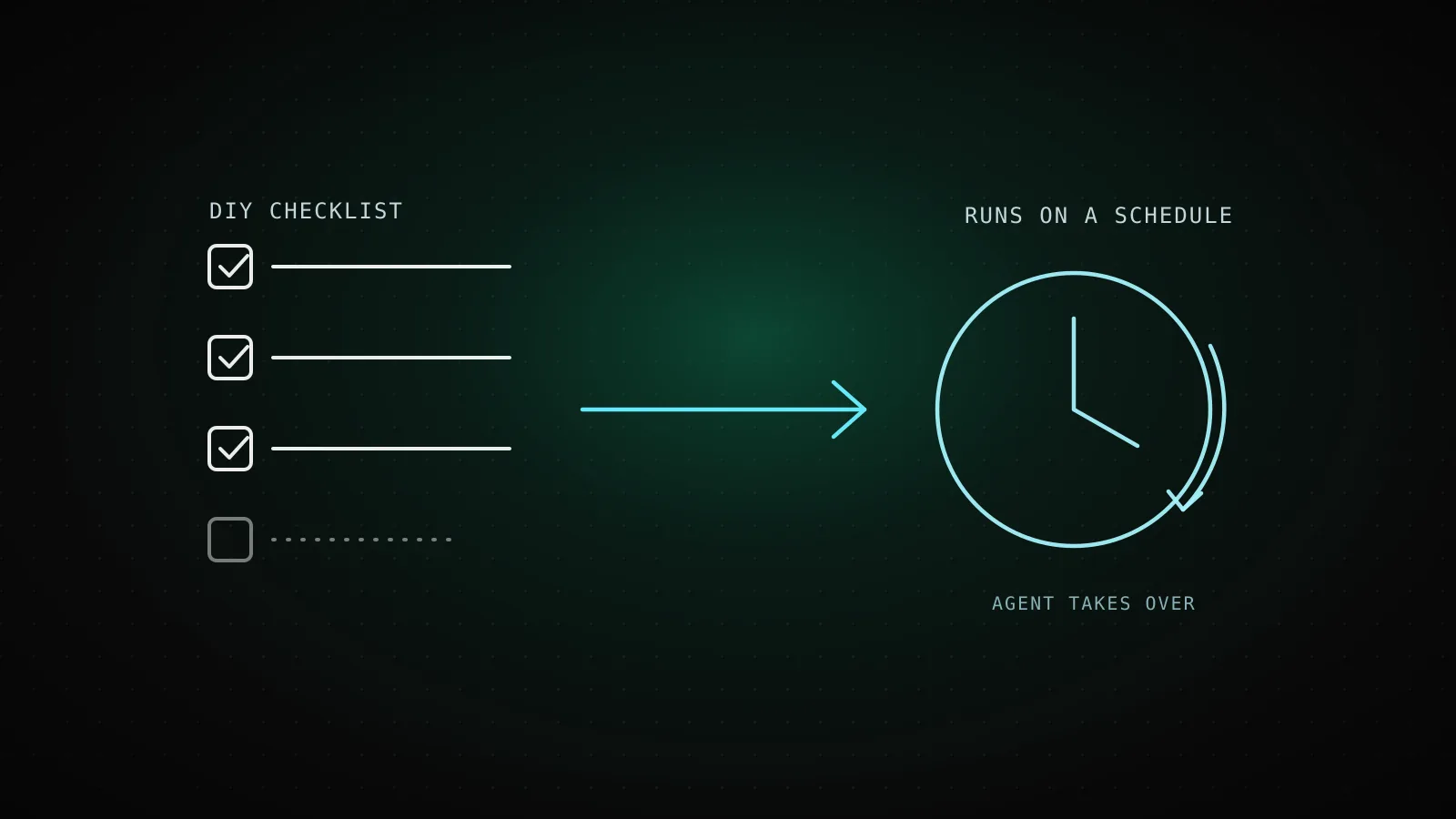
This is the split the checklist format never draws, because a checklist's whole job is looking the same whether an item takes an afternoon or comes back every Monday for the next two years. Roughly a third of the standard DIY checklist is genuinely one-and-done. The rest is the part that decides whether the first third was worth doing at all.
Where DIY stops scaling and an agent can take the recurring half
Three ways to close the recurring column, side by side:
| | Fully DIY | Hire an agency | DIY setup + agent for the recurring half | |---|---|---|---| | Who does the one-time setup | you | the agency, billed hourly or as a project fee | you - it's a Tuesday afternoon either way | | Who ships new content weekly | you, if the week allows it | the agency, on retainer | a scheduled agent run, whether or not the week allows it | | Who checks Search Console | you, when you remember | the agency, in a monthly report | a cron job, on the same schedule every time | | Recurring cost | $0, plus your own time | a monthly retainer, agency-dependent | the coding-agent subscription you likely already pay for |
The one-time column above is worth doing yourself regardless - it's fast, it's free, and nobody should pay an agency to set a robots.txt file. The recurring column is where DIY projects quietly die: a founder who shipped one good page in month one and never shipped a second, because "write something this week" lost every week to whatever the business actually needed that day. What an AI SEO agent actually is - not a writing feature bolted onto a dashboard, but an agent CLI doing the research and drafting on a schedule - is built specifically for that column, not the technical setup: the recurring half runs unattended, and running the whole loop costs nothing beyond the coding-agent subscription most of this audience already pays for.
This project is its own honest example of what the early stretch of that timeline actually looks like: 62 days old, and its own Search Console feed shows 62 impressions and 4 clicks over the last 28 days - a domain doing everything on this checklist correctly and still riding the same slow cold-start curve every new site rides, technical basics or not. DIY SEO doesn't skip that curve, and neither does automating the recurring half of it; automating it just means the weekly page still ships on the weeks nobody has time to write it by hand.
When NOT to hand off the recurring half: if writing the weekly page is something the owner actually wants to keep doing, or the business has one person for whom "this week's SEO post" is a genuine creative outlet rather than a chore, there's no gap here to close - the checklist above is the whole job, done by hand, indefinitely.
FAQ
Can a small business really do all of this without hiring an agency? The technical, on-page, and local-setup items - yes, in an afternoon or two, no code required. The honest catch is the recurring third: new content, rank checks, and Search Console review don't have a finish line, and that's the part that stalls first once the business gets busy again.
What's the single highest-leverage DIY step for a local business specifically? A verified, complete Google Business Profile with consistent name/address/phone across directories. It's the one item most generic DIY checklists give a single line to, and the one most directly tied to appearing in local search results at all.
Do I need to submit a sitemap for Google to index my site? No - Google's own guidance calls it optional and focuses first on making sure the site is discoverable at all. It's still worth the ten minutes it takes, since it removes one variable from every future "why isn't this page indexed" question.
How often should I actually check Google Search Console? Monthly is enough to catch a real problem before it costs meaningful traffic; weekly only pays off once there's enough content shipping regularly to make a weekly change worth reading. What matters is that someone is actually checking it, on some schedule, rather than never.
What happens if I do all the one-time setup and then stop? The one-time work doesn't decay - the technical and on-page basics stay done. What stalls is everything the recurring column carries: no new content means no new rankings, and a Search Console nobody's watching won't tell anyone that on its own.
Every DIY SEO checklist for a small business ends up saying roughly the same true things: fix the technical basics, get the on-page tags right, claim the local listing, publish something, watch Search Console. None of it is wrong. What it leaves for the reader to notice on their own is that half of that list is a Tuesday afternoon and the other half is a standing weekly commitment - and knowing which is which, going in, is the difference between a DIY project that's still running in a year and one that quietly isn't.