Best SEO tools for beginners: four free picks, and everything you can skip
5 min read
On this page
A beginner needs four tools, not twenty-four, and Google gives you the main ones free: Search Console to get seen and track rank, Keyword Planner and autocomplete to find topics, and the search results page itself as your writing brief. Everything else on a "best SEO tools" list can wait until you have pages worth measuring.
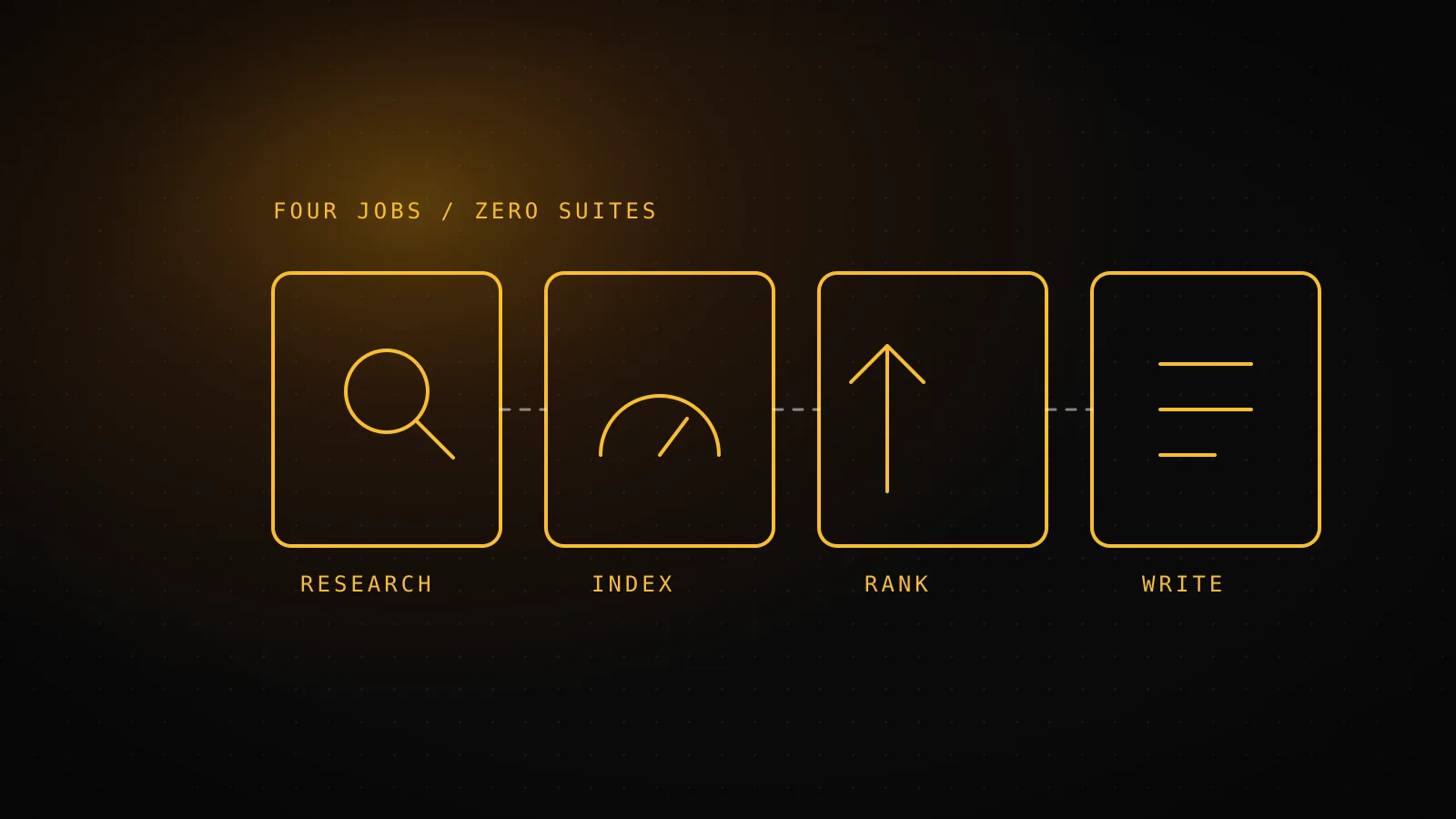
TL;DR - Four jobs, four free picks: find topics (Google autocomplete + Keyword Planner), get indexed (Search Console), track rank (the Search Console performance report), write the page (your own words checked against page 1). Skip paid suites, content scorers, backlink checkers and paid rank trackers for now. The real bottleneck is rarely the tools - it's doing the work every week - which is the point where automating it starts to pay.
Which four jobs does a beginner actually need a tool for?
Most roundups sort tools by brand. It's more useful to sort by job, because a beginner only has four, and each one has a free answer.
Find what to write about
Free pick
Google autocomplete + Keyword Planner
Volumes come as ranges, and Keyword Planner needs a Google Ads account first.
Get Google to see your site
Free pick
Google Search Console
Only reports on a site you've verified - nothing about competitors.
Know where you rank
Free pick
The Search Console performance report
Average position per query, not a daily live check of one keyword.
Write the page
Free pick
Your own words, plus the search results page
No score telling you the page is good - you judge it against page 1.
Notice what's missing: no dashboard that "scores your SEO," no 200-point audit. Those reports exist, but a site with ten pages has nothing in them to act on yet.
What is the free pick for each job?
Finding topics. Type your subject into Google and read the autocomplete and "People also ask" boxes. They show what real people type. Then open Google Keyword Planner for volume ranges. It sits behind a Google Ads account, and you can set that up without running any ads. The numbers come as ranges, which is fine at this stage - you're picking between "plausible" and "nobody searches this," not between 480 and 520.
Getting indexed. Verify your site in Google Search Console and submit your sitemap. It's free, has no lookup limit, and is the only tool that shows what Google itself reports about your site. If you do one thing from this guide, do this one.
Tracking rank. The Performance report lists every query you appeared for, with clicks, impressions and average position. You don't need a paid tracker to see whether a new page is moving. The limit is that position is an average across searches, so one query can look jumpy week to week.
Writing the page. Search your target phrase and read the first five results. Note what they all cover - that's what the searcher came for. Then write a page that covers it and adds something they don't. A free title length checker catches the one mistake beginners repeat most: a title that gets cut off in results.
If you want the longer version of the free stack, including the limits of each tool, the best free SEO tools guide goes tool by tool.
What did one young site's Search Console look like?
Here is this site's own report for the last 28 days, read through Search Console's API while writing this guide:
Impressions, last 28 days
186
times dispatchseo.com appeared in Google results
Clicks, last 28 days
10
visits that came from those results
Cost of the tool that reported it
$0
Google Search Console, read through its own API
That is a small number, and it's the honest shape of a young site: Google shows you in results long before anyone clicks. A beginner who expects traffic in week three will think the tools are broken. They aren't - the data is just sparse, and the free report is enough to read it. Check it weekly and look at which queries have impressions but no clicks; those are the pages whose titles to rewrite first.
Which popular tools can you skip for now?
| Skip for now | Why it can wait | Add it back when |
|---|---|---|
| All-in-one paid suites | Built for dozens of sites and teams; most of the dashboard has nothing to show a site with a handful of pages. | You manage several sites, or need competitor data weekly. |
| Content scoring tools | They grade a page against page 1, which only helps once you have a page worth grading. | You publish steadily and want a second opinion on each draft. |
| Backlink checkers | Links matter, but outreach before you have pages worth linking to is wasted effort. | You have pages ranking on page 2 and need links to push them up. |
| Paid rank trackers | Search Console already reports average position for every query you appear for. | You track a fixed list daily, or need a city-level view. |
| Browser SEO toolbars | They add dense numbers with no way to act on them yet. | You audit other people's pages often. |
The right-hand column matters more than the left. Each of these is a good tool for someone at a different stage. The mistake is buying the stage-three tool at stage zero because a listicle ranked it first.
When does the manual stack stop being worth your time?
The four free tools work. What they don't do is run themselves. Research, writing, publishing and the weekly Search Console check are still four calendar items, and the usual reason a beginner's SEO stalls isn't a missing tool - it's that the weekly work doesn't happen. Can you do SEO on your own covers how much time that realistically takes.
Once that's the problem, the answer changes from "which tool" to "who does the work." The best SEO automation tools sorts what is available. DispatchSEO is one of them: it tracks Search Console and ranks on a schedule and queues content ideas for your coding agent to build, so your part is approving. It suits one site run by someone who'd rather review than research.
When is this the wrong advice?
If you manage client sites, you need the pile: per-client reports, competitor data, white-label output. If your site is already past a few hundred pages, a crawler beyond the free tier will find problems the Performance report won't. And if you simply enjoy the research, keep doing it by hand - nothing here says automation is better, only that it's available when the calendar wins.
FAQ
What is the best free SEO tool for a beginner? Google Search Console. It's free, it reports directly from Google, and it covers indexing, queries and average position in one place.
Do I need Ahrefs or Semrush to start? No. They are built for competitor research and multi-site work. A single new site gets more from Search Console and its own pages first.
Is Google Keyword Planner free? Yes, but you need a Google Ads account to open it. You can create one without running ads, and it shows volume ranges rather than exact numbers.
How many SEO tools do I need? Four jobs, so four tools at most - and three of them can be Google's own. Add more only when a specific problem shows up.
Can I automate SEO as a beginner? Yes, once you've seen the manual loop once. Automating a process you've never run makes it hard to tell whether the output is good.