# How it works
> The moving parts - your agent, the backend, your repo - and which one is responsible for what.
Source: https://dispatchseo.com/docs/how-it-works
All docs in one file: https://dispatchseo.com/llms-full.txt
There are three pieces. Knowing which does what makes everything else in these
docs easier to follow.
| Piece | Runs where | Responsible for |
| --- | --- | --- |
| **Your Claude Code agent** | Your machine, or GitHub Actions | Thinking. Research, judgement, writing. |
| **DispatchSEO** | Your Docker install, or dispatchseo.com | Remembering. State, schedules, the approval gate. |
| **Your site's repo** | GitHub | Publishing. Content lands here as pull requests. |
The split matters: DispatchSEO never writes a word of content and never
decides what's worth writing. It holds the queue, the numbers, and the timer.
## Why the agent does the thinking
Traditional SEO tools start from a disadvantage. They know your domain name
and whatever they can scrape off it. Everything they suggest is downstream of
a guess about what your product does.
Your agent has your repo open. It has read your code, your README, your
existing posts. When it evaluates whether "self-hosted analytics" is a keyword
you can credibly rank for, it isn't guessing - it knows whether you actually
built that.
That's the whole architectural bet. The expensive, hard-to-fake part
(understanding the product) is already solved on your side, so the backend
only has to supply the part your agent genuinely lacks: memory between
sessions, search data, and a schedule.
## How your agent talks to the backend
Over [MCP](https://modelcontextprotocol.io) - the Model Context Protocol.
DispatchSEO exposes an MCP server at `/api/mcp`. Your agent connects to it
once, and from then on it can read and write the same state the dashboard
shows: the queue, tracked keywords, published pages, rankings, Search Console
stats, backlink prospects.
```bash
claude mcp add dispatchseo --transport http https://your-install/api/mcp \
--header "Authorization: Bearer YOUR_PROJECT_KEY"
```
The bearer token does double duty: it authenticates the request *and* selects
which site you're working on. One DispatchSEO install can manage any number of
sites, and the token is what tells them apart.
There are no "generate an article" or "look up this keyword's volume" tools on
the server. Your agent does research with its own tools - including
DataForSEO's own MCP server, which the pipeline wires up for you - and uses
DispatchSEO to remember the results. That boundary is deliberate and enforced
in the codebase.
Anything the dashboard can do, your agent can do over MCP, and the reverse.
Approving an idea, reordering the queue, merging a PR, changing settings - all
available from chat. See the [MCP tools reference](/docs/mcp-tools) for all 52
of them.
## How work happens without you
Three kinds of scheduled job keep things moving:
Weekly, your agent derives keyword candidates from your product and your
Search Console data, checks them, and files the good ones as pending
suggestions.
Daily, it takes the oldest approved idea and builds it into a pull request
- at most one guide per day, permanently.
Rank checks run daily, Search Console snapshots every few hours, and index
verification sweeps confirm Google actually picked the page up.
Where those jobs run depends on how you installed:
- **Self-hosted with Docker**: a cron container fires the backend jobs, and a
builder container runs headless Claude Code for the content work. Nothing on
the internet needs to reach your machine.
- **Everything else**: GitHub Actions workflows in your own repo, on their own
schedules.
Either way the schedules are the same. [Schedules and jobs](/docs/schedules)
has the full table.
## How content reaches your site
Never by pushing to your main branch. Always as a labeled pull request.
An approved idea becomes a branch, a commit, and a PR with the target keyword,
the angle, and the search-results reasoning in the description. In
semi-automatic mode you press Merge. In automatic mode, a PR whose checks pass
merges itself.
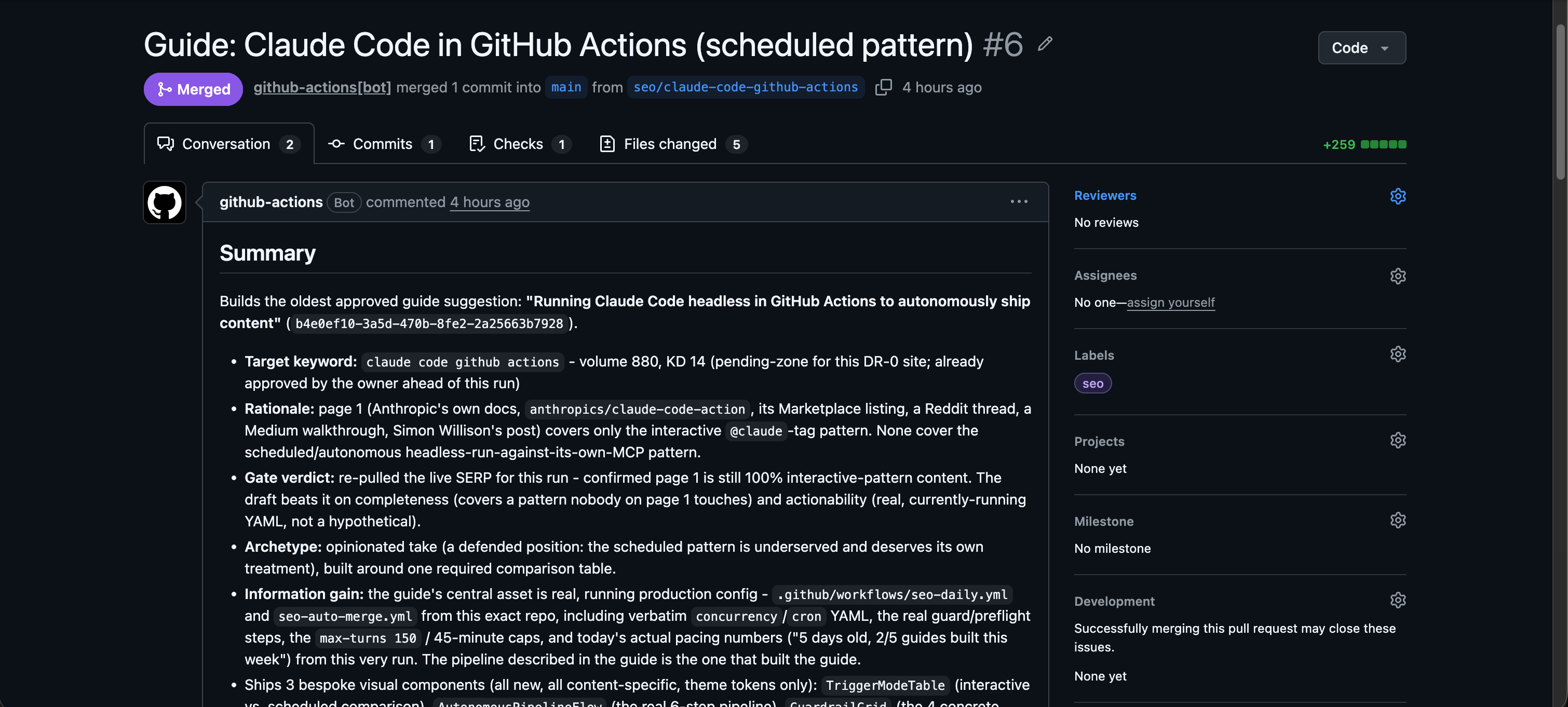
After it merges, DispatchSEO logs the page, asks Google to index it, and
starts tracking its keyword. [Publishing and GitHub](/docs/publishing) covers
the mechanics.
## What stops it publishing junk
Volume alone is easy to game, so several gates sit in front of the builder:
- **A quality bar** - a search-volume floor, plus a difficulty ceiling that
scales with how strong your domain actually is, so a new site isn't sent
after keywords it cannot win.
- **A live search-results check** before writing, so the guide is built against
what's actually ranking today.
- **A sameness gate** that compares the draft to your own published corpus and
rejects it if it reads like a re-skin of something you already have.
- **A pace limit** of one guide per day, permanently.
- **You**, by default.
[Automations and modes](/docs/automations) explains each one and what you can
turn off.
## Next
Decide which way to run it.
Every term this product uses, defined.
For self-hosters and contributors.